WARNING: When working with inks and fluids, always wear gloves, safety
glasses, and protective clothing. Avoid skin contact with inks and fluids. Never look
directly into the Printhead Nozzle. Ensure proper ventilation to minimize fumes.
Viscometer Failure
When this warning occurs, the Viscometer may be clogged or may have air in it that prevents it
from accurately measuring ink viscosity.
CAUTION – PROPERTY DAMAGE: Addressing a Viscometer Failure should be
performed by trained and qualified personnel. If in doubt, contact your certified
Squid Ink distributor.
To address a Viscometer Failure:
1. Check the ink viscosity:
The current ink viscosity may be too high relative to the set point for the ink type being
used.
a. On the Touchscreen, select the Settings button.
b. On the left panel, select Ink System.
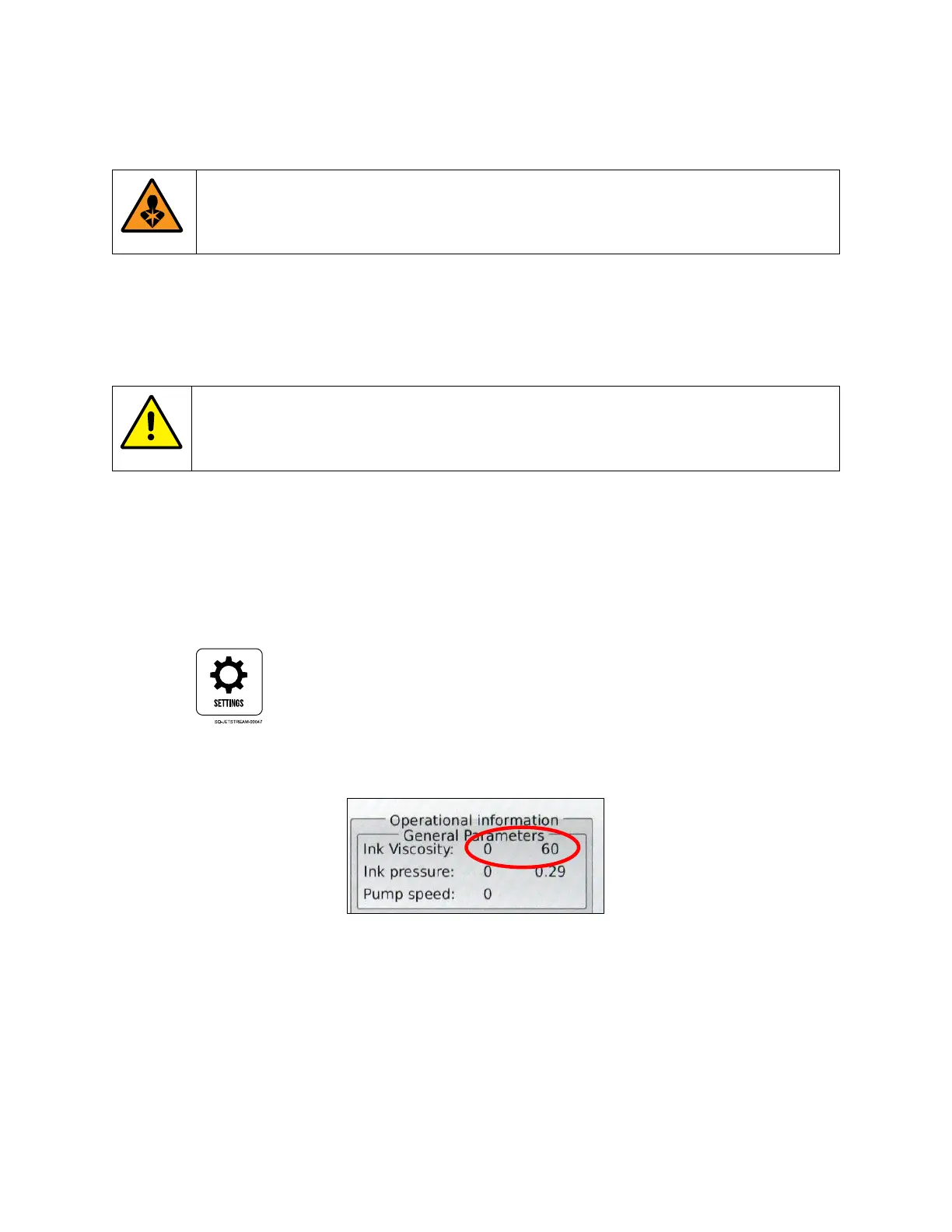
c. At the top of the right panel, view the “Viscosity” settings:
The current viscosity (left) should be within 10% of the viscosity setpoint (right). If the
current viscosity is too high, contact Squid Ink Technical Support for assistance.



 To Next Page