176 Warnings and Alarms
2006792 Rev B – 200228
2. Stop printing:
a. If currently printing, on the Main screen, select Stop Printing:
3. Stop jetting:
a. If currently jetting, select Stop Jetting:
b. In the dialog box, select “Stop Jetting Without Cleaning.”
WARNING: Jetting must be stopped before proceeding further. If a
tube has come completely disconnected and the system is jetting, ink
at a high pressure may be spraying all over inside the rear of the
JetStream. If the JetStream’s Front or Rear Door is opened while this is
happening, it is possible for ink to spray into the room, onto people, or
into people’s eyes.
4. Check the Ink Tubes for bad connections:
The Ink Tubes between the Hydraulic Manifold and the Viscometer may have bad
connections that are allowing air leakage into the Viscometer.
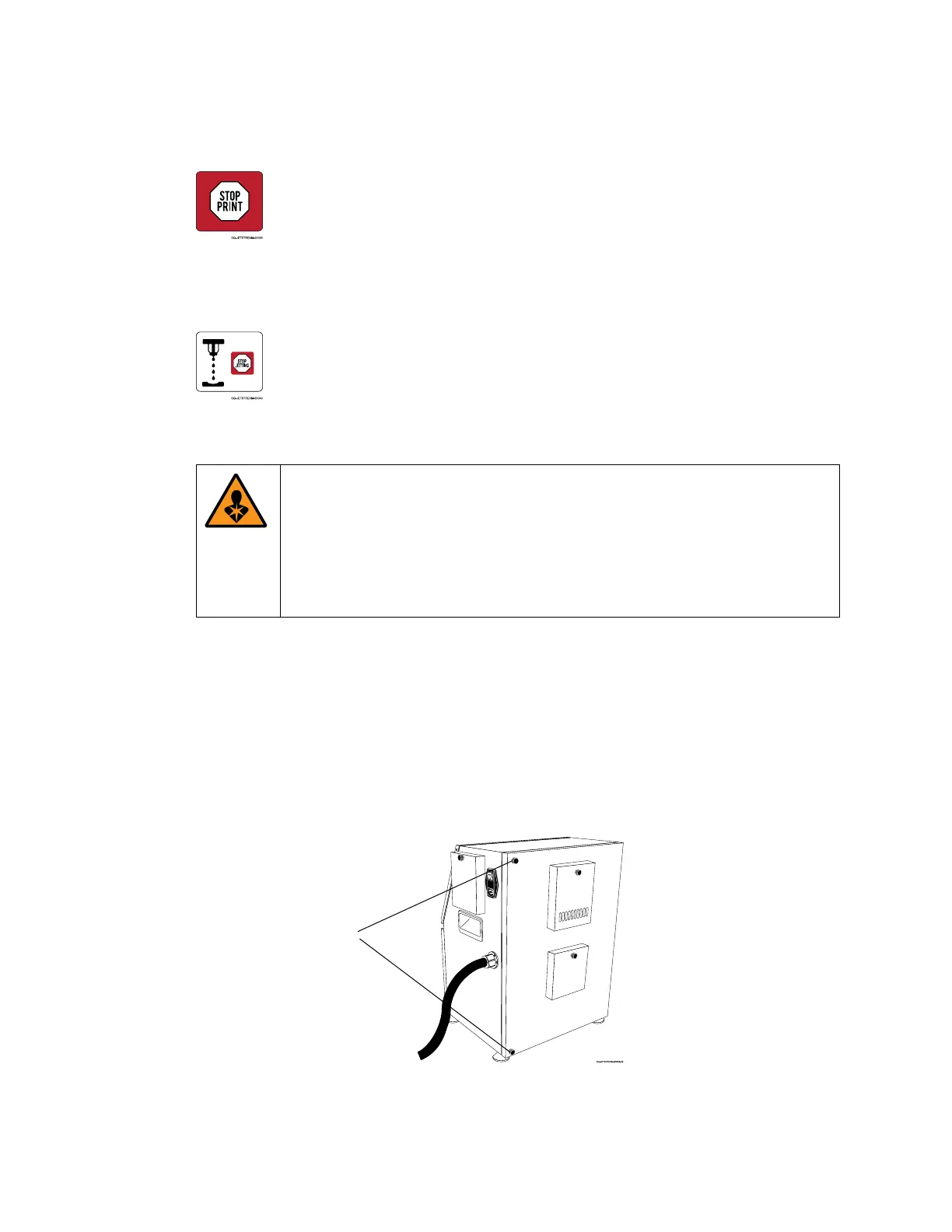
a. Using caution, open the Rear Door of the JetStream by unscrewing the top and
bottom Fasteners and pulling the door open.



 To Next Page