58 Installation and Setup
2006792 Rev B – 200228
Commissioning the JetStream
If the JetStream has not yet been used, or has been decommissioned due to seasonal use, it
will need to be commissioned before use. Commissioning should be performed by a trained and
qualified Squid Ink distributor.
CAUTION – PROPERTY DAMAGE: Commissioning is an essential part of
preparing the JetStream for operation after extended periods of lack of use. Failure
to commission the JetStream under such circumstances will result in poor print
quality.
Items needed to commission the JetStream are:
• Ziplock bag
• Ink Container
• Makeup Container
To commission the JetStream:
1. Remove Ink and Makeup Plugs:
a. Open the JetStream’s front door by turning the knob and pulling the door
open.
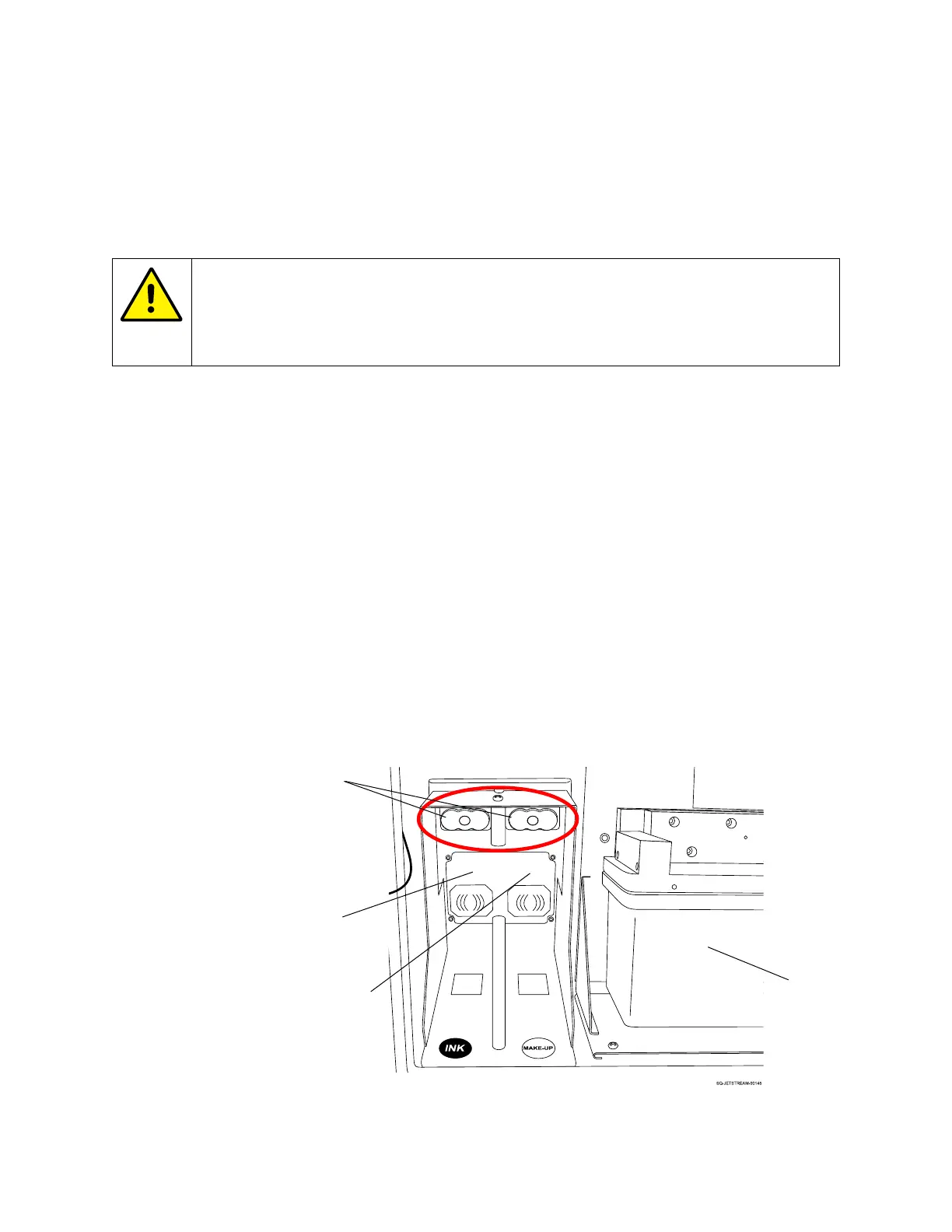
b. Locate the black rubber Nozzle Plugs in the Ink and Makeup Container Bays.
Locating the Ink and Makeup Nozzle Plugs



 To Next Page