Installation and Setup 59
2006792 Rev B – 200228
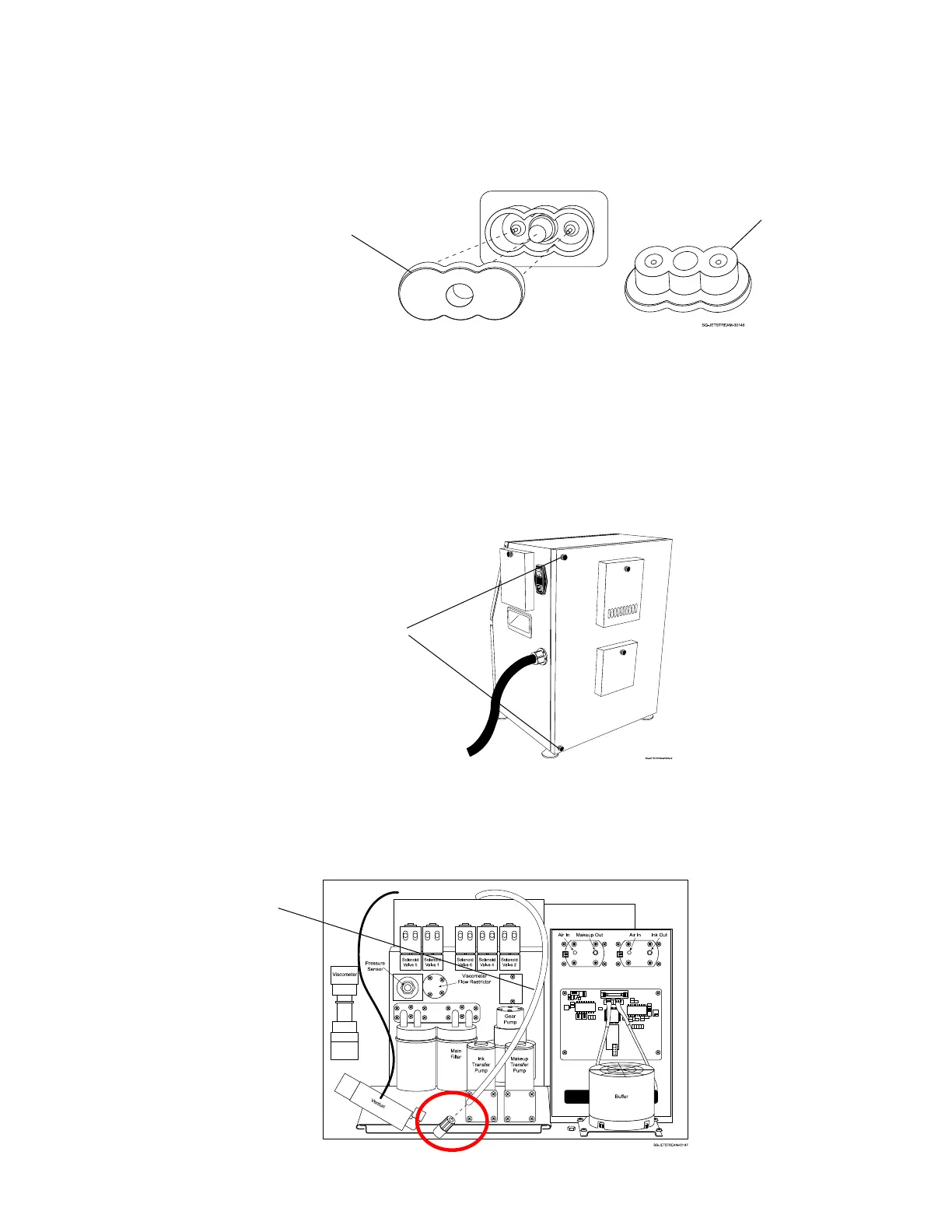
c. Remove the Nozzle Plugs by gently pulling them directly out.
d. Do NOT throw away these plugs.
e. Close the Front Door and secure it by turning the knob.
2. Remove the Vapor Outlet Tube Plug:
a. Open the JetStream’s Rear Door by unscrewing the top and bottom Fasteners
and pulling the door open.
b. Locate the Vapor Outlet Tube, which is the largest unconnected plastic tube
extending from the top of the Mixing Tank.



 To Next Page