60 Installation and Setup
2006792 Rev B – 200228
c. The Vapor Outlet Tube has a plug on the end. Remove this plug.
d. Do NOT throw away this plug.
e. Set the end of the Vapor Outlet Tube in the lower right corner of the rear of
the JetStream, to the side of the Buffer.
f. Close the JetStream’s Rear Door and screw the Fasteners back into place.
3. Remove the Gun Body Nozzle Plug and the Gutter Nozzle Plug
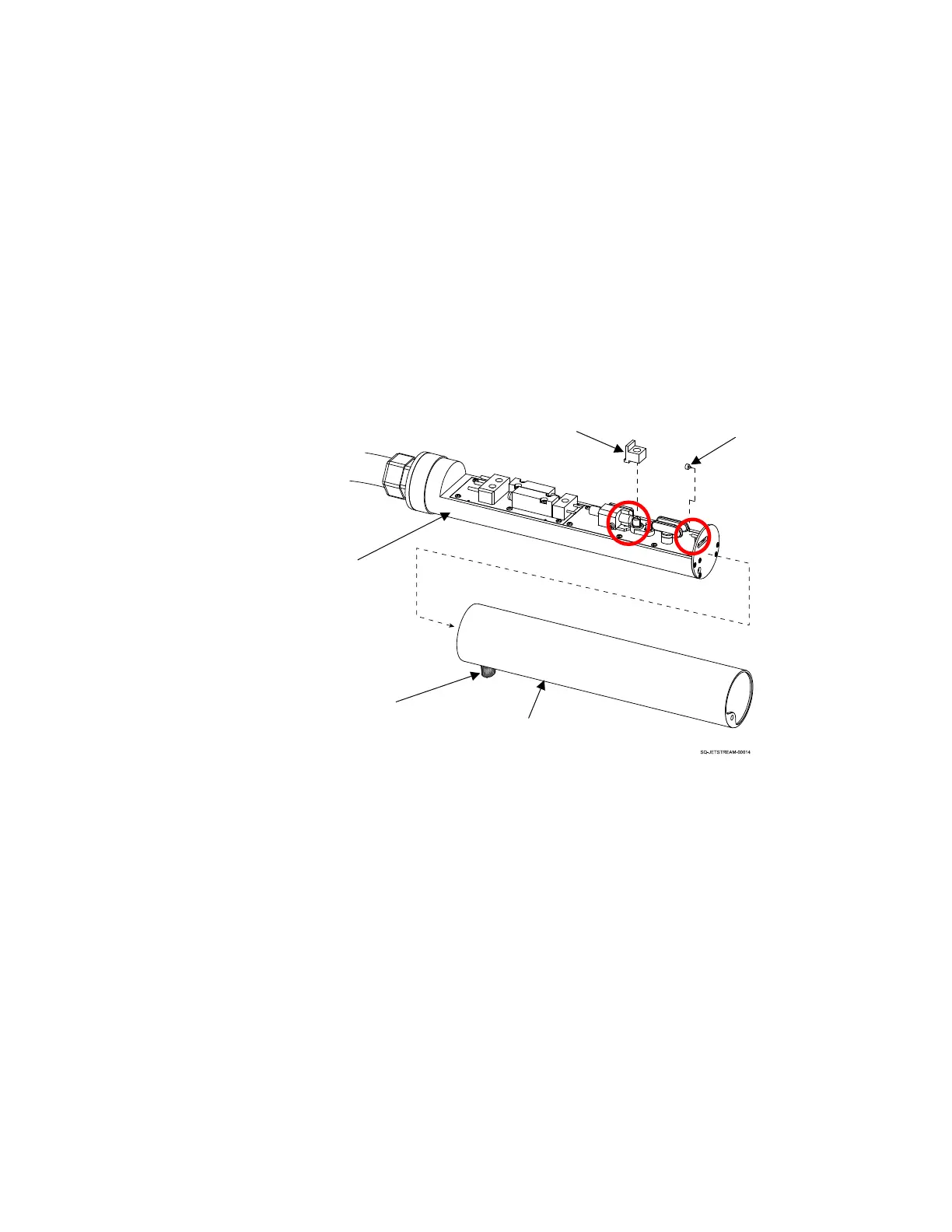
a. Remove the Printhead Cover from the Printhead by unscrewing the Cover
Fastener at the base of the Printhead.
b. Inside the Printhead, remove the black rubber Gun Body Nozzle Plug
(blocking the Gun Body Nozzle) by gently rocking it side to side and pulling it
upward (perpendicular to the Printhead).
c. Do NOT throw away this plug.
d. Inside the Printhead, remove the black rubber Ink Return Gutter Nozzle Plug
from the Ink Return Gutter by pulling it toward the base of the Printhead.
e. Do NOT throw away this plug.
f. Replace the Printhead Cover and screw the Fastener at the base of the
Printhead. The Fastener should be perpendicular to the Printhead Orifice.



 To Next Page