Installation and Setup 61
2006792 Rev B – 200228
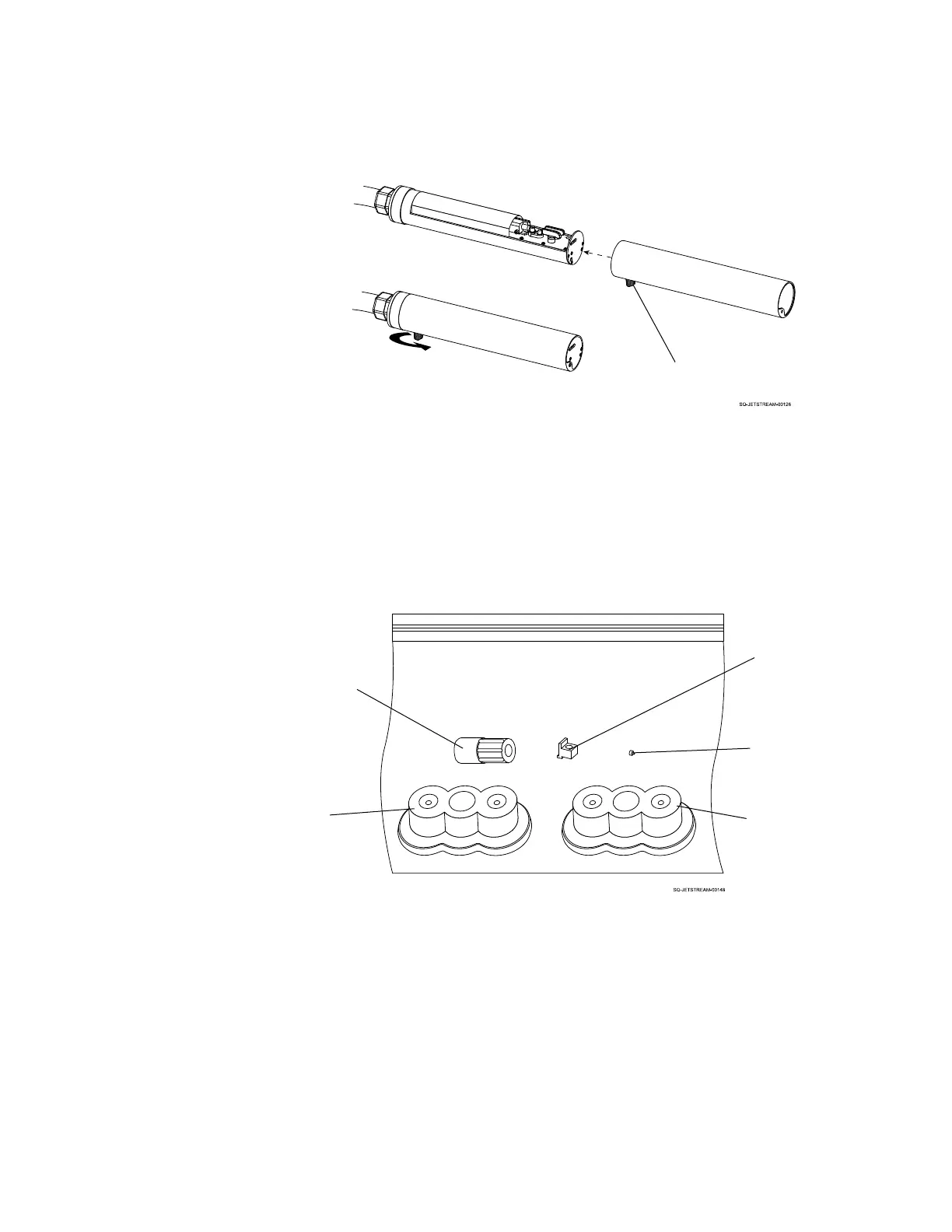
4. Save and Store all of the Plugs:
a. For future convenience for shipping or long term storage of the JetStream,
Squid Ink recommends putting all five plugs into a single ziplock bag, sealing
it, and storing it inside of the JetStream unit, to the right of the Mixing Tank, or
in another clean, dry place where the plugs can be easily located when
needed.
5. Install the Ink and Makeup Containers:
a. Install the Ink and Makeup Containers (see “Installing or Changing the Ink and
Makeup Fluid” on page 55)
6. Turn the system on:
a. Be sure that the Power Cord is securely connected on the right side of the
JetStream, and that the other end of the Power Cord is plugged into a
standard grounded electrical outlet.



 To Next Page