62 Installation and Setup
2006792 Rev B – 200228
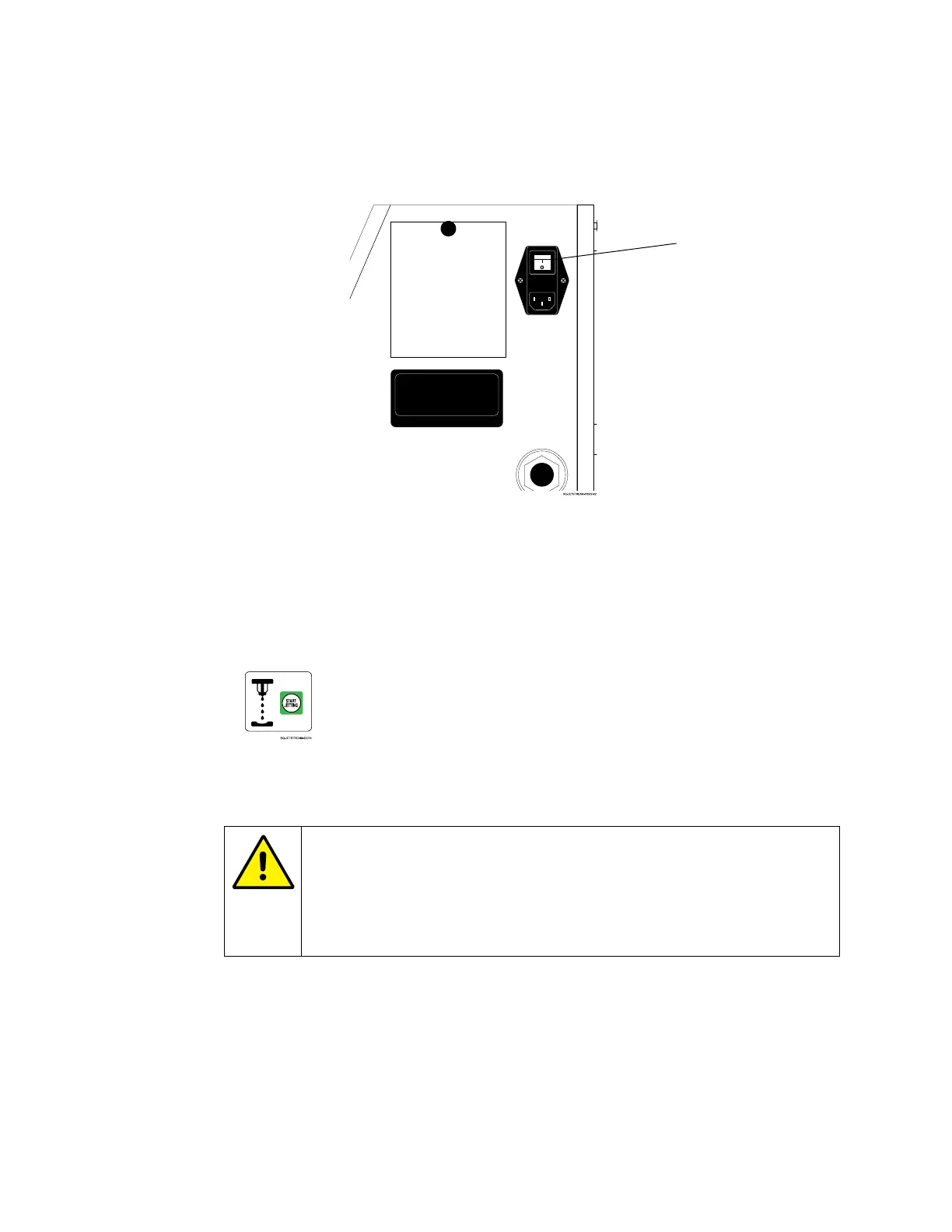
b. Just above the Power Input is the Power Switch. Turn the Power Switch on. It
will light up green.
7. Get ink into the Mixing Tank:
a. On the Touchscreen’s Main screen, select Start Jetting.
b. In the dialog box, select Start Jetting With Cleaning. A box will appear
saying “Filling mixing tank with ink.” Do not interrupt this process.
CAUTION – PROPERTY DAMAGE: Start Jetting With Cleaning
should be used sparingly. It briefly shoots pure makeup fluid through
the system. Frequent use of this function can dilute the ink, resulting
in poor print quality, wasted ink, and the potential to overflow the
Mixing Tank.
8. Prime the system
a. Once the Mixing Tank is full, there will be a prompt to bring ink further into the
system. Select “OK” to prime the Pressure Pump and Manifold with ink. This
removes air from the system to ensure a steady flow of ink.
Power
Locating the Power Switch



 To Next Page