Maintenance 145
2006792 Rev B – 200228
Clearing a Minor Blockage in the Printhead
If the ink jet is not going into the Ink Return Gutter, it is likely the result of a minor blockage
(particles/debris) inside the Printhead, unless the Printhead has been dropped, tampered with or
otherwise damaged. The ink stream position is preset at the factory and should not require
adjustment.
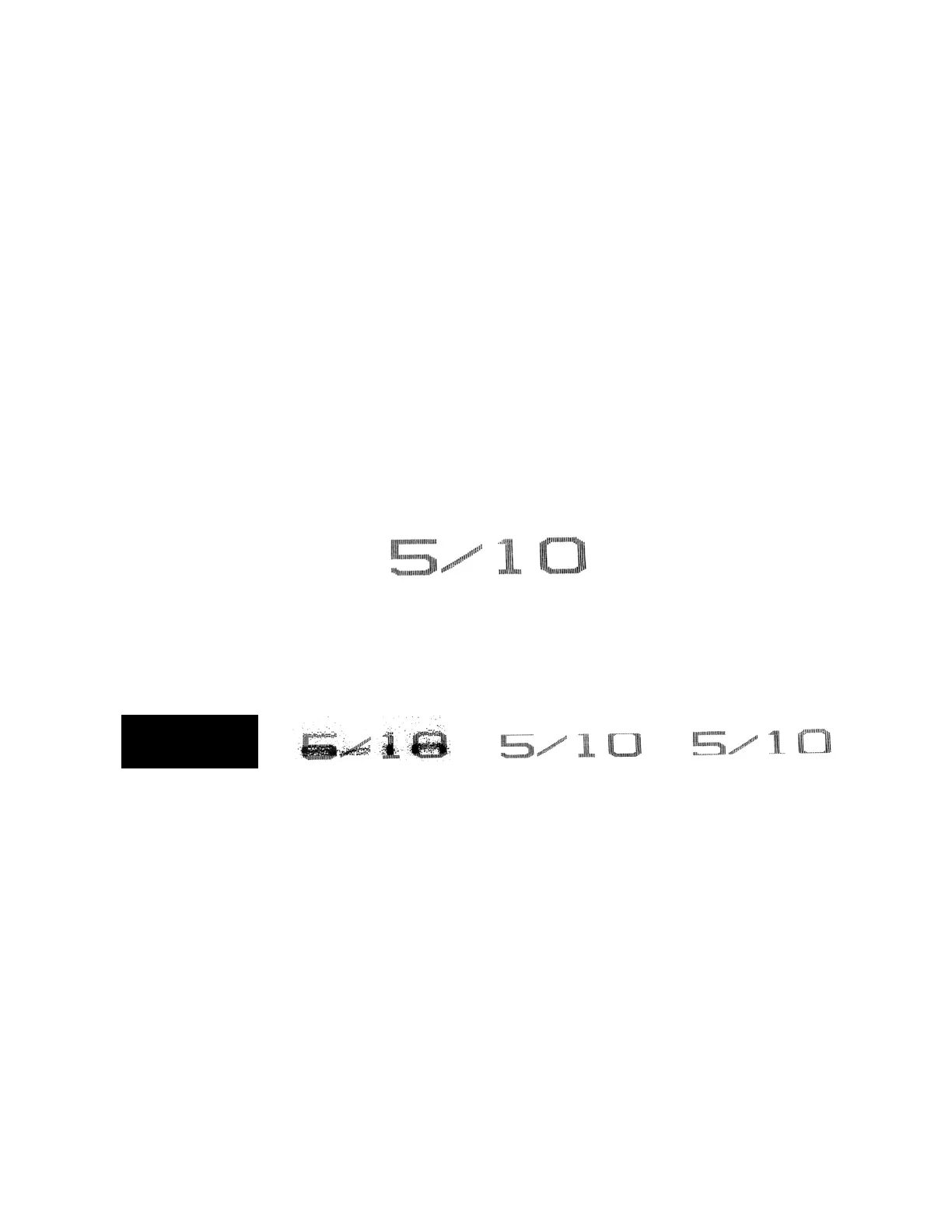
If there is a blockage inside the Printhead, the ink stream will miss the Ink Return Gutter inside
the Printhead, and any of the following will happen:
• The full ink stream will spray out of the Printhead, resulting in a very noticeable excess
of ink spraying out onto the product or;
• Ink spatters will appear around the printing and/or;
• Printing will be cut off at the top or bottom and/or;
• The Printhead will fill with excess ink.
Items needed to clear a minor blockage in the Printhead are:
• Cleaning Tray
• Cleaning Bottle full of makeup fluid
• Drying Bulb
To clear a minor blockage in the Printhead:
1. With jetting on, remove the Printhead Cover:
a. At the base of the Printhead, near the Umbilical Tube, unscrew the Cover Fastener.
b. Pull the Printhead Cover off by pulling it toward the nozzle end of the Printhead.



 To Next Page