EasyManua.ls Logo

Squid Ink JetStream - Maintenance

Squid Ink JetStream
198 pages
Print Icon
To Next Page IconTo Next Page
To Previous Page IconTo Previous Page
Loading...
116 User Interface
2006792 Rev B 200228
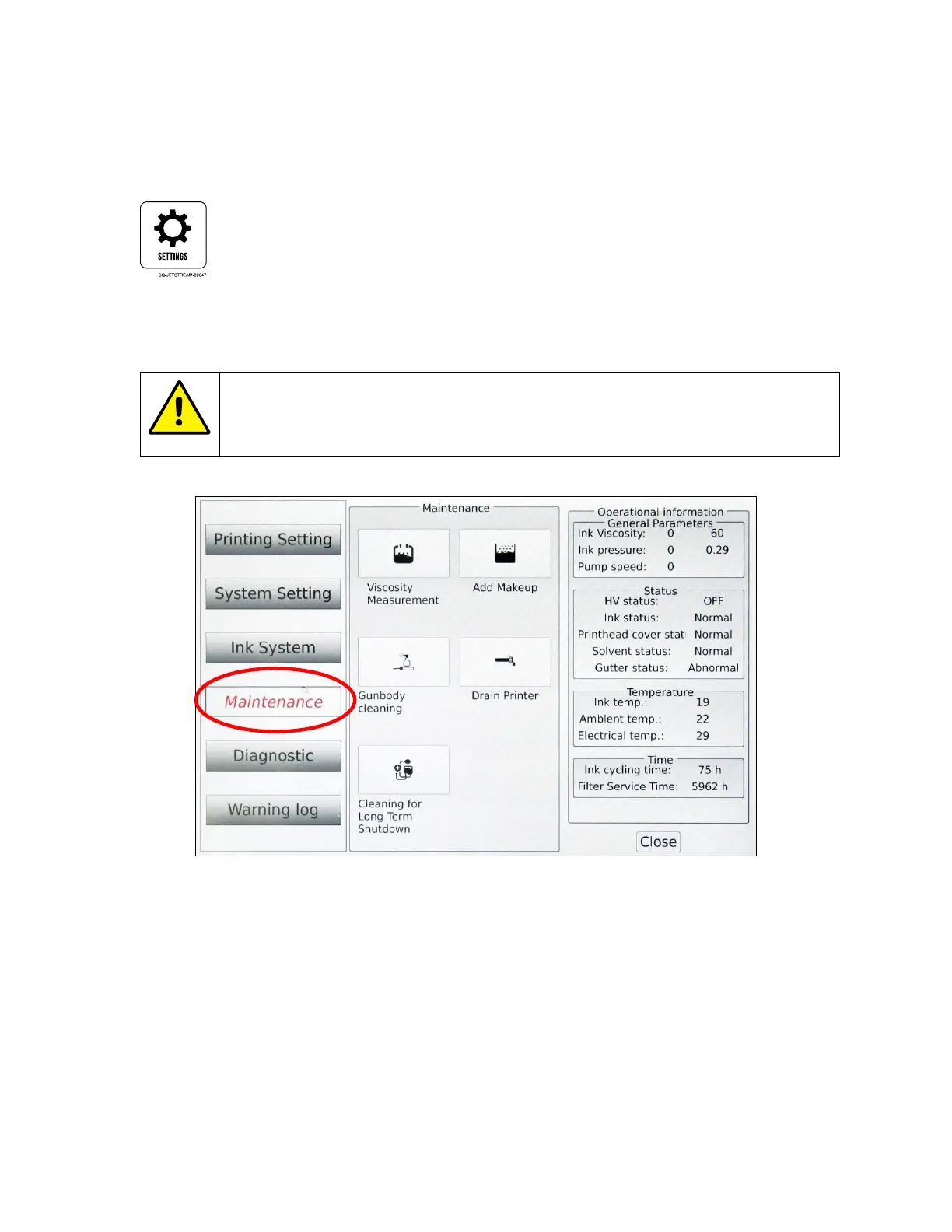
Maintenance
Provides access to maintenance functions that can be performed on the JetStream. Access
Maintenance from the Main screen by selecting the Settings button.
Buttons in the middle panel activate the functions they describe.
CAUTION PROPERTY DAMAGE: Most functions in this section should only
be activated by a trained and qualified personnel. If in doubt, contact your
authorized Squid Ink Distributor.
The Right Panel
When no button in the middle panel has been activated, the right panel shows general
operational information. This is the same information displayed on the right panel of the
Ink System screen (see “The Right Panel” on page 113)

Table of Contents

Related product manuals