164 Maintenance
2006792 Rev B – 200228
Replacing or Cleaning the Air Filters
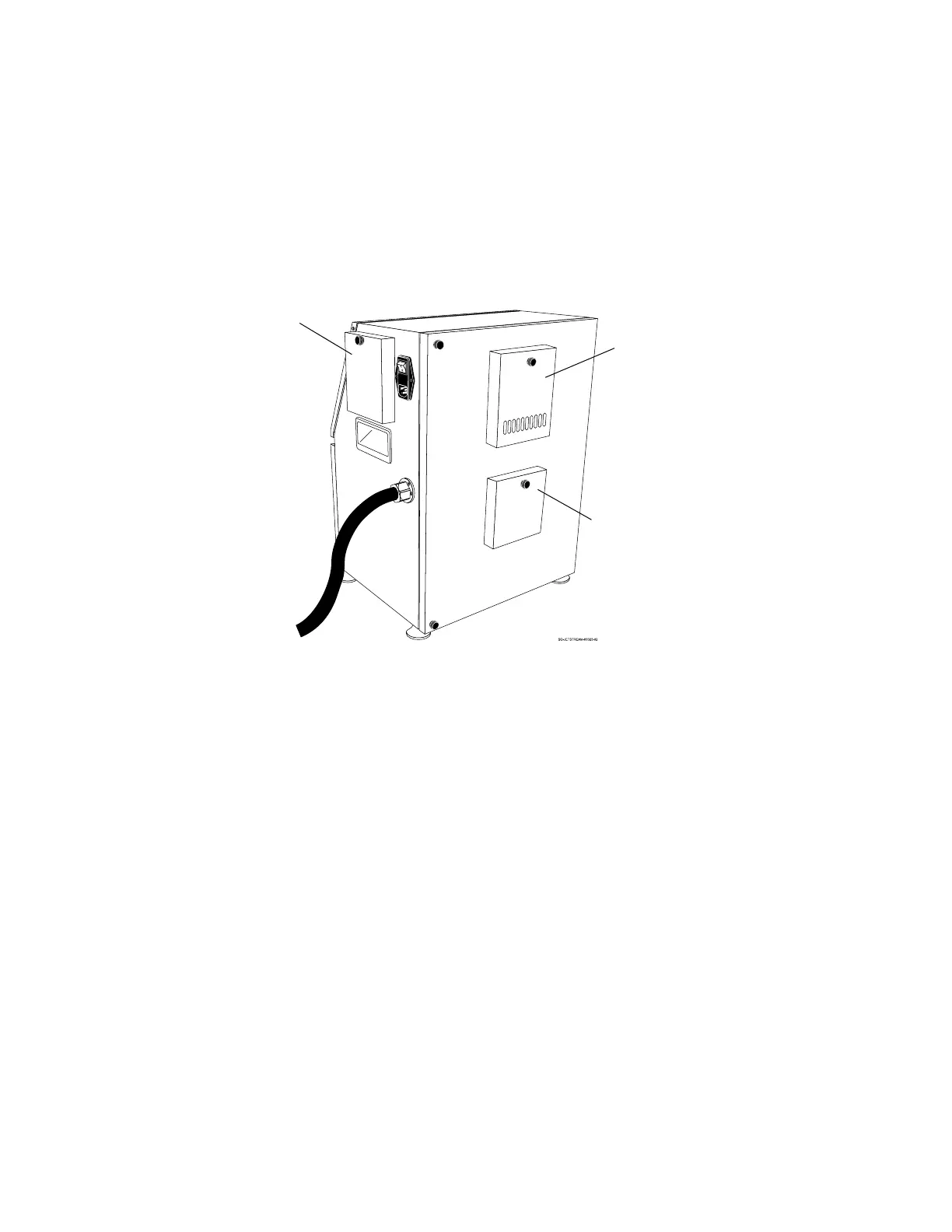
The JetStream has an Air Filter inside the air intake vent and the two exhaust vents.
Maintenance on these is minimal, but they will occasionally become dusty and require
cleaning. They should be checked every 3 months and cleaned if needed.
To check any Filter:
There is no need to shut the system down when checking the Filters as long as they are put
back in place within 20 minutes.
1. Unscrew the Fastener at the top of the Vent Cover.
2. Inspect the condition of the Filter.
3. Put the Filter back in position.
4. Put the Vent Cover back into position
5. Secure the Vent Cover in place by screwing the Fastener back in.
To clean either Filter:
There is no need to shut the system down when cleaning the Filters as long as they are put
back in place within 20 minutes.
1. Unscrew the Fastener at the top of the Vent Cover.
2. Remove the Filter.
3. Soak the Filter in a bowl of warm, clean water for 5 minutes, gently touching it to help
remove dust and impurities that have collected.
4. Place the clean Filter on a clean, dry paper towel.



 To Next Page