90 User Interface
2006792 Rev B – 200228
The Settings Screen
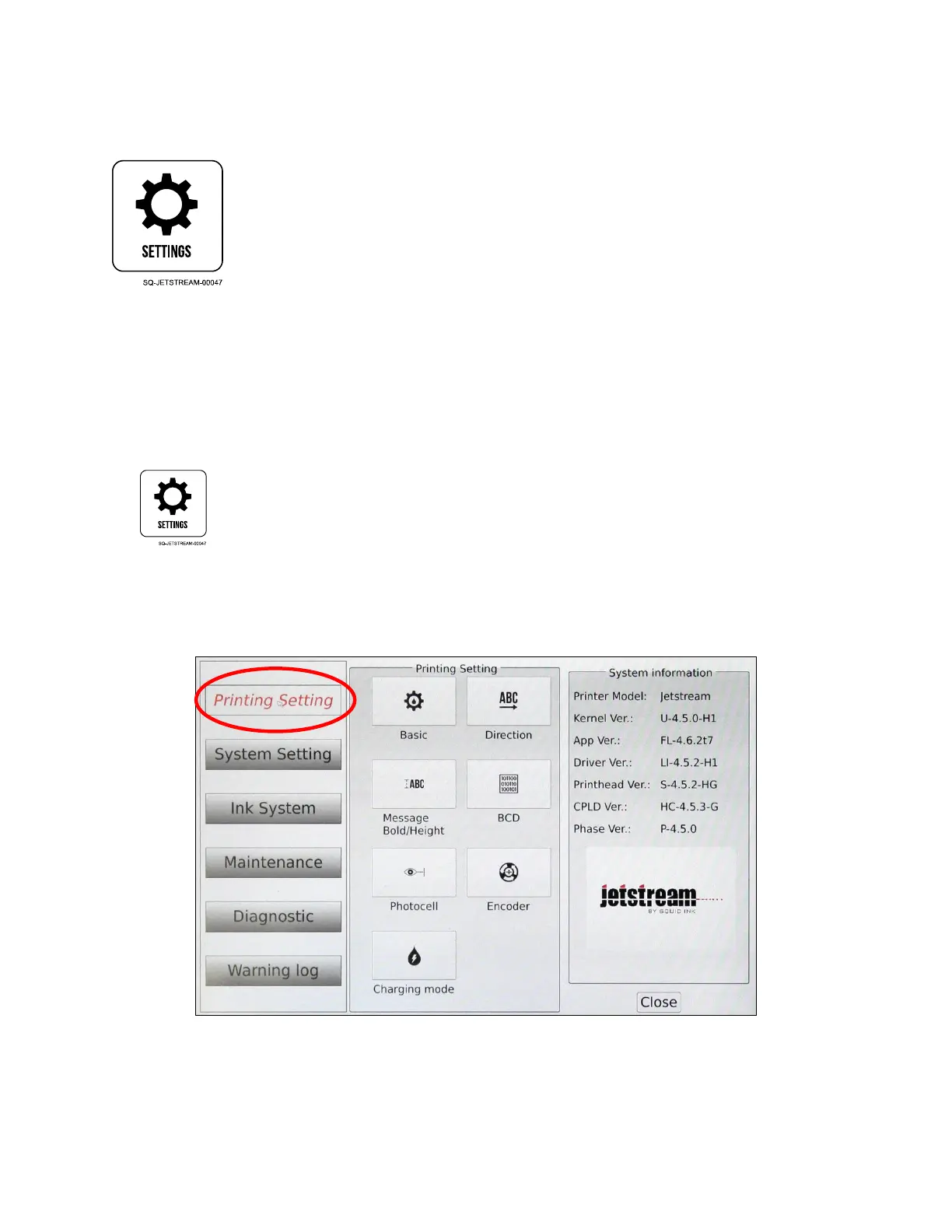
The Settings screen allows adjustment of the JetStream’s settings, including Printing Setting,
System Setting, Ink System, Maintenance, Diagnostic, and Warning Log, all of which are
described below.
Printing Setting
Access Printing Setting from the Main screen by selecting the Settings button.
Printing Setting selects variables that affect how the JetStream prints and what triggers it
to print. The buttons in the middle panel give access to the right panel for adjustment or
viewing.



 To Next Page