User Interface 81
2006792 Rev B – 200228
Bitmap
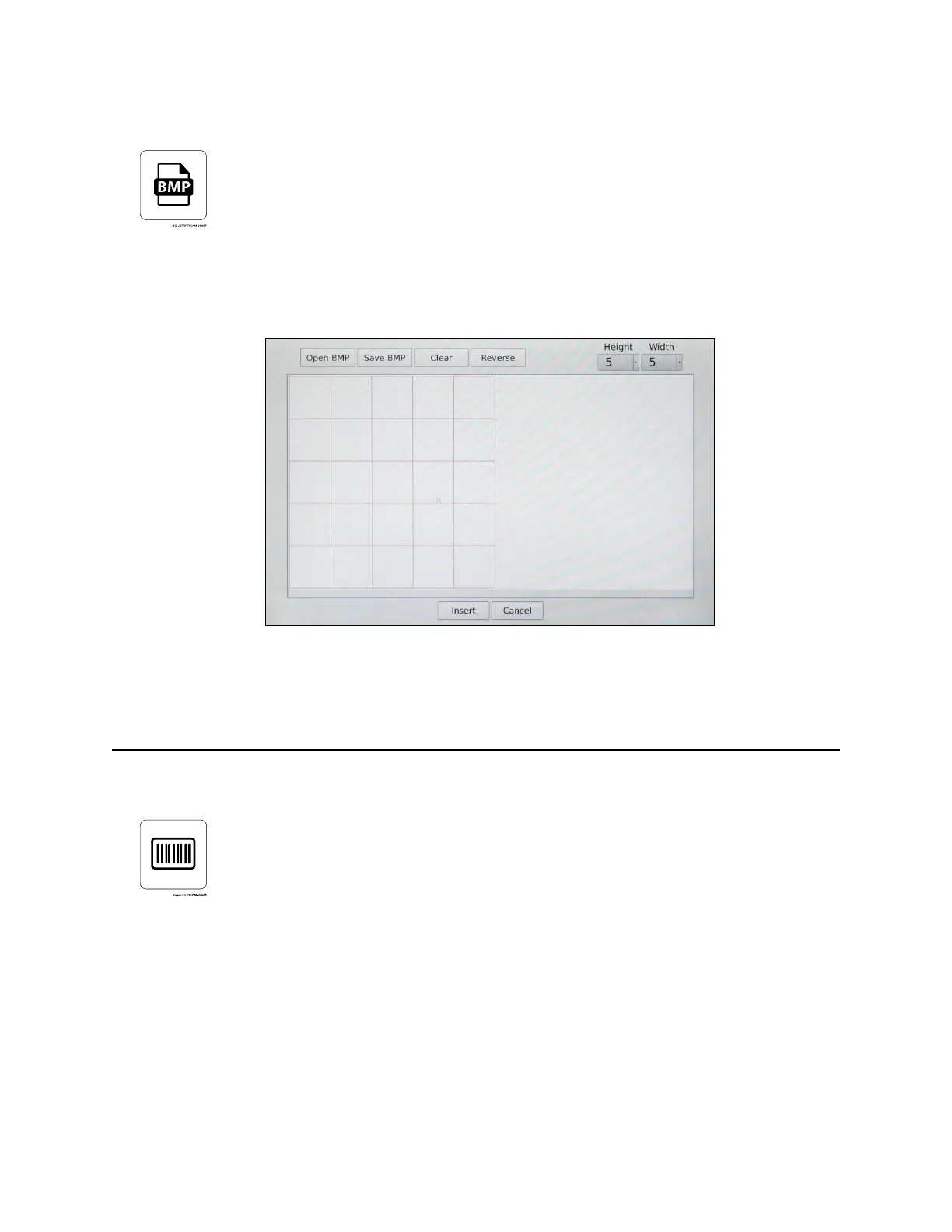
A “Bitmap” object can be any graphic image, such as a logo or design, up to a maximum
size of 32 dots high and 40 dots wide. To create a graphic from within the JetStream
software, select Bitmap and touch the screen to interactively draw the image.
To save the graphic in the JetStream or to a USB drive, select Save BMP.
To open a saved graphic, select Open BMP.
Barcode
This button inserts a barcode into the Message Area. The letters or numbers to create the
barcode can be input directly on the screen. Several barcode formats are available. For the
barcode detail to print properly, the Raster Mode should be 16 dots high or higher.



 To Next Page