40 Installation and Setup
2006792 Rev B – 200228
AC Power
Experience has shown that the AC power in locations where the JetStream is installed can
be subject to line noise, brownouts, and blackouts. If line noise, brownouts, or blackouts
occur on a regular basis, install a good-quality line conditioner to ensure data integrity. In
many cases, these devices may not be necessary; it is acceptable to start an installation
without them. However, if system lockups or occasional distorted print occurs, the first
corrective measure should be to isolate and clean up the AC power.
Work Area
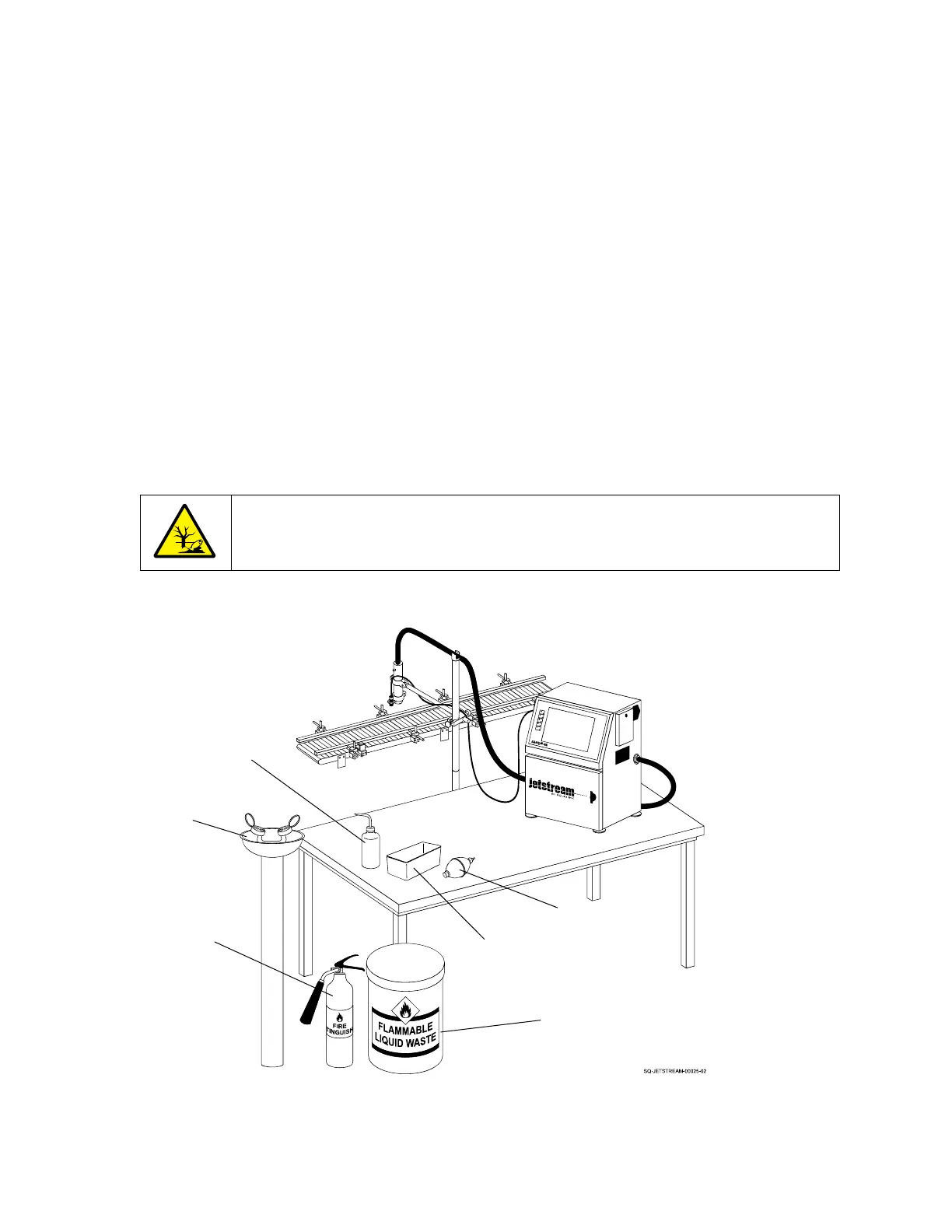
The JetStream may occasionally require cleaning, purging, or flushing due to environmental
contaminants and operating conditions. These processes require a Cleaning Bottle
(containing makeup fluid), a Drying Bulb, and a Cleaning Tray. For safety, the work area
should also have a fire extinguisher, a hazardous liquids disposal container, and an eye
flushing station in the event of eye contact with ink or makeup fluid.



 To Next Page