76 User Interface
2006792 Rev B – 200228
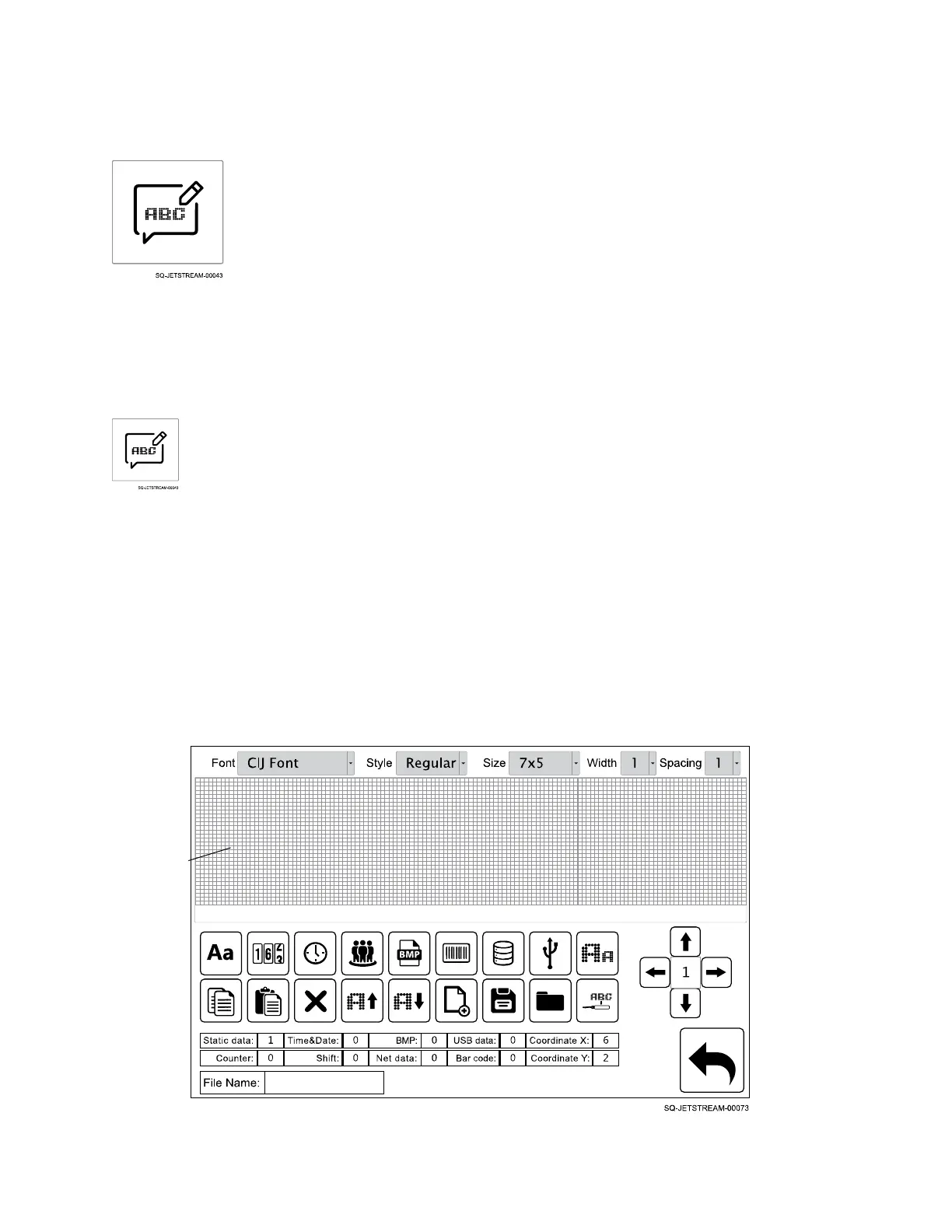
The Message Screen
The Message screen provides a wide range of flexibility for creating or importing messages and
images for printing, including the ability to combine static (unchanging) and dynamic
(continuously updating) data. New messages can be created in the Message screen at the
same time as other messages are printing.
Access the Message screen from the Main screen by selecting Message:
Message Area
Messages are built in the “Message Area,” which allows for text, numbers, or images that
are up to 32 “dots” high and an unlimited number of dots long (for printing down the length of
a PVC pipe, for example). The Message Area displays 135 dots wide at any given time.
When a message is longer than 135 dots, a scroll bar appears at the bottom of the Message
Area, giving access to different sections of the message.



 To Next Page