Installation and Setup 55
2005995 Rev O – 210712
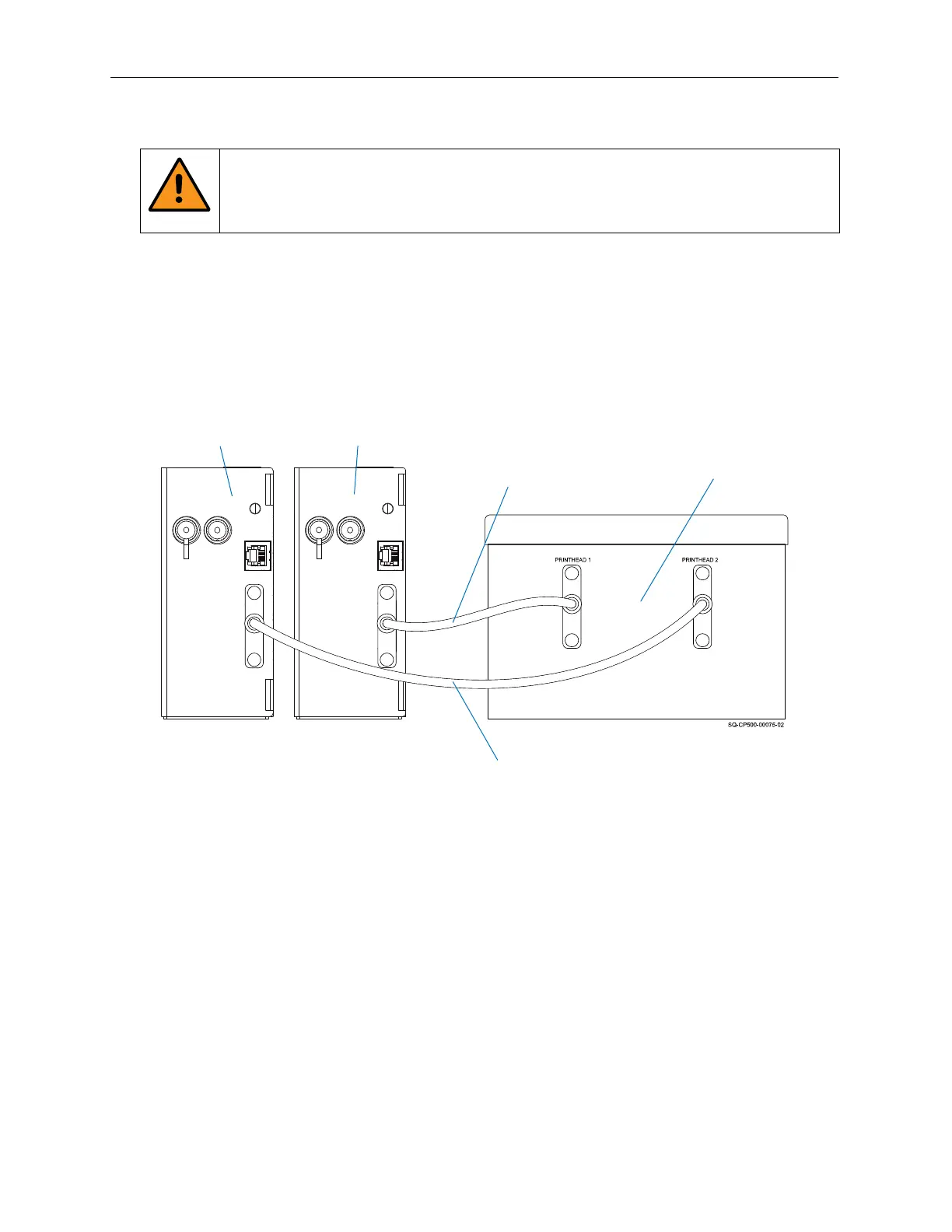
Connecting a Second Printhead
WARNING: Ensure that the Controller Power Switch is turned OFF and the
Controller is disconnected from the power source when connecting a second
Printhead.
To connect a second Printhead, connect the Printhead Data Cable to PRINTHEAD 2 Port
on the Controller, and connect the other end to the Printhead that will be designated
“Printhead 2.”
Printhead 1
Controller
Data Cable to Printhead 2
Data Cable to
Printhead 1
Printhead 2
Connecting a Second Printhead



 To Next Page