146 System Updates
2005995 Rev O – 210712
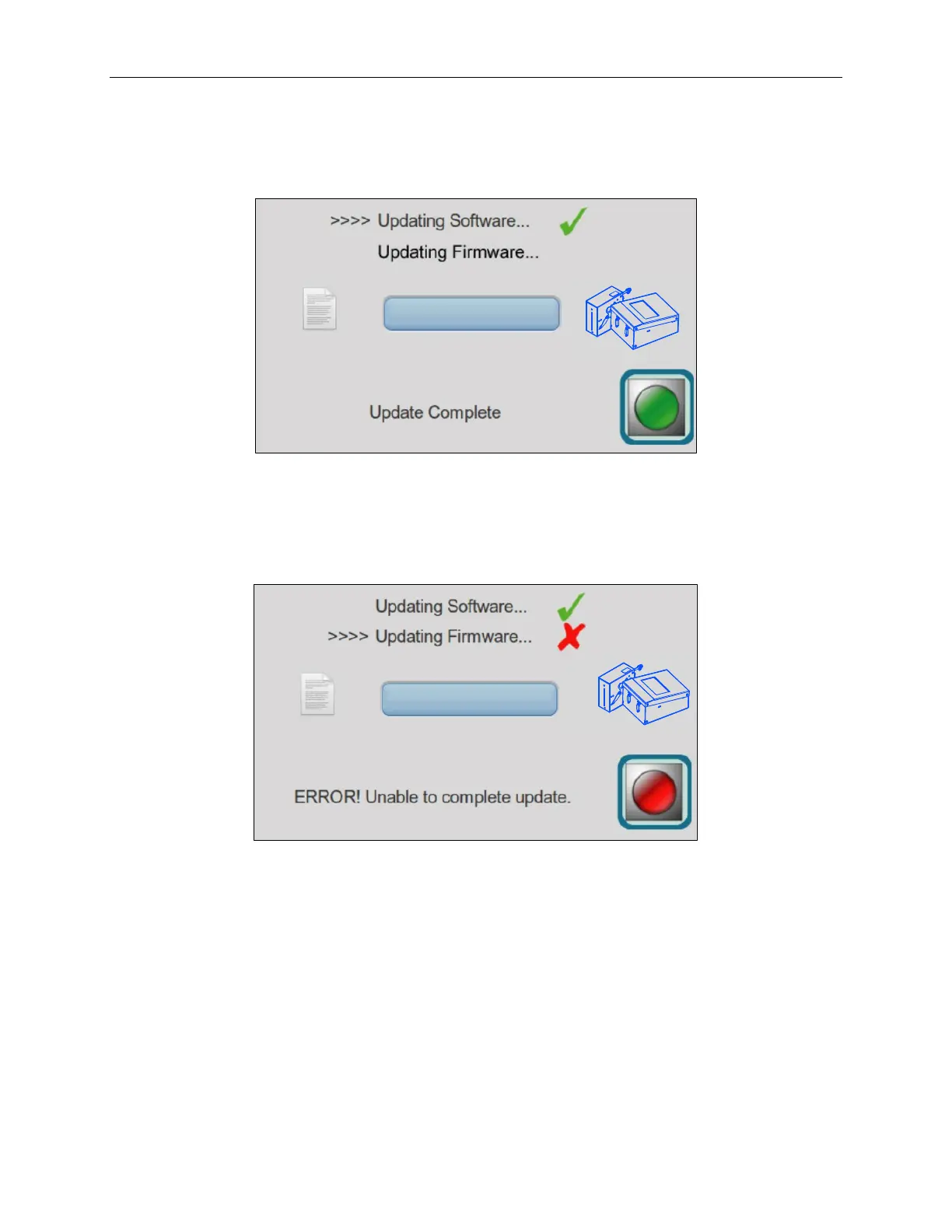
When the update is complete, an “Update Complete” screen will display with a green check next
to the update indicating the update has been successful.
If there is a problem with the update the “ERROR Unable to complete update” screen will
display with a red X mark next to the problem update.
In the unlikely event that there is a problem, remove the USB device containing the update,
power the printer off and on, and then retry installing the update. If the problem persists, call
Squid Ink Manufacturing Technical Support.



 To Next Page