46 Installation and Setup
2005995 Rev O – 210712
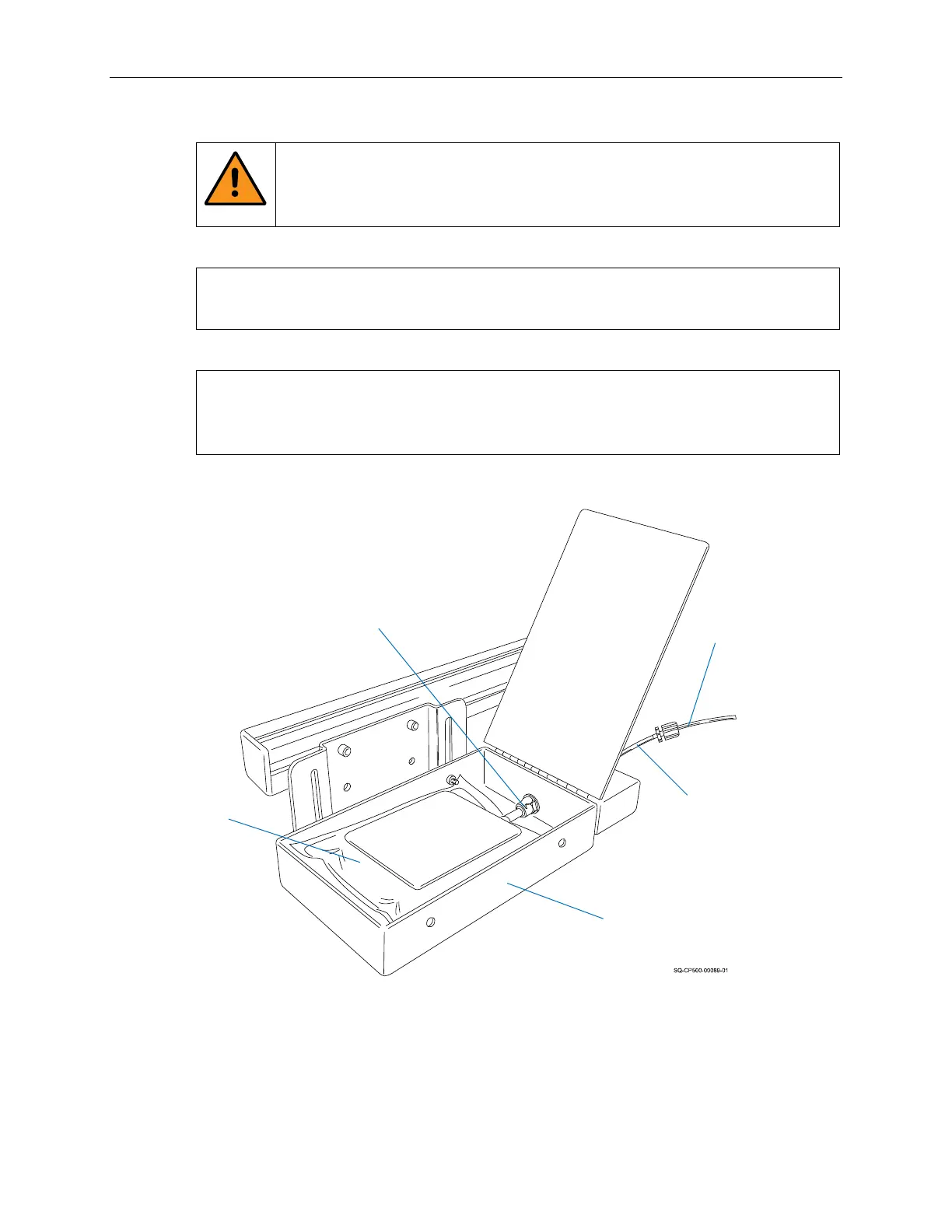
5. Connect the Ink Bag to the Ink Bag Connect Fitting in the Ink Tray.
WARNING: Do not squeeze the Bag like a sponge. Doing so is very
hazardous, can potentially lead to personal injury, will likely damage the
Print Engine, and will void the warranty.
IMPORTANT: Twisting, pulling, or bending the Bag material can cause small
cracks at the sealed joints, leading to leaks.
IMPORTANT: As the Bag becomes nearly empty (<25% full), the Pressure Plate
may need to be removed to generate an effective purge, but be very careful not to
apply much pressure, twist, or strain the Bag connection.
Installing the Ink Bag
Ink Tray
Ink Tray
Nozzle
Ink Line to
Printhead
Ink Bag
Ink Bag
Connect Fitting



 To Next Page