Installation and Setup 67
2005995 Rev O – 210712
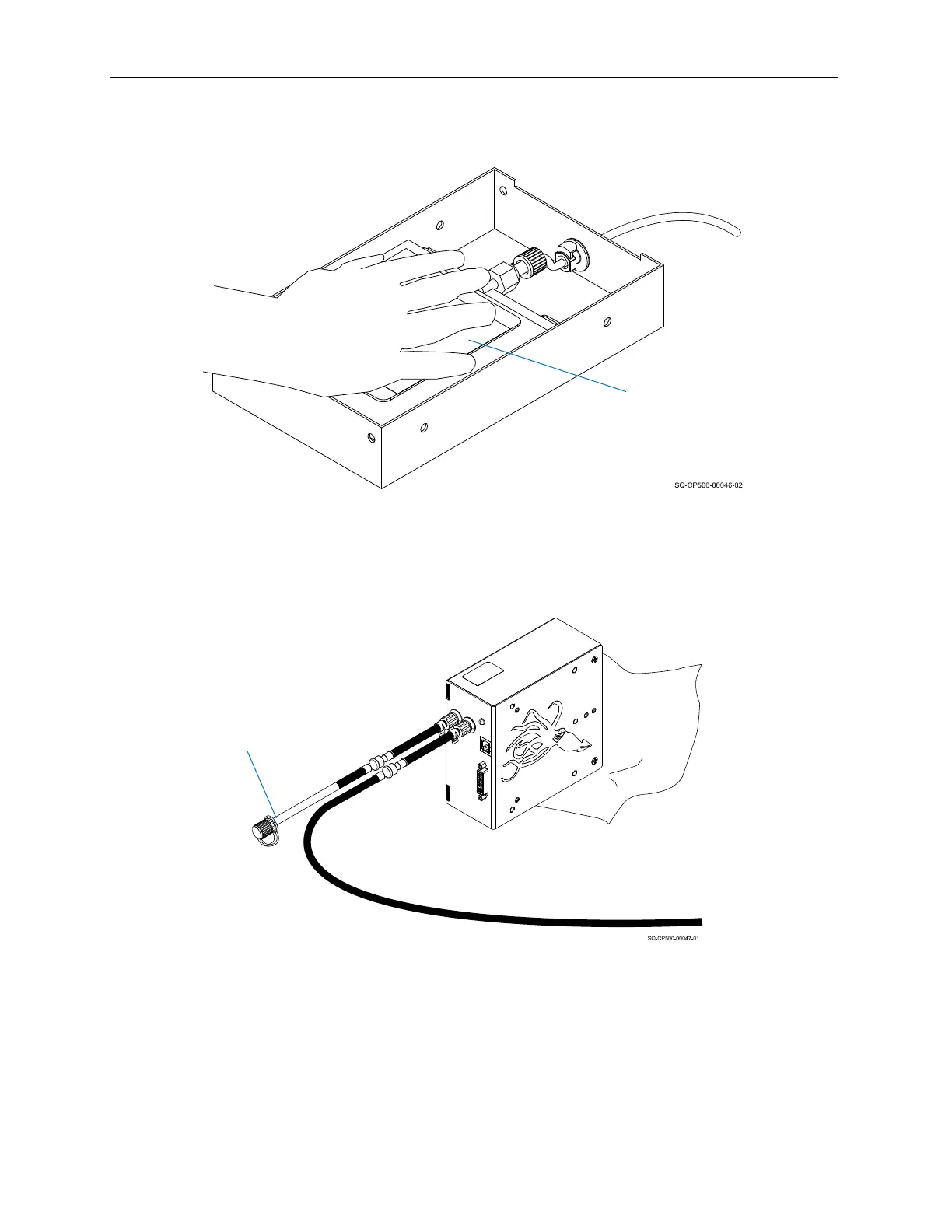
5. While continuing to press gently but firmly on the Ink Bag, replace the Cap on the
Purge Tube. This seal must be tight for the printer to function.
6. Press the Ink Bag repeatedly until bubble-free ink comes out of all the Printhead
Nozzles.
7. When finished purging, gently wipe excess ink from the Nozzle Face.
The Printhead is now commissioned and ready to print.
Pressing the Ink Bag
Ink
Bag
Capping the Purge Tube
Purge Tube
(capped)



 To Next Page