Objet1000 Plus User Guide 5 Using Objet Studio
DOC-06810 Rev.B 5-66
2. IntheAppearancetaboftheOptionsdialogbox,youcanconfigurethe
display.
❒ TheModeselectiondetermineshowmodelsappearonthebuildtray.
Thedefaultmethodfordisplayingmodelsonthebuildtrayisassolid
(“shaded”)objects.TheotheroptionsareWireFrameandPoints.
❒ IfShadedisselected,youcandisplaythemodelonthetrayasasee-
throughobject.
Figure5-85Transparentdisplay
❒ Double-clickthecolorpatchestocustomizecolors.
❒ TheWindows Background Colorsettingsenableyoutochangethe
colorbehindthebuildtray—witheitherasolidoratwo-colorgradient.
❒ Toreturntothedefaultdisplaysettings,clickDefault.
ChangingColor
Themes
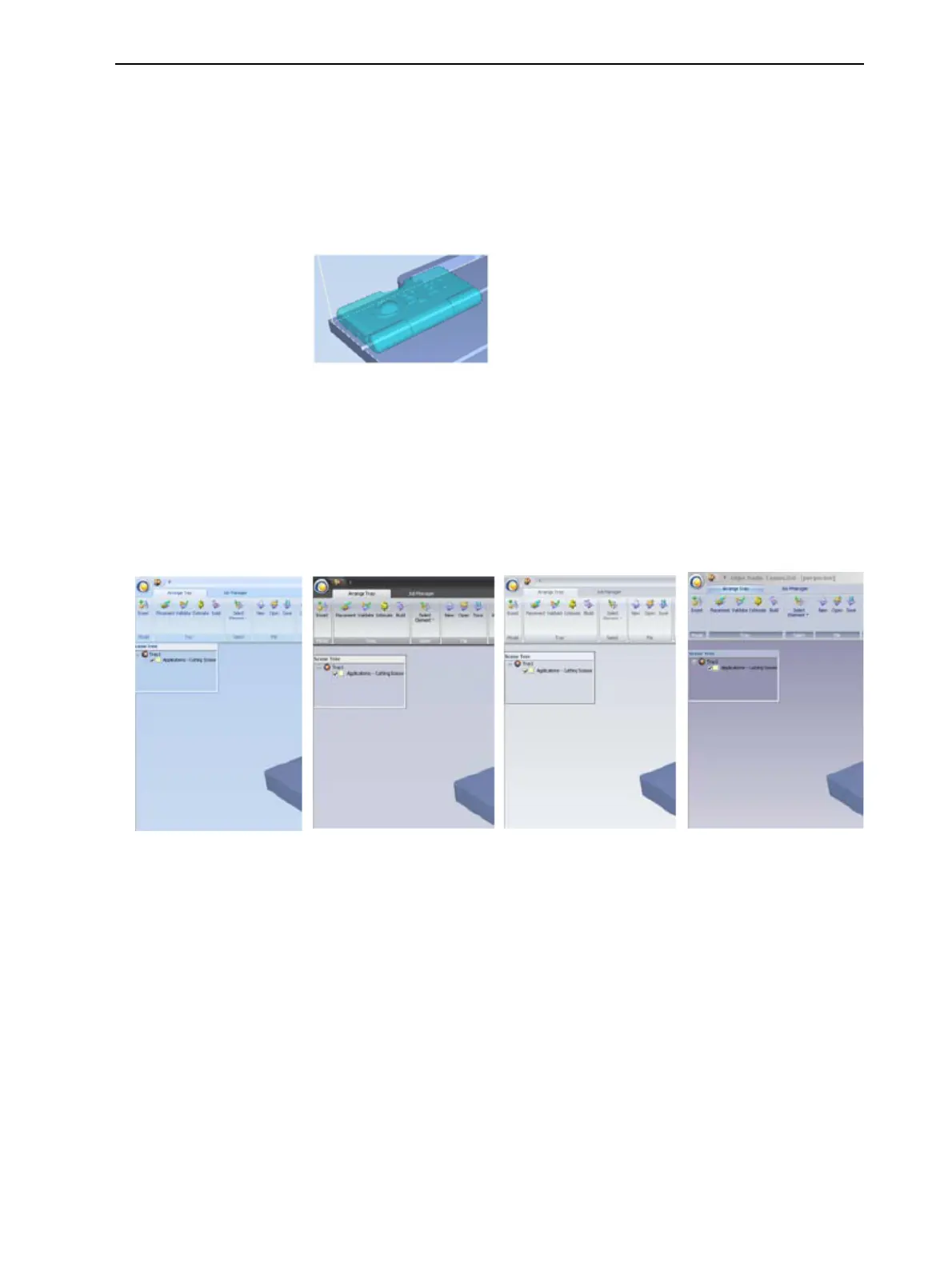
ObjetStudiooffersachoiceoffourbackgroundcolorthemes—blue,black,
silverandaqua.
Figure5-86Backgroundcolorthemes
Tochangethecolortheme:
➢ FromtheStylemenu,selectoneoftheoptions.













 To Next Page