Objet1000 Plus User Guide 5 Using Objet Studio
DOC-06810 Rev.B 5-18
Quick-Access
Model
Commands
Youcanaccesscommoncommandsforworkingwithobjectsonthebuild
traywiththeconvenientModelToolbarandcontextmenus.
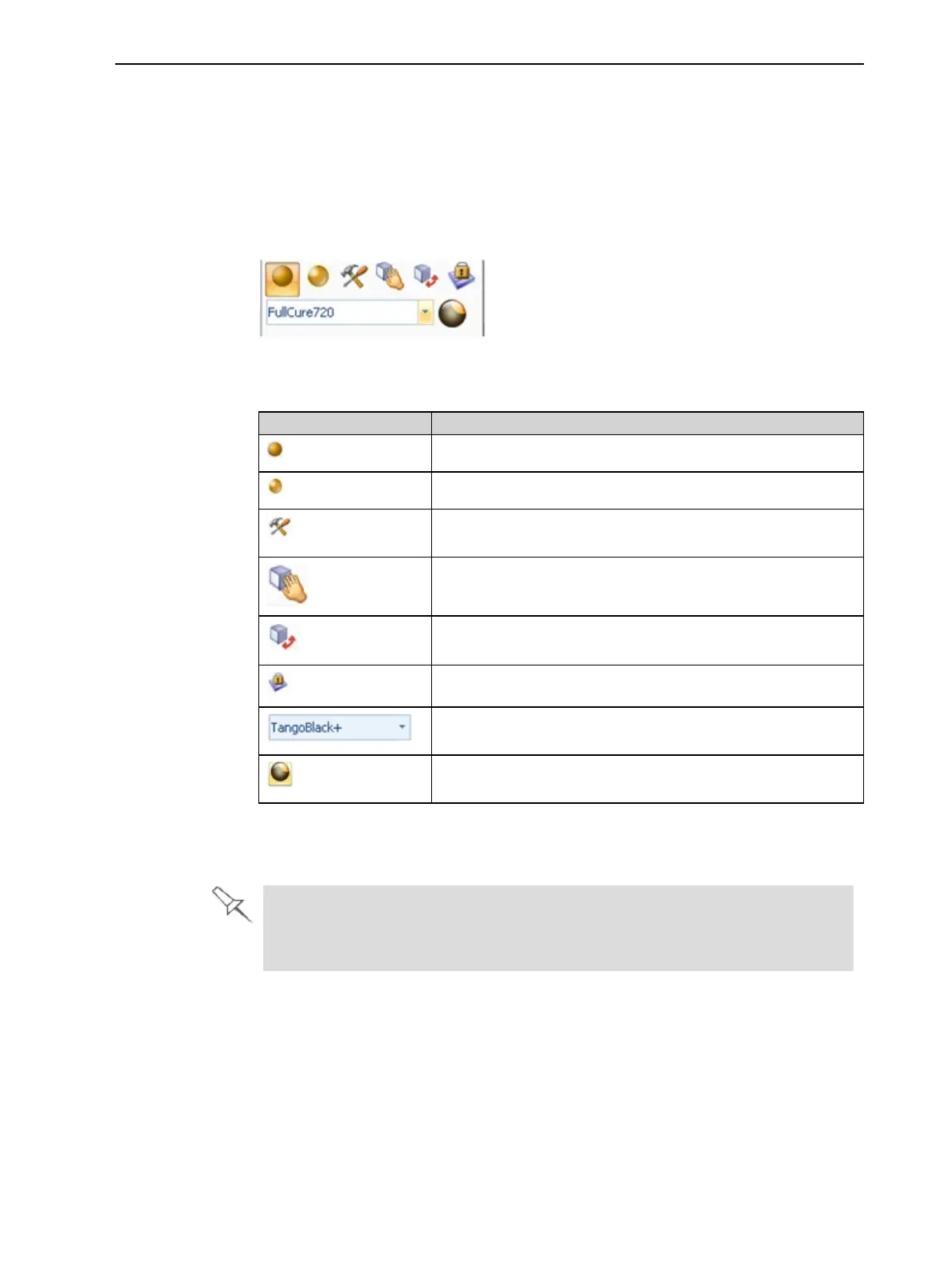
ModelToolbar
SelectanobjectinthetraytodisplaytheModelToolbarthatcontainsicons
toperformcommontasks.
Figure5-18ModelToolbar
ThetablebelowdescribestheModelToolbaricons.
Icon Description
Appliesamattefinishtothemodel.
Appliesaglossyfinishtothemodel.
OpenstheAdvanced PropertiesdialogboxforsettingtheGrid
StyleandtheHollowoption.
Enablesdragginganobject(seepage5-35).
OpenstheTransformdialogboxforchangingtheobject’s
positionandscale.
TogglestheLockModelOrientationsetting.
Allowsyoutochoosetheprintingmaterials.
Enablesyoutoapplyacoatingtothemodel,orchangethe
coatingpreviouslyapplied.
Right-click
modelmenu
Ifyouright-clickonanobject,apop-upcontextmenuisdisplayedfrom
whichyoucanalsoselectthemodelfinish,changeitspositionandscale,and
settheGrid StyleandHollowoptions.
YoucanalsocreateaQuickAccesstoolbarwithyourmostcommonlyused
iconsgroupedtogether.See"CreatingaQuickAccessToolbar"onpage5-
63.













 To Next Page