Objet1000 Plus User Guide 5 Using Objet Studio
DOC-06810 Rev.B 5-72
Ifyouwanttodisplaythevaluesandchangethem,click .Alternately,you
canselectChooseFormatandchangethevaluesinthisdialogbox.
Toperformatestofthedriverconfigurationandenterthesuggestedpixelformat
ID:
1. SelectChooseFormat.
2. ClickTest.
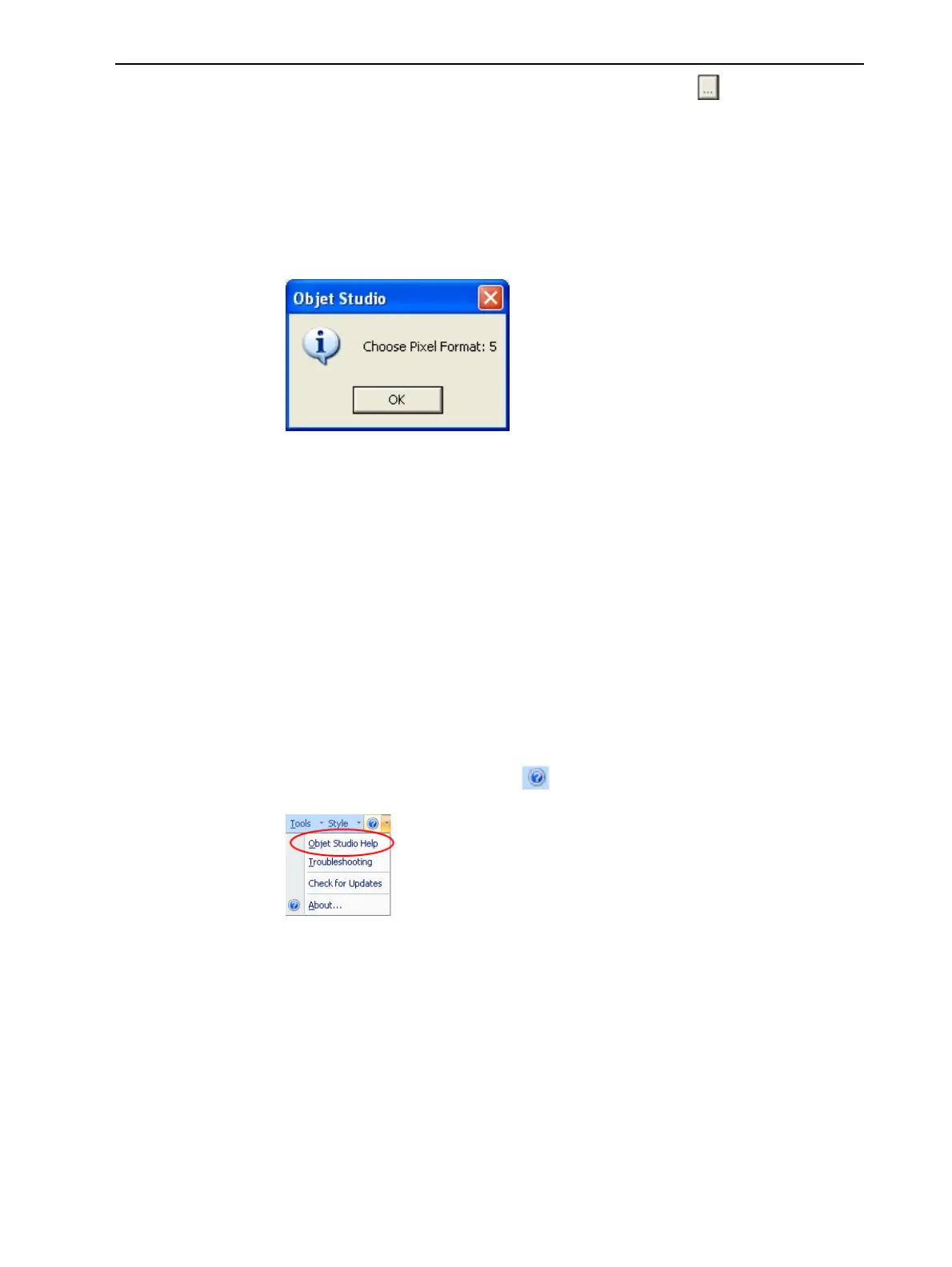
ObjetStudioreturnstherecommendedpixelformatID.
Figure5-95RecommendedpixelformatID
3. ClickOK.
4. IntheOpenGL Driver Configurationdialogbox(Figure5-94),selectPixel
FormatIDandenterthisnumber.
5. ClickApply.
6. Displaytheotherpixelformattab,andrepeatthisprocedure.
Getting Additional Objet Studio Assistance
ObjetStudioHelpprovideson-screeninstructionsandinformation,asyou
work.
ToviewObjetStudioHelp:
➢ Onthestandardtoolbar,click andthenclickObjetStudioHelp.
Figure5-96Helpoptions
Youcanalsoviewinformationonthefollowingsubjects:
❒ Troubleshootingopensalistoferrormessagesandtheirexplanations.
❒ Check for Updates checksifyouareusingthelatestObjetStudio
version.













 To Next Page