Objet1000 Plus User Guide 5 Using Objet Studio
DOC-06810 Rev.B 5-45
Tray
Perspective
Thedefaultperspectiveofthebuildtrayis“isometric.”Youcanchangethe
perspectiveoftheactivewindowwithoneoftenoptions.
Tochangetheperspectiveofthebuildtrayintheactivewindow:
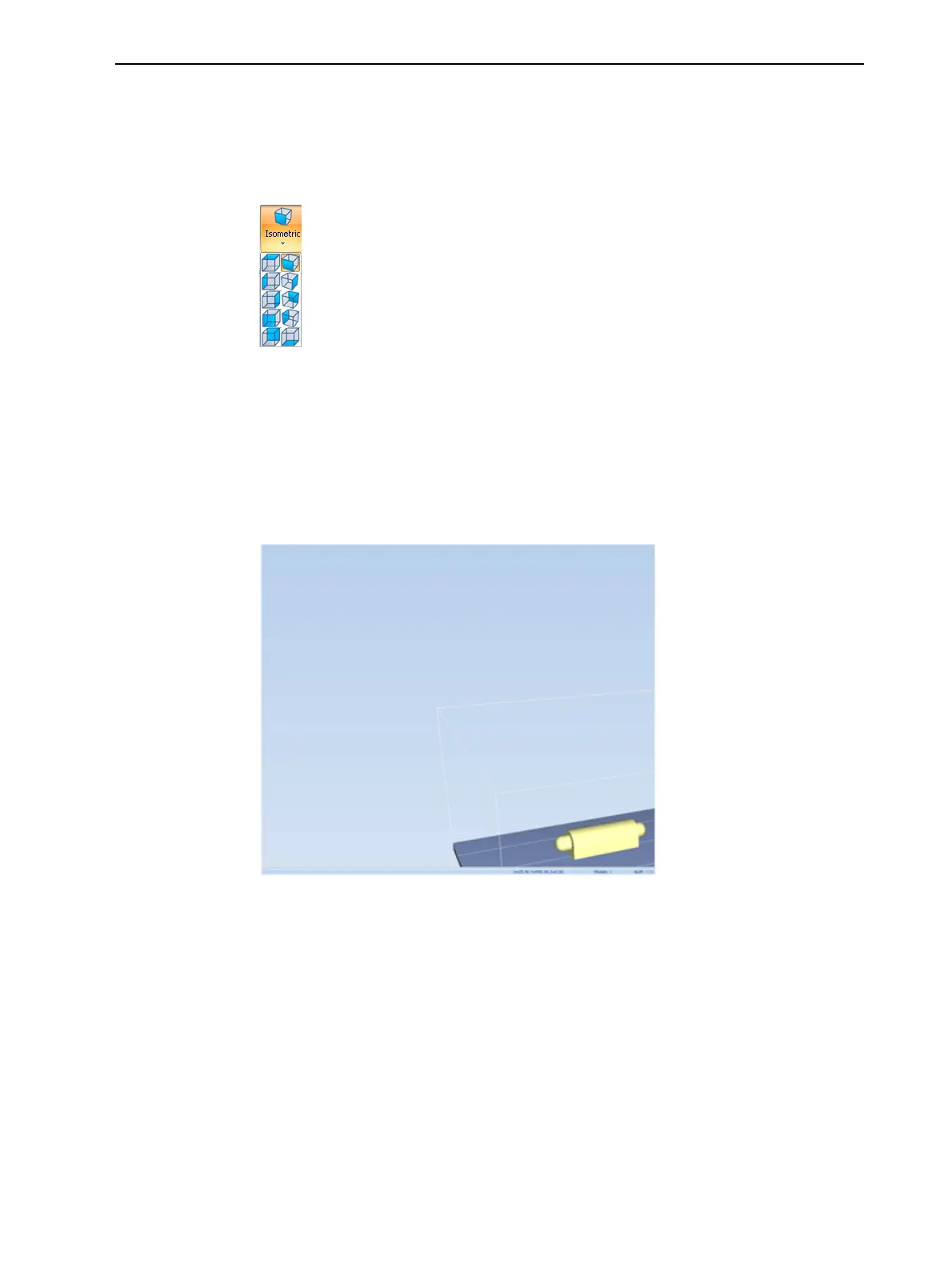
1. OntheTray Settingsribbon,openthePerspectiveflyouttoolbar.
Figure5-57Perspective toolbar
2. Clicktheiconthatrepresentsthedesiredperspective.
TrayPositioning
Toviewthetrayandmodelsfromdifferentdirections,youcanmovethetray
aroundthescreenandchangeitsdisplayangle.
TomovethetrayintheObjetStudioscreen:
➢ Pressthemousewheelwhilemovingthemouse.
Figure5-58TrayaftermovingitintheObjetStudiodisplay













 To Next Page