Objet1000 Plus User Guide 5 Using Objet Studio
DOC-06810 Rev.B 5-41
Toseparateassembliesintoindividualobjects(stlfiles):
1. Selecttheassembly(eitheronthebuildtrayorinthemodeltree).
2. FromtheObjectmenu,selectUngroup.
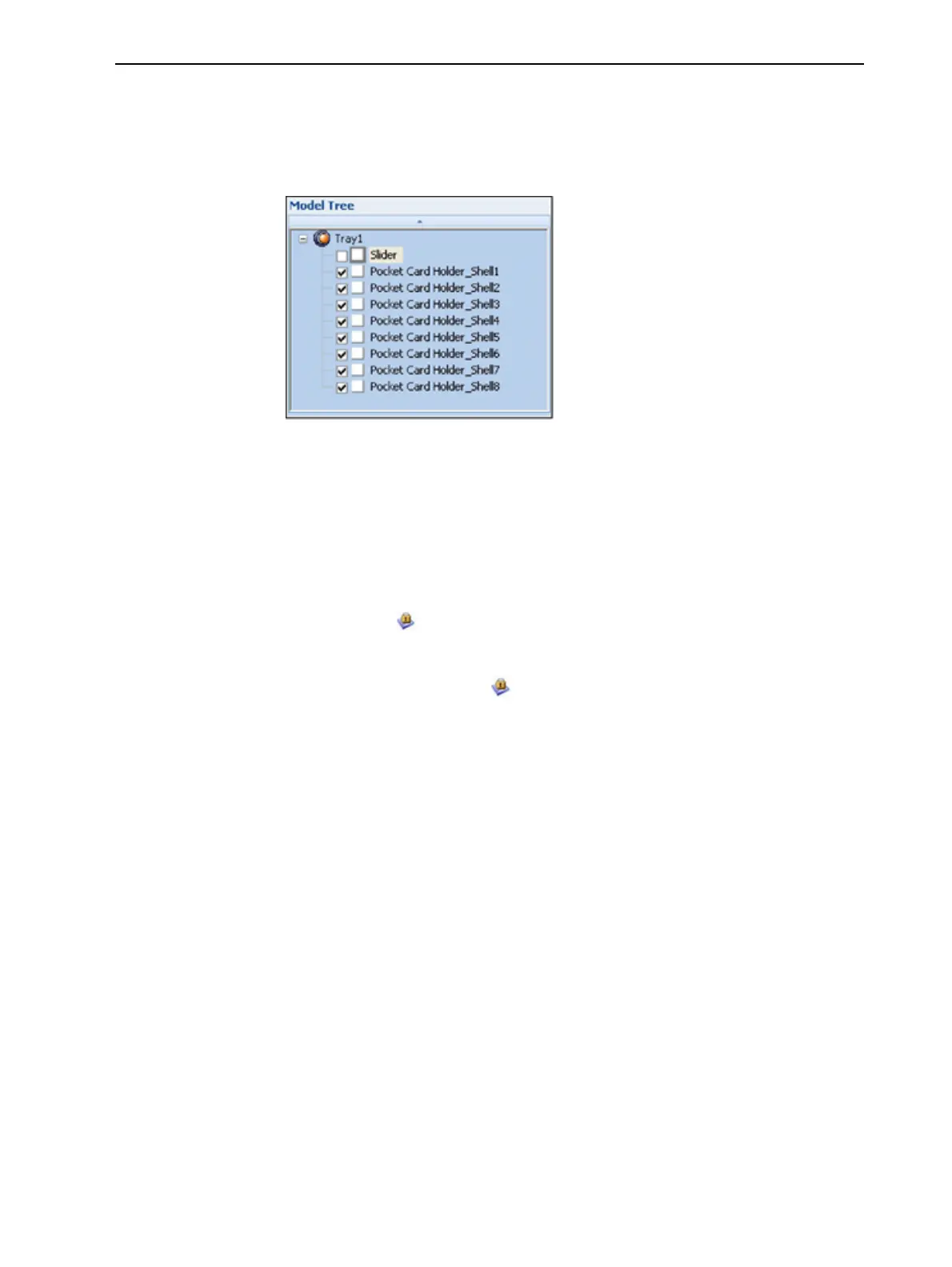
Inthemodeltree,theelementsarenotpartsofanassembly.
Figure5-48Separateobjectsinthemodeltree
Freezing Model
Orientation
Ifyoumanipulateanobjectonthebuildtray,youcanfreezeitsorientationso
thatitdoesnotchangewhenyoupositionitautomatically(see"Automatic
Positioning"onpage5-28).
Tofreezeanobject:
1. Selectanobjectonthebuildtray.
2. OntheModel Settings ribbon,intheManipulategroup,orontheModel
Toolbar,click .
Tounfreezeanobject:
➢ Selecttheobjectandclick (tode-selectit).













 To Next Page