Objet1000 Plus User Guide 5 Using Objet Studio
DOC-06810 Rev.B 5-46
Tomanuallyrotatethetray:
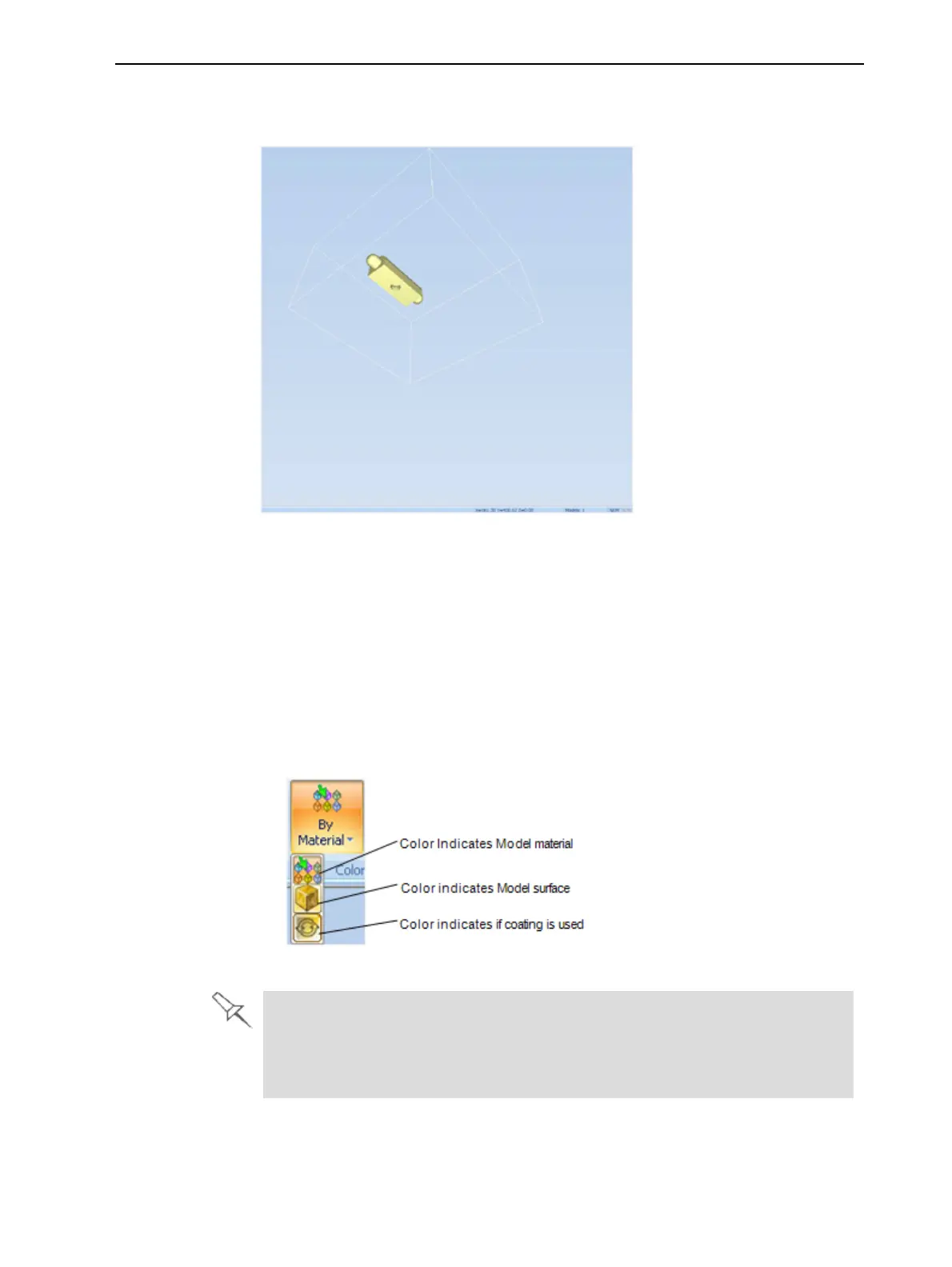
➢ PressAltandpressthemousewheelwhilemovingthemouse.
Figure5-59Trayafterrotatingitupside-down
Toviewthetrayandmodelsfromdifferentdirections,youcanchangeits
displayangle.
Setting Object
Colors
Thecolorofobjectsonthebuildtraycanindicatehowtheyareprinted.Objet
Studioenablesyoutochoosethecolordisplaysothatyoucaneasilyseethe
material,surfaceandcoatingofobjects.
Tochoosehowcolorsareappliedonthedisplay:
➢ OntheModel Settings ribbon,intheColorsgroup,selectoneofthe
optionsfromtheflyouttoolbar.
Figure5-60Colorsdisplayoptions
Beforesendingabuildtraytotheprinter,orwhenyouperformtray validation,
ObjetStudiochecksifthereisaproblemwiththestlfilesorthepositioningof
objectsonthetray.Ifso,theaffectedobjectsaredisplayedwithspecialcolors
(see"TrayValidation"onpage5-50).













 To Next Page