Objet1000 Plus User Guide 6 Operating and Maintaining the Objet1000 Plus 3DPrinter
DOC-06810 Rev.B 6-4
Loading Model and Support Containers
Objet1000PlusprintersusefourcontainersofModelmaterialandtwo
containersofSupportmaterial,eachweighing18kilogramswhenfull.A
graphicalrepresentationofthecontainersloadedandtheircurrentweight
appearsintheprinterinterface(seethefigureonthepreviouspage).
TheprinterusesRFIDtechnologytoautomaticallyidentifycontainersof
printingmaterial.Forthispurpose,anRFIDmoduleispartoftheprinter
hardware.Tamperingwiththismodulewillrendertheprinterinoperableand
mayvoidStratasyswarrantiesandservicecontracts.
Important: IfyouneedtoreplacetheModelmaterialcurrentlyinstalledwith
anothertype,see"ChangingthePrintingMaterial"onpage6-13.Otherwise,
makesuretoreplacetheModelcartridgewithonecontainingthesametypeof
material.
ToloadModelandSupportmaterial:
1. Onthesideoftheprinter,pullopenthedoorsofthestorage
compartment.
2. Ifyouarereplacingamaterialcontainer,disconnectitfromthefeedtube.
Then,graspthehandleandpullthecontaineroutoftheprinter.
3. LoadModelandSupportcontainersintotheirrespectivecompartments.
Liftfullmaterialcontainerscarefully,usingbothhands.Itis
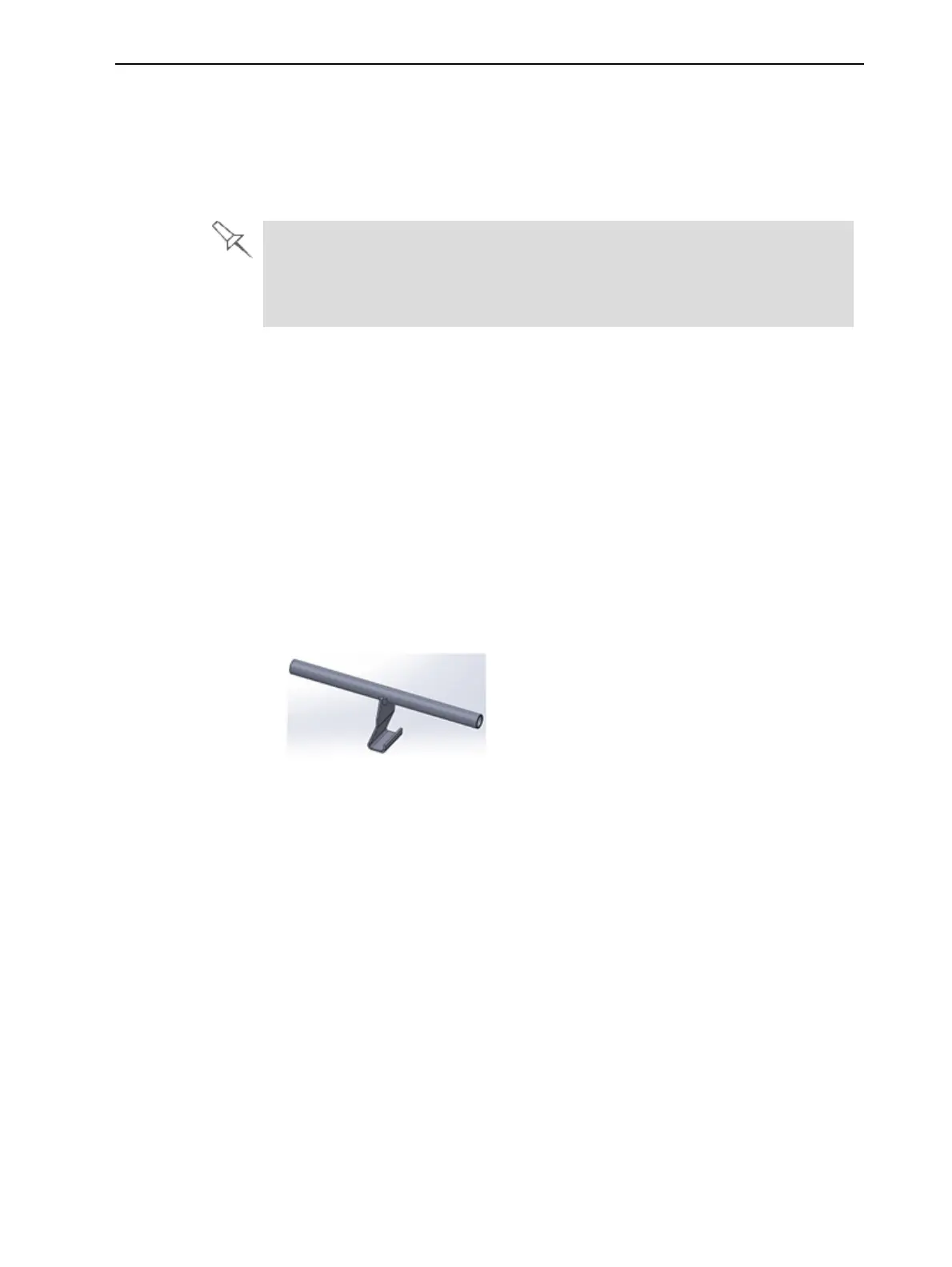
recommendedthatyouusealiftinghandlesimilartotheoneshownhere.
Figure6-4Materialcontainerliftinghandle
4. Connectthematerialfeedtubetothecontainer.
Youshouldhearaclickingsoundwhentheconnectorissecurelyattached
tothecontainer.Makesurethattheconnectorissecure.
5. Checktheprinterinterfacetomakesurethatthenewcontaineris
detectedandthatitsweightisdisplayed(seethefigureontheprevious
page).
6. Closethestorage-compartmentdoor.













 To Next Page