Objet1000 Plus User Guide 5 Using Objet Studio
DOC-06810 Rev.B 5-47
Loading Large
Files
Verylargestlfilescanbeslowtoloadandmaybedifficulttomanipulate
easilyonthebuildtray.Ifthisisthecase,youcandisplayjustanimageofthe
objectonthebuildtraywithoutloadingtheentirefile.Thestlfileitselfisnot
changed,andthecompletefileissenttotheprinter.
Todisplayanimageofstlfileswhenyouplaceobjectsonthebuildtray:
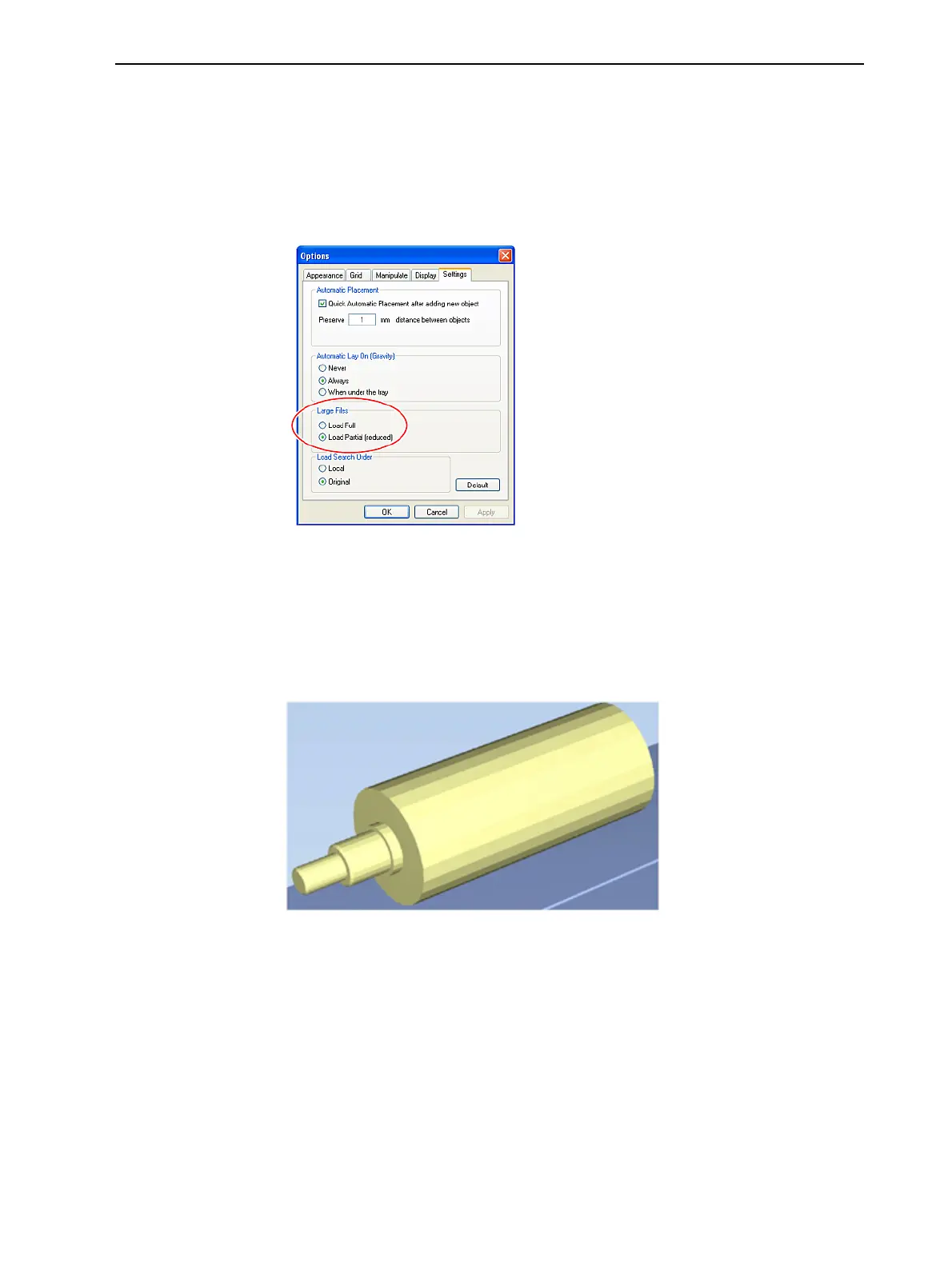
1. FromtheToolsmenu,selectOptions,anddisplaytheSettingstab.
Figure5-61Optionsdialogbox,Settingstab
2. IntheLarge Files section,selectLoadPartial(reduced).
Large File
Manipulation
Ifyouneedtoworkwithadetailedmodelthatiscomposedofalargenumber
ofpolygons,youcanspeedupitsdisplayandmanipulationinObjetStudioby
reducingthenumberofpolygonsonthescreen.Althoughthismayreduce
theresolutiononthescreen,ithasnoaffectontheprintedmodels.
Figure5-62Objectdisplayedwithoutpolygonreduction













 To Next Page