Objet1000 Plus User Guide 5 Using Objet Studio
DOC-06810 Rev.B 5-40
Grouping and
Ungrouping
Objects
Youcanmanipulatetwoormoreobjectsonthebuildtray,atthesametime.
•Selectingmultipleobjects
Manipulatingdonetooneobjectaffectsallselectedobjects.Forexample,
turningoneobjectonitsaxiscausesallselectedobjectstoturnontheir
respectiveaxes.
•Convertingtheobjectstoanassembly
Separateobjectsbecomepartsofoneunit.Forexample,turningthe
assemblyonitsaxiscausesallitscomponentpartstoturnasoneunit.
Toconvertobjectstoanassembly:
1. Selecttheobjects(see"SelectingObjects"onpage5-19).
2. FromtheObjectmenu,selectGrouptoAssembly.
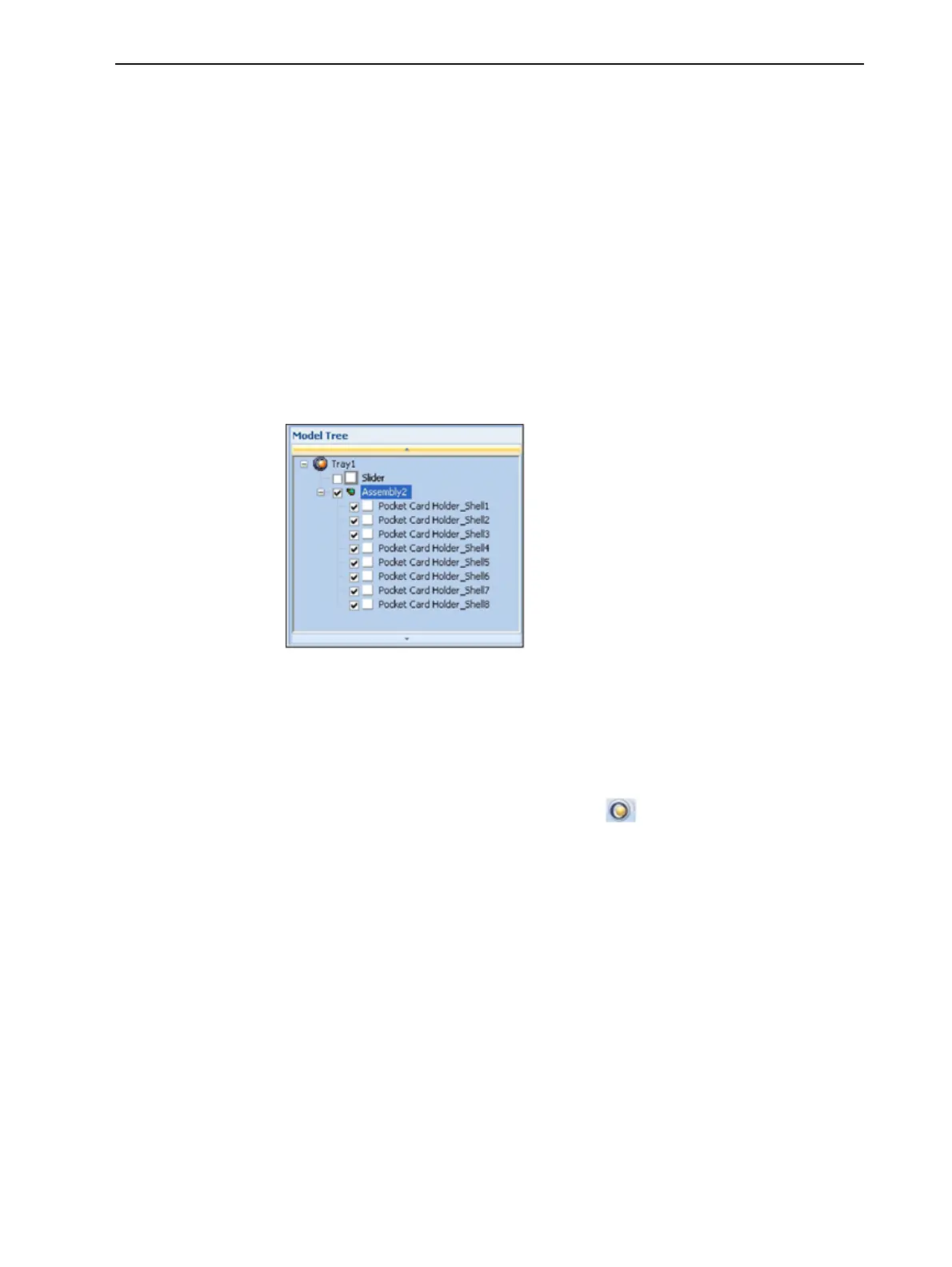
Inthemodeltree,theobjectsnowappearaschildrenofaparent
(assembly).
Figure5-47Assemblyinthemodeltree
Aftercreatinganassembly,youcansaveitasanobjdffile,forre-use.(Saving
theassemblyisnotnecessaryformanipulatingandprintingit.)
Tosaveanassembly:
1. Selecttheassembly(eitheronthebuildtrayorinthemodeltree).
2. FromtheObjetStudioCommandsmenu ,selectSaveAs.
3. IntheSave As dialogbox,selecttheobjdfformat,choosealocation,name
thefile,andclickSave.













 To Next Page