Objet1000 Plus User Guide 5 Using Objet Studio
DOC-06810 Rev.B 5-60
Displaying the
Cross Section
of Objects
TheSectionfeatureenablesyoutoviewtheinteriorofanobjectby“slicing”it
onanyaxis.Youcanthenmanipulatetheobjecttoinspecttheinteriorfrom
differentangles.Thismaybeimportantfordecidingonthetypeofsupport
necessarywhenproducingthemodel(see"ChoosingtheSupportStrength"
onpage5-58).Displayinganobject’scrosssectiononlyaffectshowthetrayis
displayedonthescreen;itdoesnotchangetheobjectitself.
Todisplayacrosssectionofthetray:
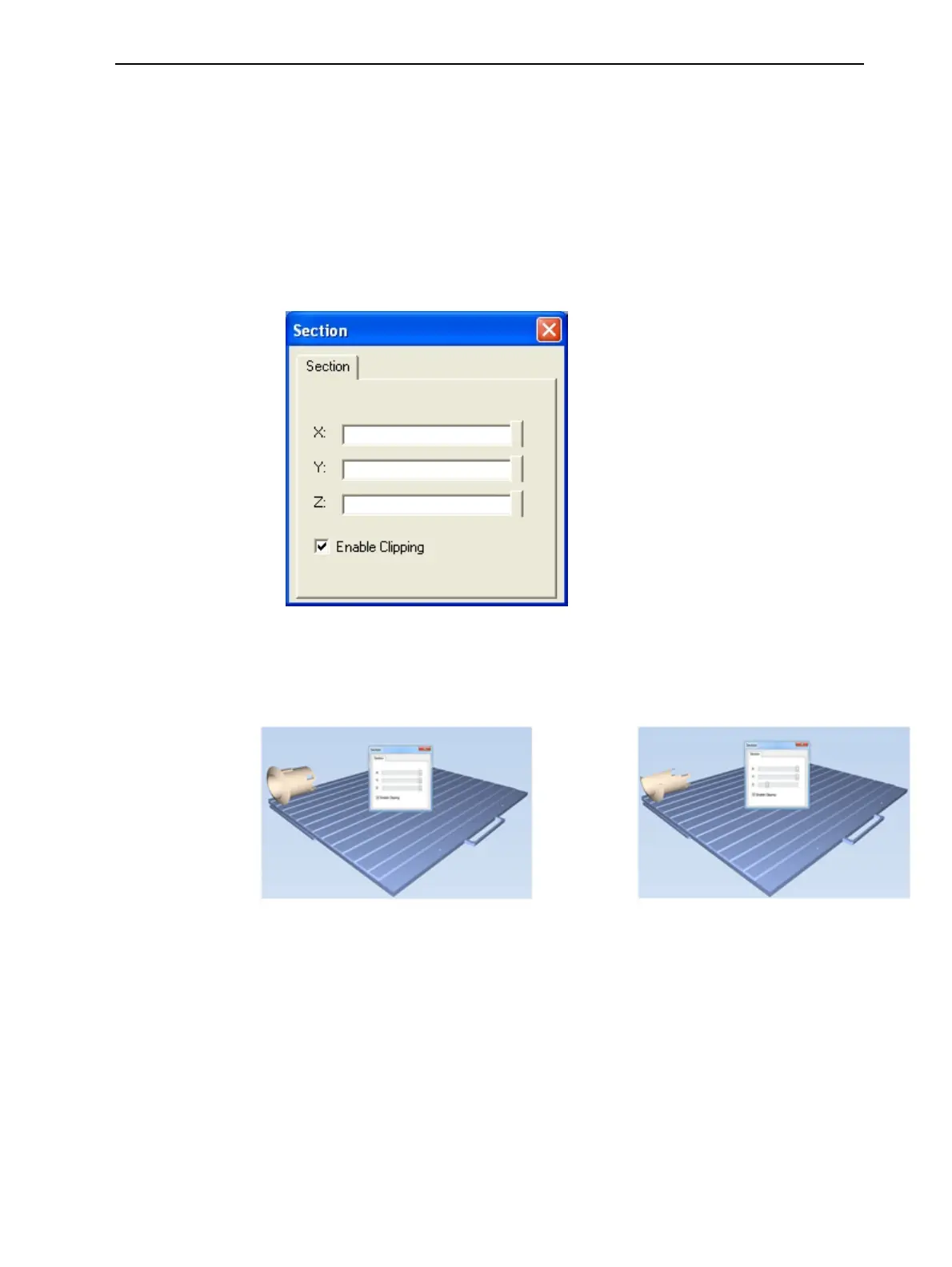
1. FromtheToolsmenu,selectSection.
TheSectiondialogboxopens.
Figure5-77Sectiondialogbox
2. SelectEnableClipping.
3. UsetheslidercontrolsfortheX-,Y-,andZ-axestocutthetraysothatyou
seethecrosssectionyouwant.
Figure5-78Left:Wholeview;Right:Crosssectionviewafterusingthe
Z-slider













 To Next Page