Objet1000 Plus User Guide 5 Using Objet Studio
DOC-06810 Rev.B 5-65
Hiding the
Ribbon
Tomakemoreroomfordisplayingthebuildtray,youcanhidetheObjet
Studioribbons.
Tohidetheribbons:
1. Right-clickanywhereontheribbonoronthemenubar,orintheObjet
StudioCommandsmenu .
2. SelectMinimizetheRibbon.
Theribbonsdisappear,butyoucantemporarilydisplaytheribboniconsby
clickingTraySettingsorJobManageronthemenubar.Whenyounext
clickoutsideoftheribbon,itdisappearsagain.
Toreturnthepermanentribbondisplay:
➢ RepeatthestepsabovetocancelMinimize the Ribbon.
Display Colors
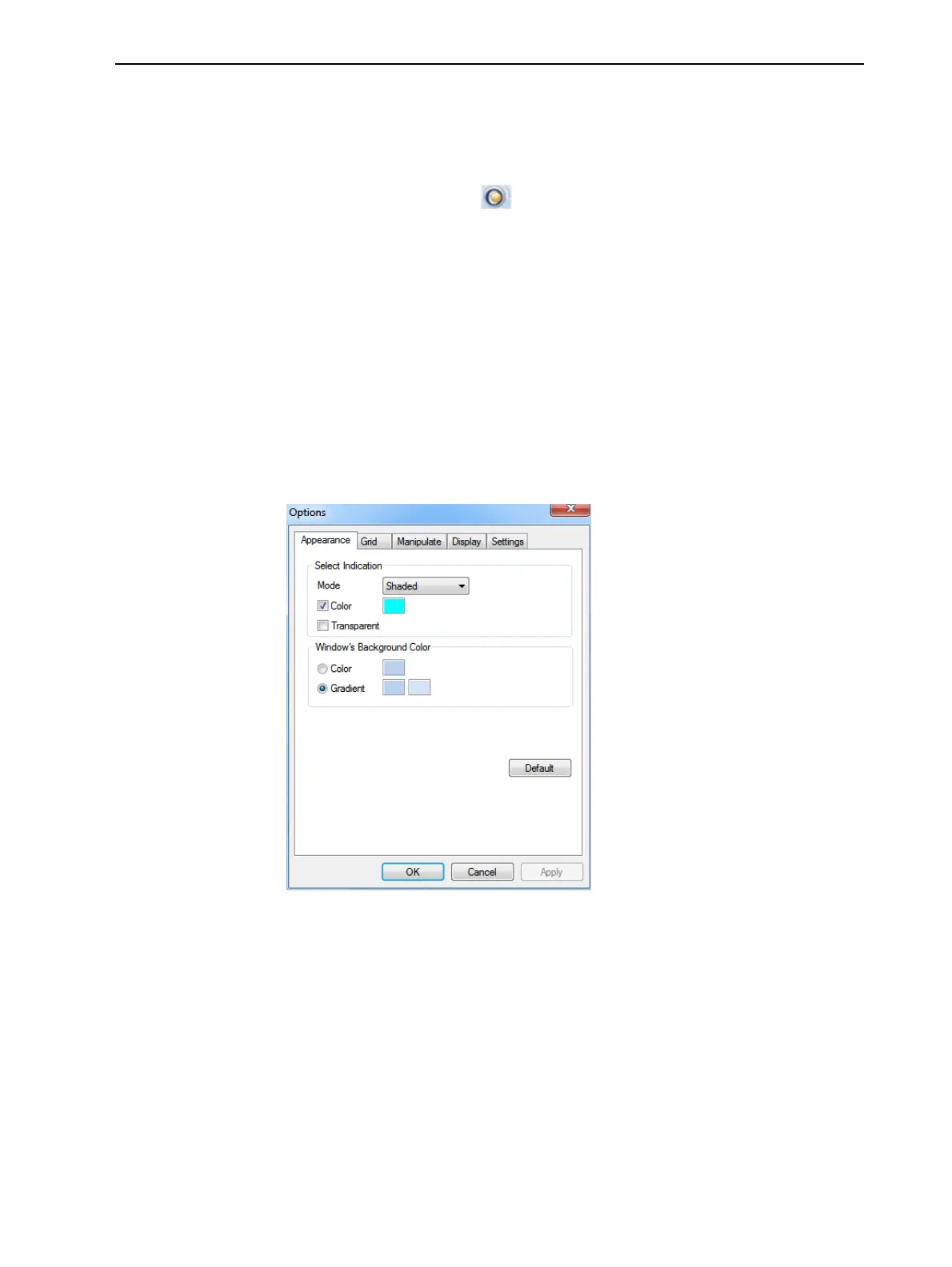
YoucancustomizesomeofthecolorsusedfordisplayingObjetStudioscreens
andfordisplayingobjectsonthebuildtray.
TochangethecolorsusedinObjetStudioscreens:
1. FromtheToolsmenu,selectOptions.
Figure5-84Displaysettings













 To Next Page