Objet1000 Plus User Guide 6 Operating and Maintaining the Objet1000 Plus 3DPrinter
DOC-06810 Rev.B 6-58
Testing and
Calibrating the
UV Lamps
ThelevelofUVradiationfromthelampsusedforcuringmodelscanchange
overtime.Toensureoptimumcuringofmodelsduringprinting,apop-up
messageremindsyoutotestthelampsandcalibratetheirlevelofUV
radiationafterevery300hoursofprinting.YoudothisbyrunningtheUV
CalibrationWizard,usingaUVradiationmeterapprovedforusewiththe
printer.
Thewizardcomparesthemeasuredradiationtotherecommendedradiation
levelforeachofthelamps,ateachprintingmode—HighSpeed,HighQuality
andDigitalMaterial.
Whencalibratingthelamps,thewizardattemptstoadjusttheradiationlevel,
ifnecessary.
•Ifthereadingiswithintheacceptablerange,thewizardcontinuestothe
nextphase.
•Iffurtheradjustmentisnecessary,thecurrentphaseisrepeated.
•IfthelevelofUVradiationistoolowtobeproperlyadjusted,thewizard
continuestothenextphase,butthefinalwizardscreenindicatesthatthe
lamp’sradiationfortheprintingmodeisunacceptable.
BeforetestingandcalibratingtheUVlamps:
l MakesuretheglasslensoneachUVlampisclean.Foreasyaccess,runthe
HeadCleaningWizard,andusethespecialcleaningpadsupplied.
l MakesurethattheUVradiationmeterisavailabletoyou,andthatthe
sensor’slensisclean.
TotestandcalibrateUVlampradiation:
1. StarttheUVCalibrationWizardfromtheOptionsmenu.
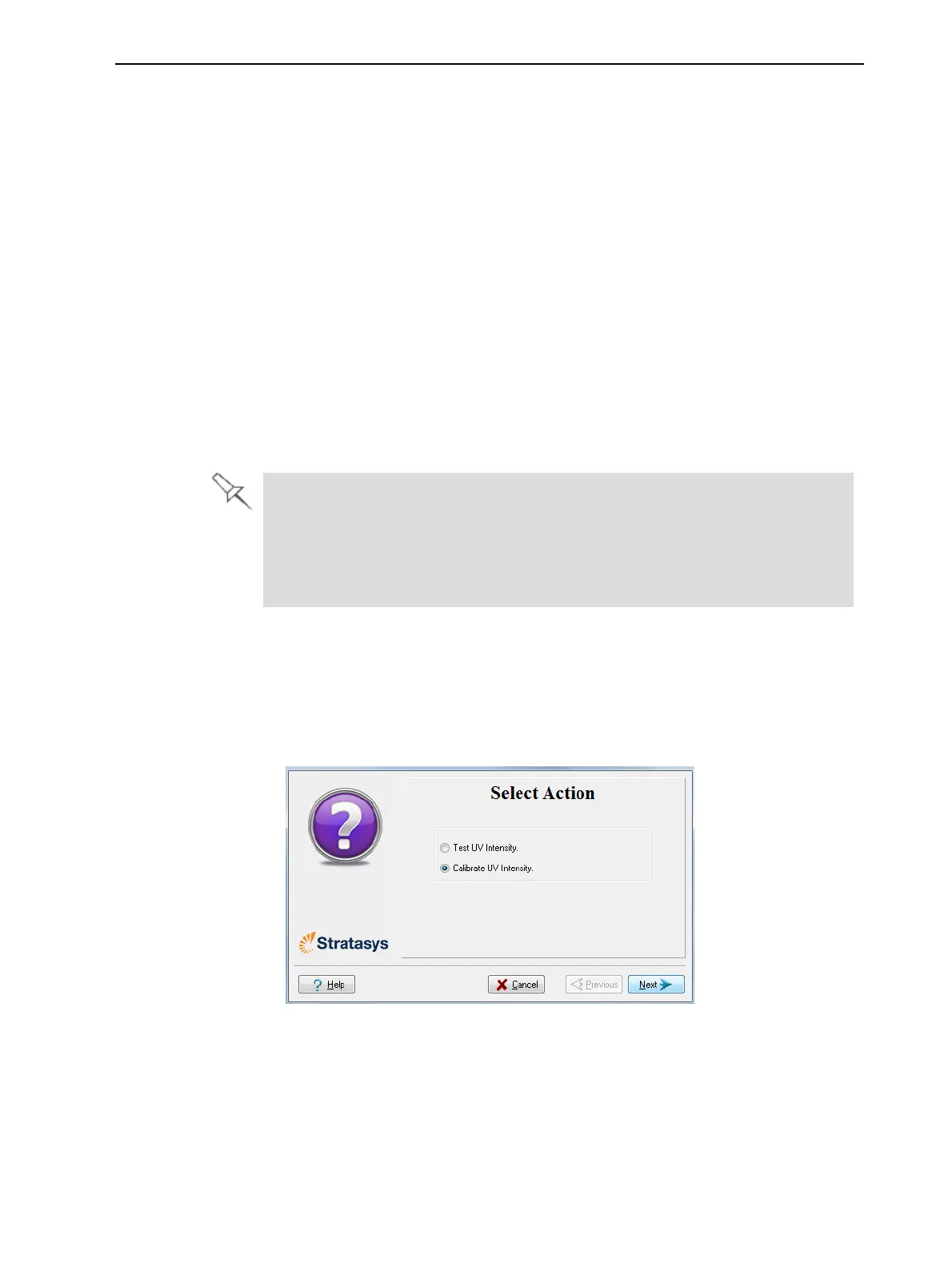
2. Inthefollowingscreen,selectCalibrateUVIntensitytoadjustthepower
suppliedtotheUVlampssothattheUVradiationiswithintheacceptable
range.
Figure6-86UVTest/Calibrationselection













 To Next Page