Objet1000 Plus User Guide 6 Operating and Maintaining the Objet1000 Plus 3DPrinter
DOC-06810 Rev.B 6-17
Advanced
Settings
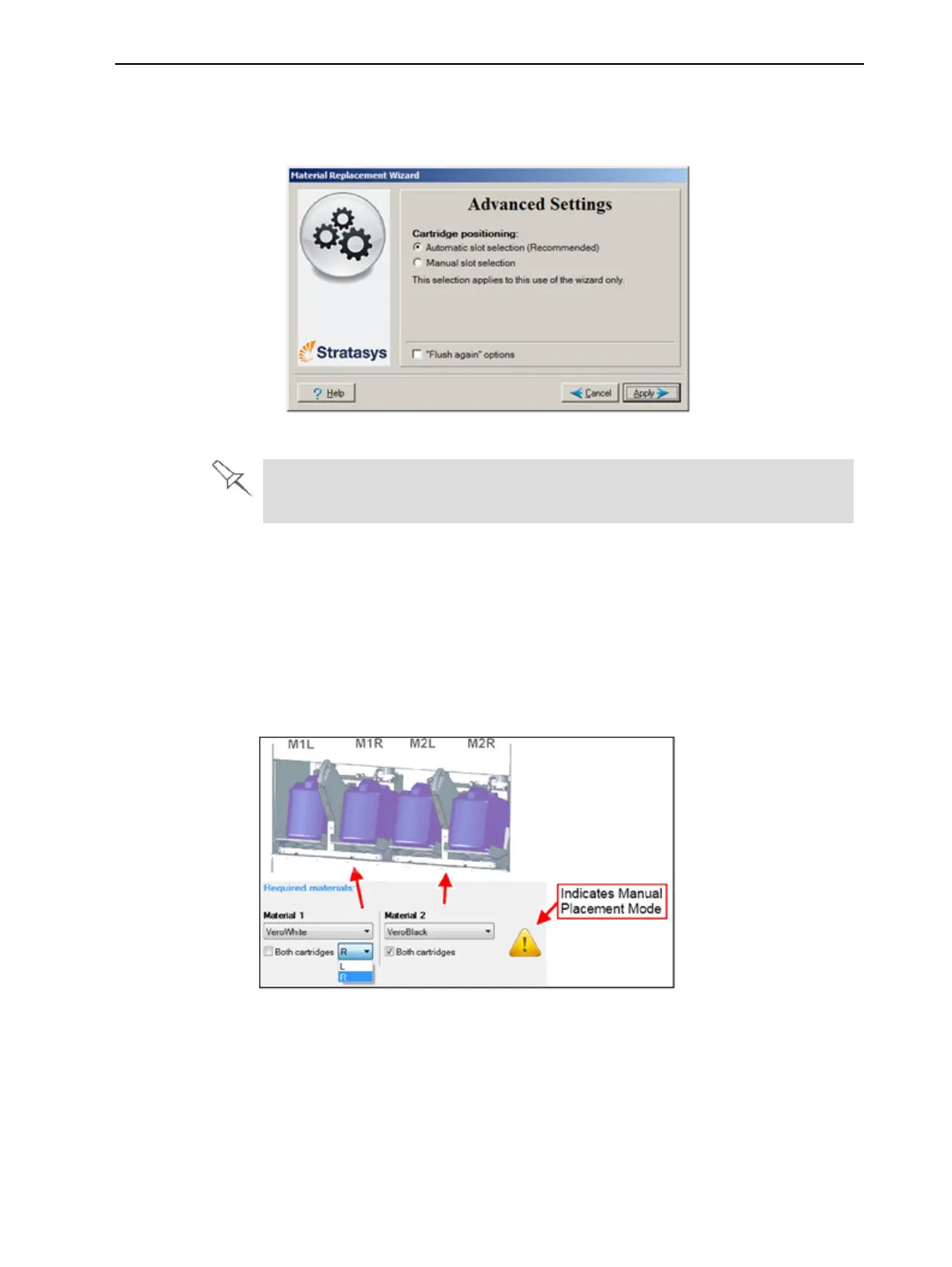
TheAdvanced SettingsdialogboxenablesyoutoconfiguretheMaterial
Replacementwizardforspecialpurposes.Ifnecessary,clickAdvanced
SettingsintheMaterial Replacement OptionsscreenbeforeclickingNext.
Figure6-14AdvancedReplacementsettings
Somematerialscannotreplacecertainothermaterials.Ifyouattempttodo
so,thewizardnotifiesyou.
Positioning
Bydefault,Automatic slot selectiondeterminesthebestpositioningforthe
materialcontainers,basedonmaterialscurrentlyinthesystem.Thisensures
minimumflushingofmaterialscurrentlyloaded.Ifthereisaspecialneedto
loadmaterialcontainersincertaindocksintheprinter,selectManualslot
selection.
AfterclickingApply,theMaterial Replacement Optionsscreenappears,but
now,eachmaterialselectionboxcorrespondstooneofthecontainer
positionsintheprinter.
Figure6-15Manualcartridgeplacement













 To Next Page