Objet1000 Plus User Guide 4 Installing Objet Studio
DOC-06810 Rev.B 4-3
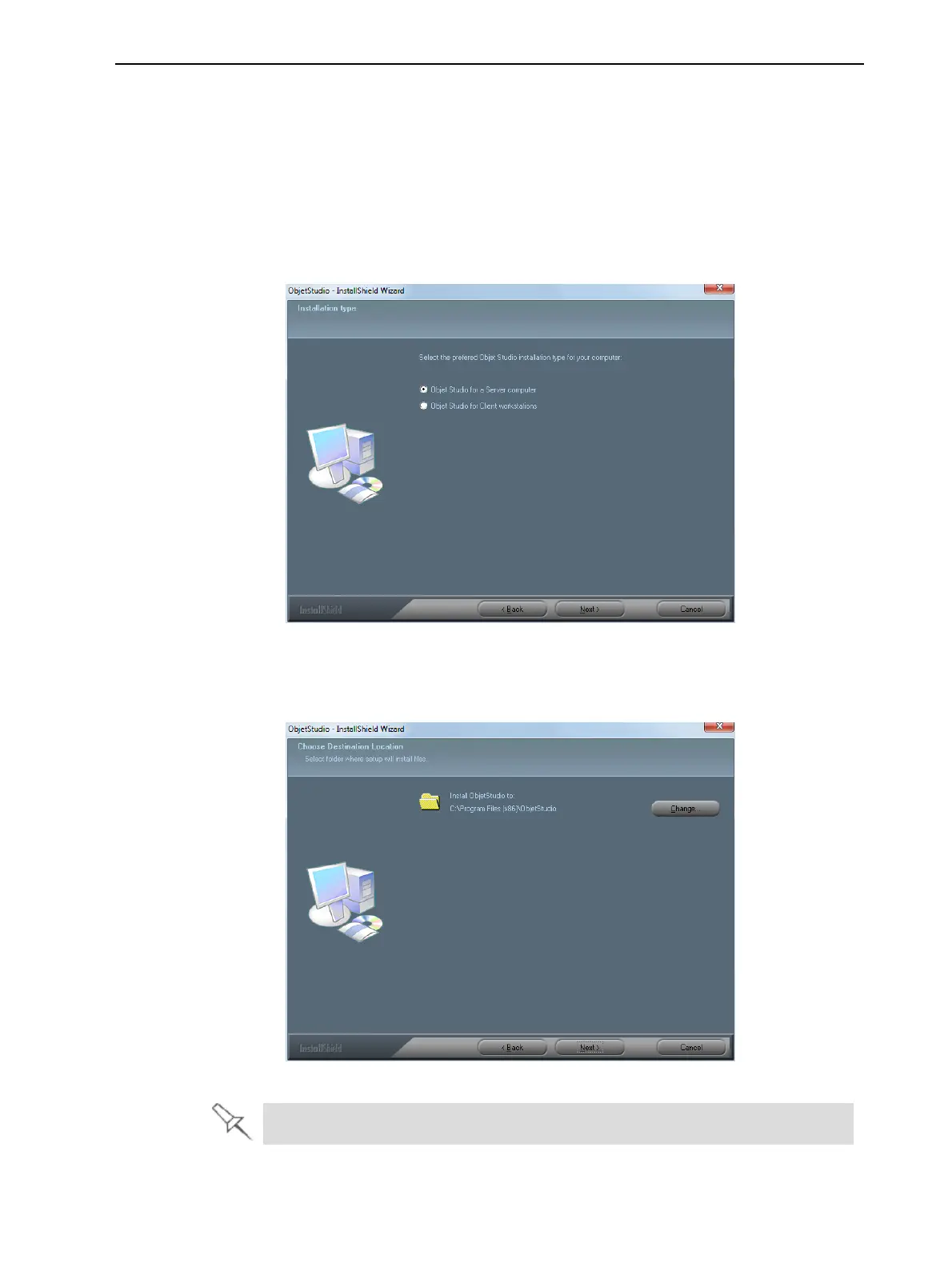
5. IntheInstallation typescreen,selecttherequiredinstallationoption.
SelectObjetStudioforaServercomputer—
❒ ifyouareinstallingObjetStudioontheserver(“host”)computer—one
ofthecomputersinsidetheprinter.
❒ ifyouareinstallingObjetStudioonastandalone(off-line)computer.
SelectObjetStudioforClientworkstationsifyouareinstallingObjetStudio
ona“client”workstation—aremotecomputerthatpreparesprintjobsand
thensendsthemtoaservercomputer.
Figure4-2ObjetStudioconfigurationselection
6. IntheChoose Destination Location screen,verifythedestinationfolder
andclickNext.
Figure4-3ObjetStudioinstallation-folderselection
Itisrecommendedthatyoudonotchangethedefaultdestinationfolder.













 To Next Page