DC5 User’s Manual
Software 6-26
6.3.4 Queue window
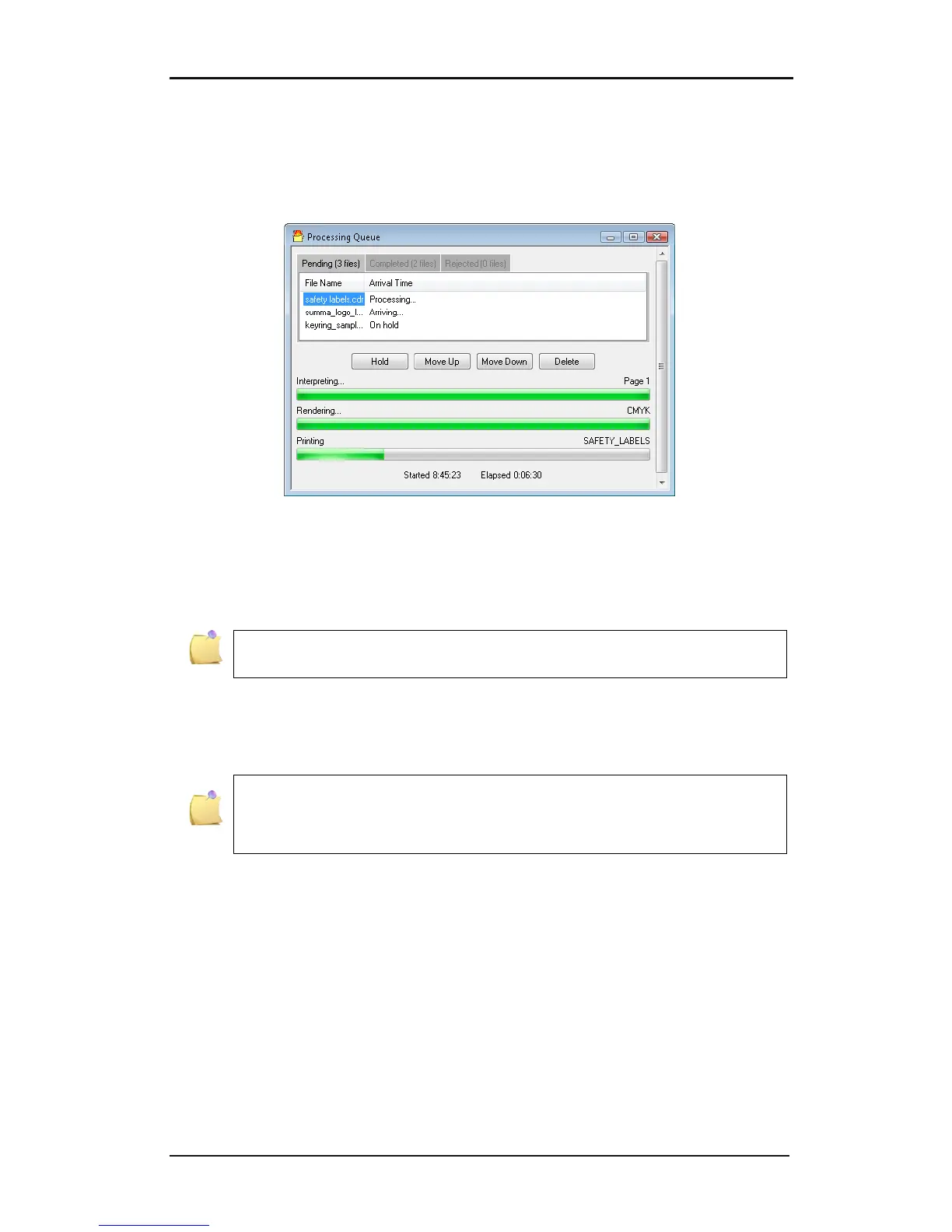
All print jobs go to a processing/printer spooler. This unburdens the RIP, so several jobs can
be started at once; one job after the other. As soon as one job is started (the print button is
pushed), the queue window opens.
FIG 6-29
6-29 PROCESSING QUEUE
If a file is in the cue, then a couple of actions can be done with it. The file can be set on hold,
moved up or down in the queue or deleted from the cue. To do so, just select the file and
click the button to perform the action.
NOTE: It is advised not to delete or hold a file while it is being processed
(progress bars are visible). This may crash color control.
The processing queue is a part of Color Control. This means that the queue is deleted when
Color Control is closed. There is also a list of completed jobs and jobs that have been
rejected.
If the files are sent to Color Control with the plug-in from Corel or
Illustrator, then the version of Summa Printer Tools has to be minimum 1.1.0.0.
otherwise Color Control will be closed and opened again automatically and the
queue will not function or an error message will appear.



 To Next Page