S Class 3 User’s Manual
Setup 1-40
The barcode function and Wi-Fi option are both options that need to be activated by registration
before they can be used. Registration is done via our website (www.summa.com/support/product-
registration) using the cutter’s serial number, found on the label at the back of the cutter and in the
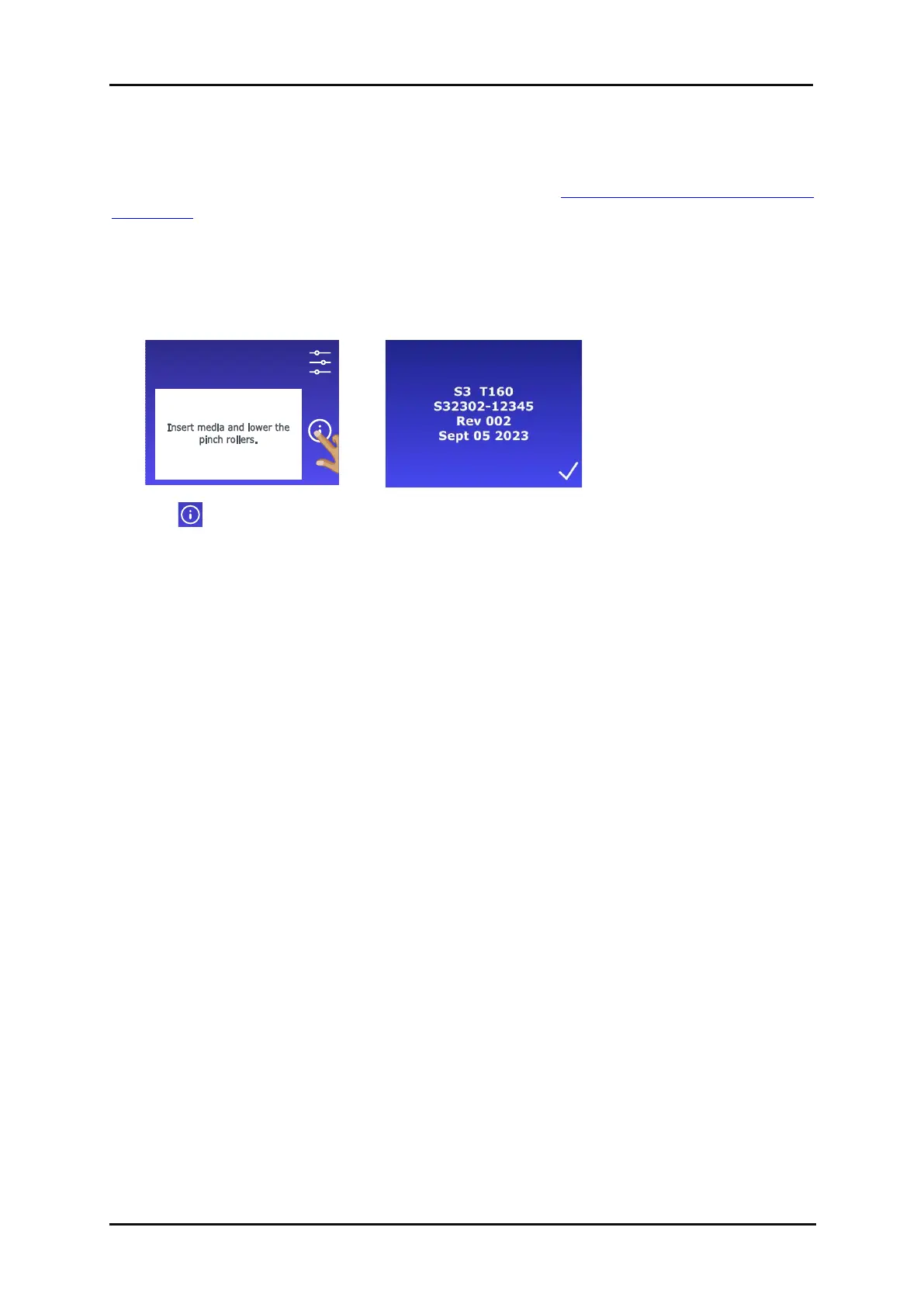
system setup menu. We recommend retrieving the serial number directly from the system setup menu.
Step one: obtaining the serial number
1. Power on the cutter.









 To Next Page