S Class 3 User’s Manual
Basic operation 2-16
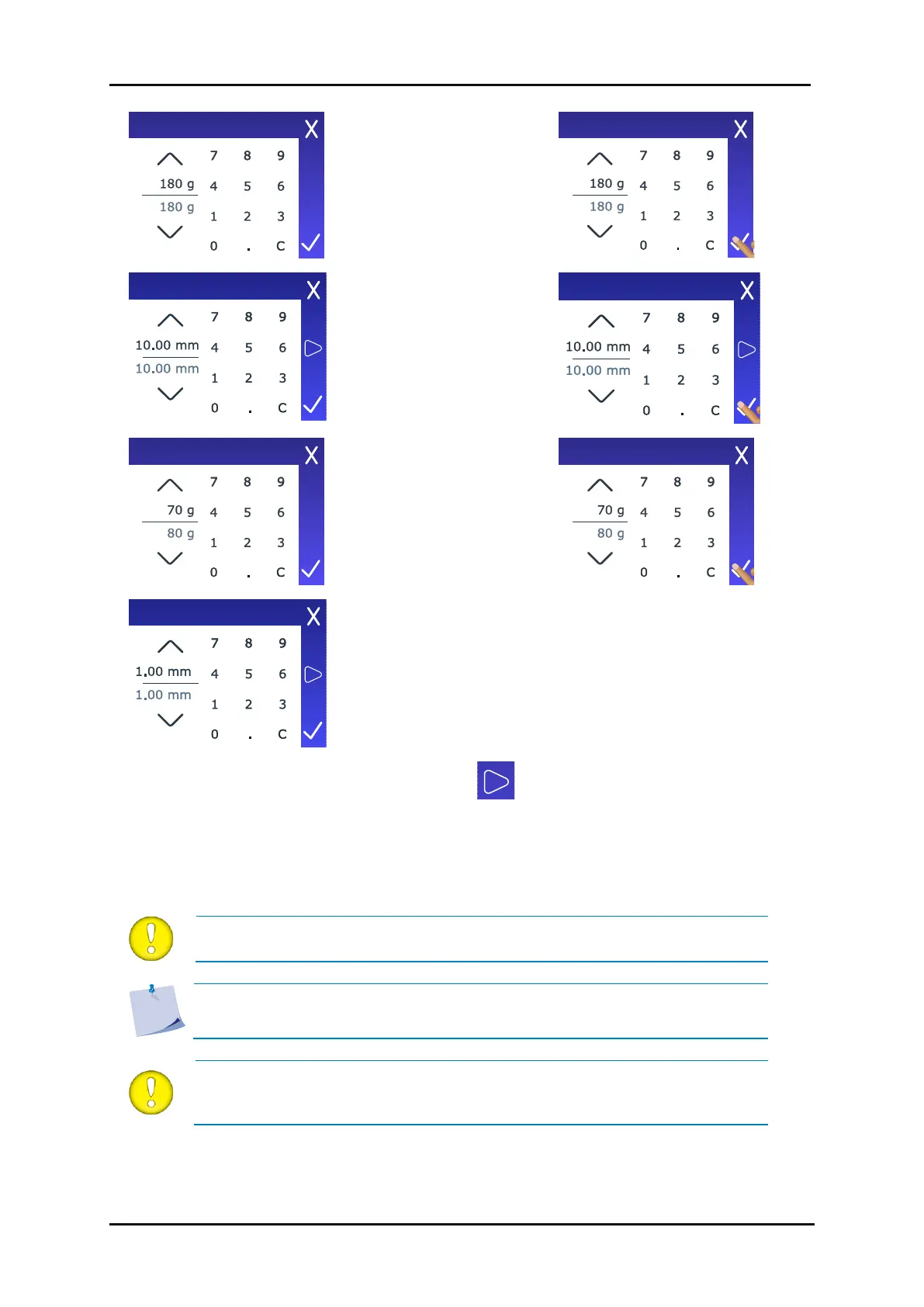
Use the arrow keys or the
numbers to change the
value.
Use the arrow keys or the
numbers to change the
value.
Use the arrow keys or the
numbers to change the
value.
Use the arrow keys or the
numbers to change the
value.
5. Set the parameters (check section 2.7.2.3). Tap to cut the internal FlexCut test pattern.
6. Check the bridges. If they are too large, perform a test with a lower value. If they are too small
(or non-existent), raise this value. Reducing the velocity can also improve the result. We do not
recommend using cutting speeds larger than 400 mm/s (16 ips) with cutting pressures exceeding
200 g.
ATTENTION: It is difficult to give the recommended settings for FlexCut. Check
section 2.7.2.3.
NOTE: FlexCut parameters are always metric, regardless of the value chosen
under Configuration > Menu units.
ATTENTION: When cutting through, it is recommended that parallel lines are at
least 1 cm (0.4”) apart. Otherwise, while cutting the second line, the first line
may come loose and cause trouble.



 To Next Page