CHAPTER 10 Troubleshooting
Sysmex XE-5000 Instructions for Use 10-33
Revised April 2007
4. Pump
This program displays the operation cycle count of each
reagent pump.
After replacing the reagents, reset the operation cycle counter
by the procedure described following.
1. From the Main Menu screen on the Main Unit, select
“Test” on the function menu.
The Test Menu screen will appear.
2. Select “Status” on the function menu of the Test Menu
screen.
The Status screen will appear .
3. Select “Pump” on the function menu of the Status
screen.
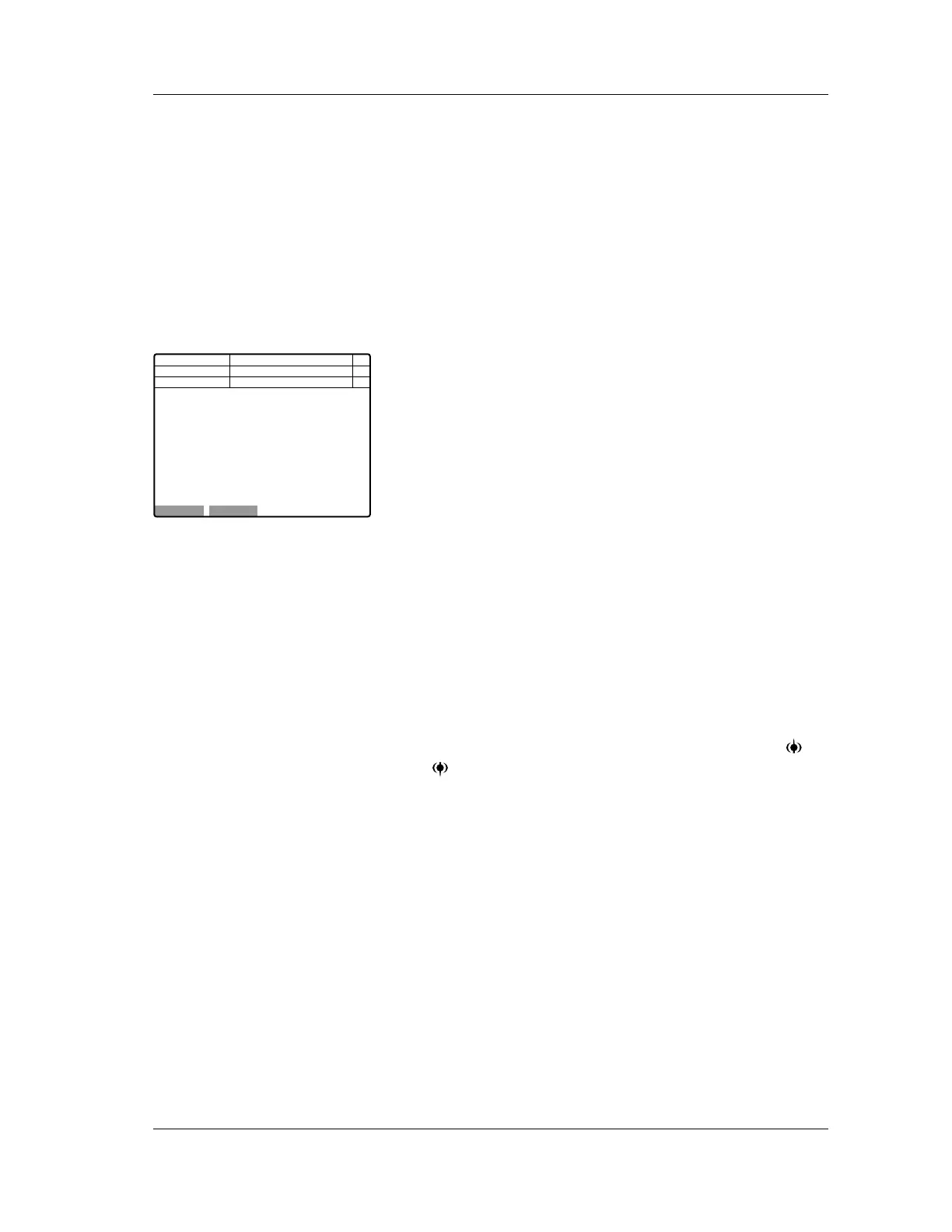
The Pump screen will appear.
The following operation cycle is displayed on the Pump
screen.
FBA: Indicates the operation cycle count of the FBA
reagent pump.
FFD: Indicates the operation cycle count of the FFD
reagent pump.
FFS: Indicates the operation cycle count of the FFS
reagent pump.
SNR: Indicates the operation cycle count of the SNR
reagent pump.
RED: Indicates the operation cycle count of the RED
reagent pump.
SLS: Indicates the operation cycle count of the SLS
reagent pump.
SIM: Indicates the operation cycle count of the SIM
reagent pump.
4. Select the reagent pump by moving the cursor with or
key on the Pump screen.
5. When you select “OK” on the function menu of the Pump
screen, then select “OK” again, the highlighted
parameter counter will be reset.
When you wish to cancel the reset operation, select
“Cancel” on the function menu and return to the Status
Menu screen.
Sampler
1. Rack Feed In
Select this program to execute the Rack Feed In operation
test. Set the rack in place before executing the test.
1. Set the rack in place on the right rack pool.
2. From the Main Menu screen on the Main Unit, select
“TEST” on the function menu.
The Test Menu screen will appear.
Next No.123456789012346
DP No. 123456789012345
Num
DP
Xm
FBA 5
FFD 5
FFS 3
SNR 6
RED 4
SLS 2
SIM 8
C D N R
OK Cancel
Not Ready
Selected counter will be cleared.OK?
<Pump Counter>
Manual



 To Next Page