CHAPTER 6 Operation
6-30 Sysmex XE-5000 Instructions for Use
Revised April 2007
8. Once the HPC analysis preparation sequence is
complete, the READY LED lights, and the Main Unit
enters HPC analysis ready status.
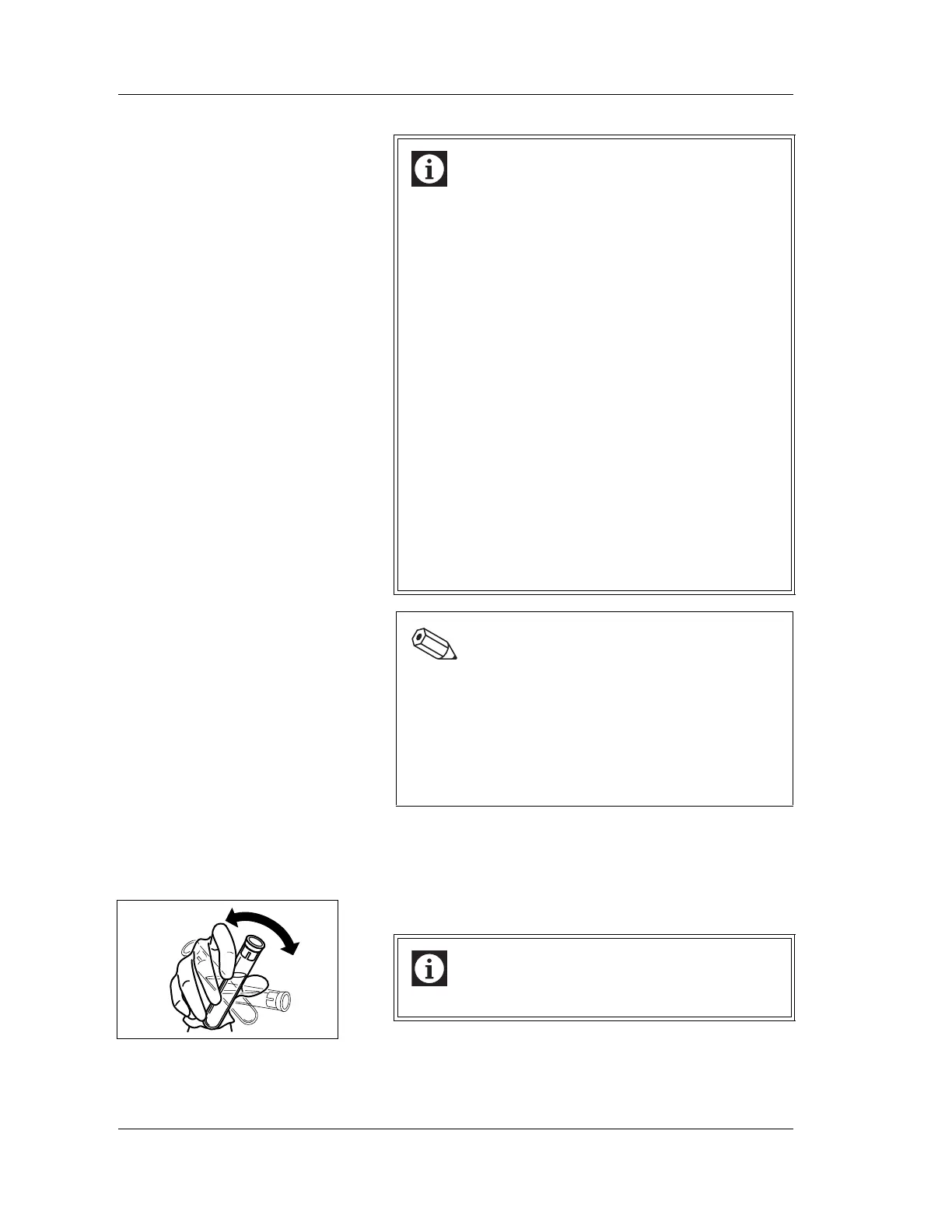
9. Mix the sample tube thoroughly by inverting the tube.
Information
• If the analysis order is already complete, and HPC
analysis mode is set, HPC analysis is performed
regardless of the results of the analysis order.
• The basic analysis procedure is the same as that for
normal mode, but HPC analysis requires preparation
of the IMI detector, and of the reaction system for the
reagents. The analysis preparation sequence is
performed automatically. The time taken to complete
the analysis preparation sequence varies according
to the installation environment, but does not exceed
approximately four minutes.
• In HPC analysis mode, analysis ready status is
maintained for approximately three minutes from the
last operation. If the Main Unit performs no operation
during this time interval, the analysis preparation
sequence will start automatically before the next
sample analysis.
• Use the reset sequence to return from HPC analysis
mode to normal mode. The time taken to complete
the sequence varies according to the installation
environment.
Note:
The patient ID must be registered in the work list in
order to display consecutive data for HPC#. Use any
of the methods below to register the patient ID. For
details, see “Chapter 2: Work List” in the Software
Guide.
• Query the host computer for analysis information.
• Register under patient registration.
Information
Sample should be mixed gently.



 To Next Page