When you enter "Password" button long, you see "E" letter on the display and
panel waits you to enter your old code. When you enter your old code, you see "Y"
letter on the display and panel waits you to enter your new code. When you enter 4
digits new code, you see "Y" letter again and panel waits you to enter your new code
again. When you enter your new code again, if the operation is correct, you see "o"
letter. If not, you see "h" letter and hear error beep.
While you are in program mode, when you enter 4 digits number, you enter in related
address and display shows you a letter which is type of related data. If you enter
wrong number or you want to exit after seeing current status of the address, press
button. If you want to change current setting of the address and exit from this
address, you have to enter related numbers and press button.
In program mode;
Lightning "P" letter means panel waits entered an address.
Lightning "." means you are in program mode.
While monitoring current settings in any address, a letter and then, a value of the
setting can be seen on the display.
While entering multiple selection, in order to cancel all selections you need to enter
To change value in the address, enter related data and press . Then, you will
hear two short beep sounds and see "o" letter on the display and automatically exit
from related address.
4.1.2 Keypad Address
Default keypad address is 1 and this address can not be changed.
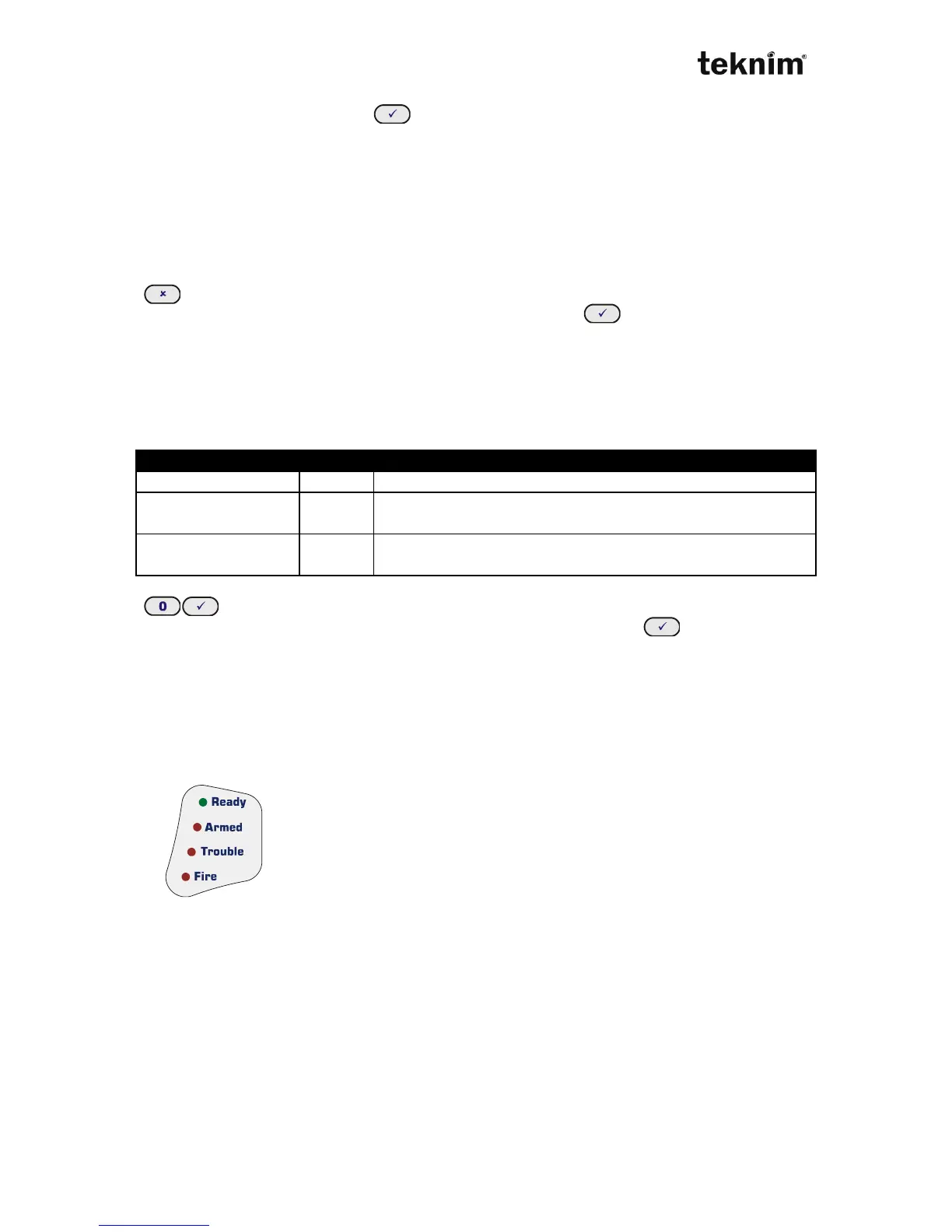
4.1.3 Meanings and functions of Lights
Status LEDs shows current status of the system. Meanings of the
LEDs;
Ready: The system is ready to arm,
Armed: The system is armed,
Trouble: There is an error,
Fire: There is a fire alarm,
7 segment LED display helps you to see any movement on the zones or to determine
any error in the system.



 To Next Page