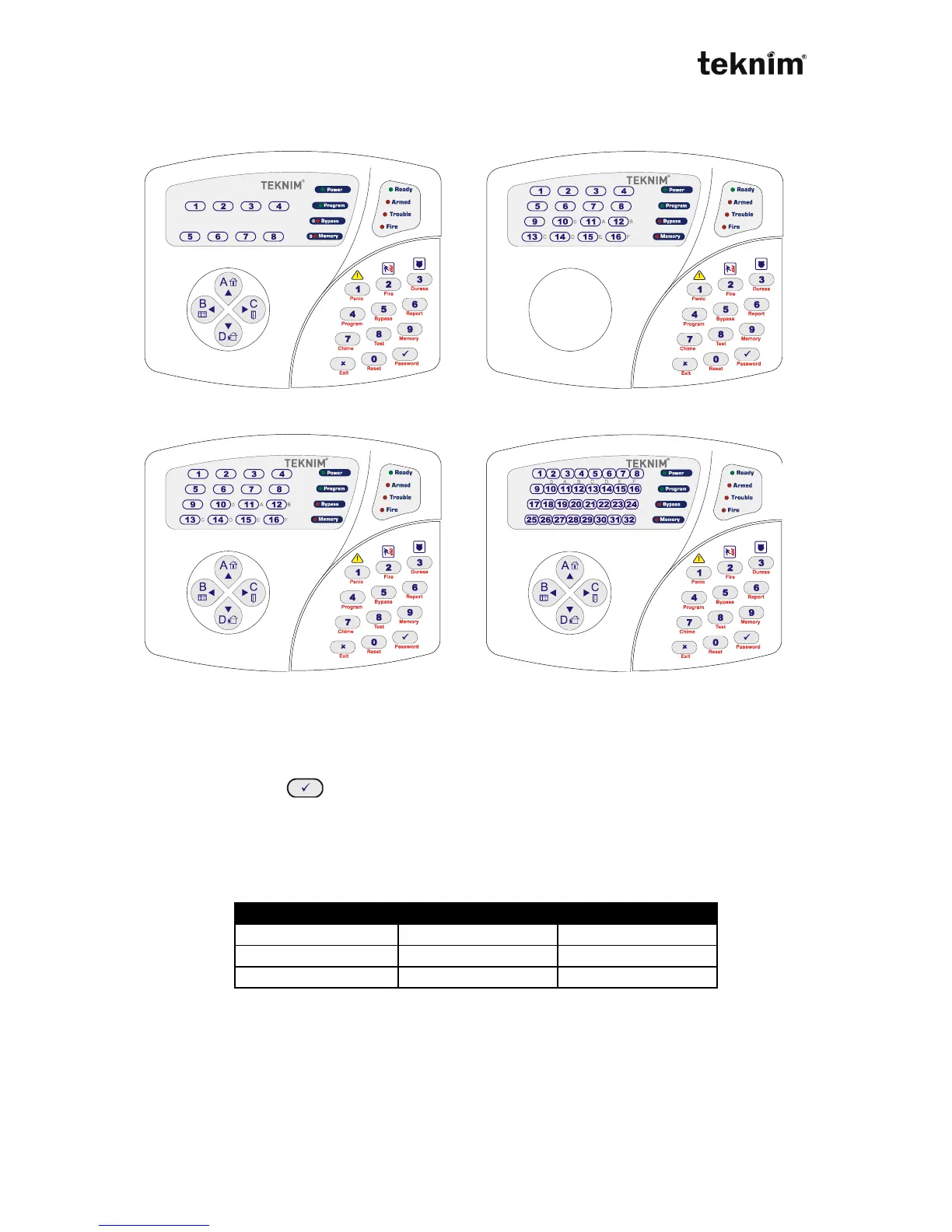
4.2. VPC108/VPC016/VPC116/VPC132 KEYPAD
VPC108 VPC016
VPC116 VPC132
4.2.1 Usage
VPC108/VPC016/VPC116/VPC132 are LED keypads. LEDs and buttons help you to
monitor, control and program alarm panel. When you make any operation using
buttons and enter (ok) button, if the operation is correct, you will hear two short
"beep" sounds. If the operation is not correct, you will hear long single "beep" sound.
In program mode;
Lightning "Ready" LED means panel waits entered an address.
Lightning "Armed" LED means panel waits entered a data. "Trouble" and
"Fire" LEDs show you type of the data must be entered.
During selection, LEDs show you related option is enabled or not (ON/OFF). To
enable any option, you have to press related button and to disable it you have to
press that button again. If there is any trouble, trouble LED become ON with the
zone(s) LED which have trouble.



 To Next Page