Factory default: 15 (value=15x30=>450 msec)
Example: To set zone 1 trigger to 1.5 second do
24 01 5 0 √
Zone Trigger Delay from 2 to 16
Addresses 24 02 ... 24 16. < IP >
Factory default: 15
Zone Trigger Delay from 17 to 32
Addresses 24 17 ... 24 32. < IP > (If zone doubling enabled)
Factory default: 15
8.4. KEYPAD SETTINGS
8.4.1. Keypad Permissions
You can permit the keypad at different level of permission. The meaning o these
selections in these addresses are below;
* If sabotage alarm of keypads is enable, panel goes into alarm when its
connection has lost.
!!! WARNING !!!
Is open even if keypad address 1 of arming and disarming permission are closed.
Keypad 1 Permissions
Address 30 01. < IP >
Display for settings:
LED 30 01 (wait)
LCD KEYPAD SETTING→KEYPAD OPTIONS→OPTIONS (wait)
Change for settings:
LED 30 01 <Value> "√"
LCD KEYPAD SETTING→KEYPAD OPTIONS→OPTIONS
<Value>
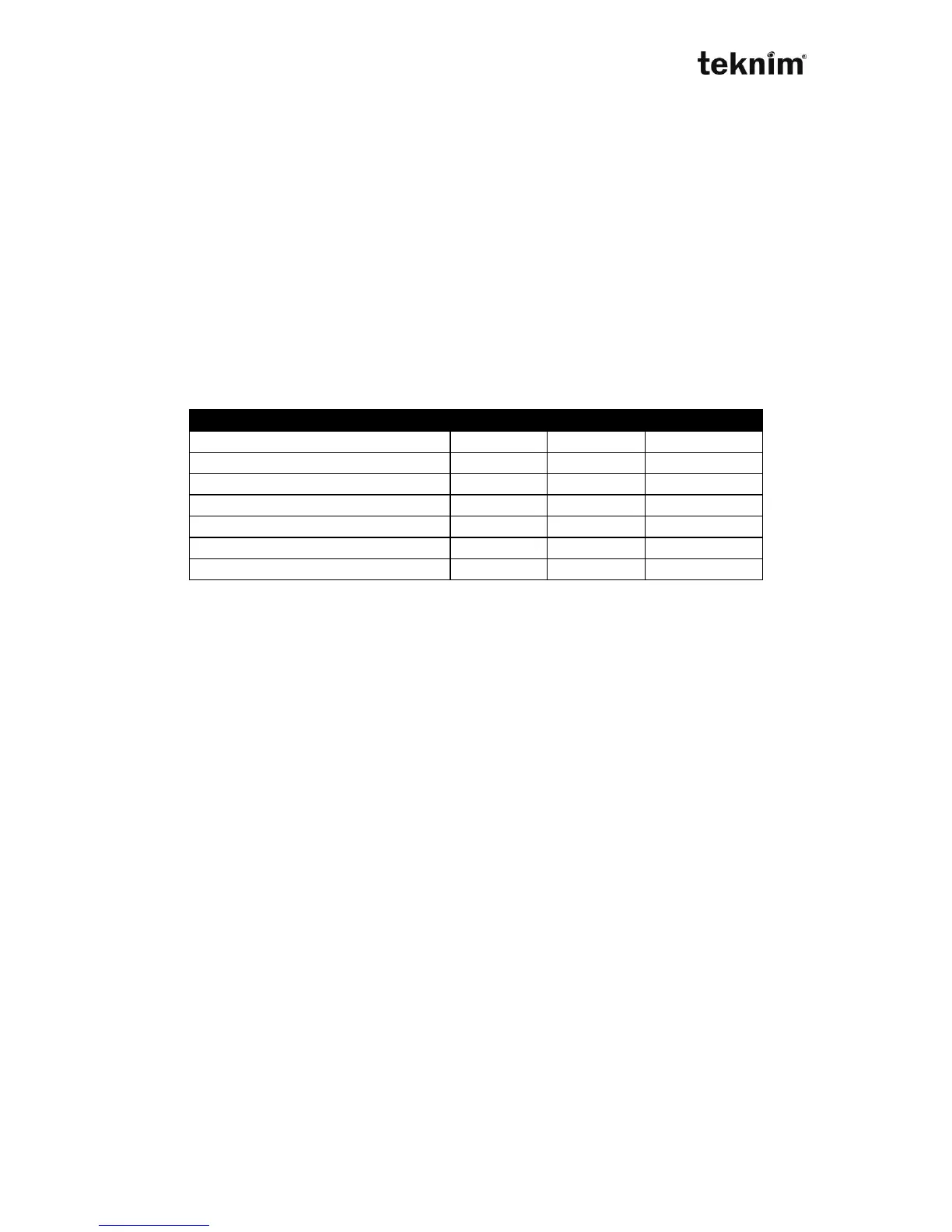
Shown/Entered value: <Value>, 1...7 multi selection from the table.
Factory default: 1,2,3,4,5 selected
Example: To disable keypad 1 sabotage alarm permission do
30 01 7 (turn on) √
Keypad Permission from 2 to 4
Addresses 30 02...30 04. < IP >
Factory default: 2,3,4 selected
8.4.2. Assign a Keypad Partitions
Each keypad can be assigned to different partitions so can keypad controls partitions
it is authorized. As a default each keypad is assigned to all partitions. The meaning o
these selections in these addresses are below;



 To Next Page