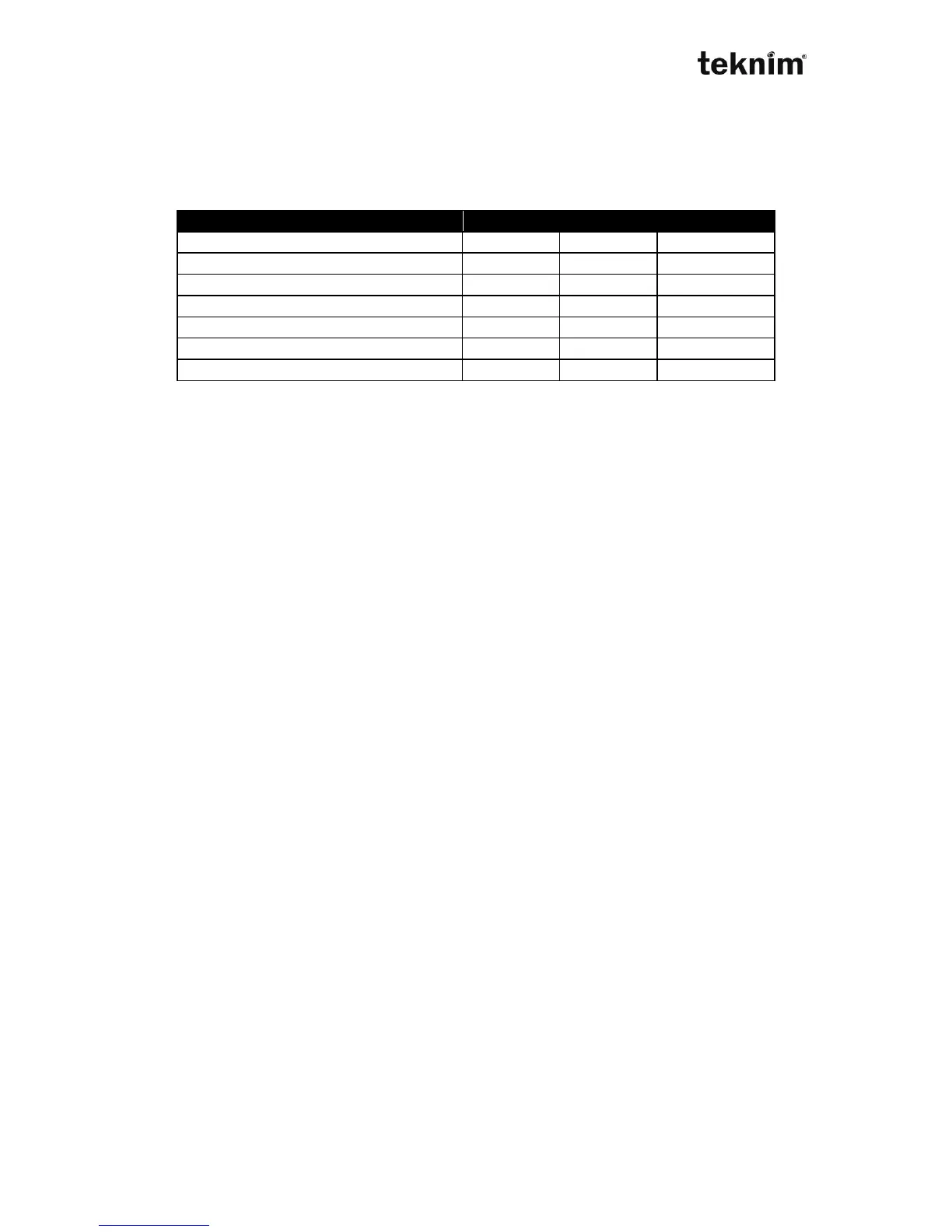
(*)Two features can not be used at the same time.
CMS Dialing: The events which are considered by the alarm panel are sent to
gözlem istasyonu, too.
User phone dialer: The events which are considered by the alarm panel are sent to
the defined user phones.
Cancel calls on disarm: The calling procedure is stopped if system is disarmed at
any alarm condition.
Alarm on phone line fail: The phone line cutting is detected as sabotage alarm by
the system.
Confirm by single buton: When the user calls, it is confirmed by pushing the ""
buton instead of "<code>"
Cancel calls on confirm: After the system detects the confirming from any user, the
system stops calling to other users.
Make alarm silence on confirm: It stops the alarm and siren sounds, after the
confirming from the user. This can be confirmed by entering "<code>". If Confirm
by single buton feature is on, it means the confirming of siren and alarm do not
receive.
Address 50 01. < IP >
Display for settings:
LED 50 01 (wait)
LCD COMMUNICATOR→GENERAL SETTINGS→GENERAL SETTINGS (wait)
Change for settings:
LED 50 01 <Value> "√"
LCD COMMUNICATOR→GENERAL SETTINGS→GENERAL SETTINGS
<Value>
Shown/Entered value: <Value>, 1...8 multi selection from the table.
Factory default: 4 selected
Example: To enable CMS and Dialer do.
50 01 1 (turn on) 2 (turn on) √
Note1: When a Central Monitoring Station phone number is entered (05 01...05 04),
Central Monitoring Station Dialing option (50 01 1
st
option) actives
automatically.
Note2: When a user phone is entered (06 01...06 08), User Dialing option (50 01 2
nd
option) actives automatically.



 To Next Page