If user is trying to use keypad out
of his/her time limit, keypad
displays this trouble
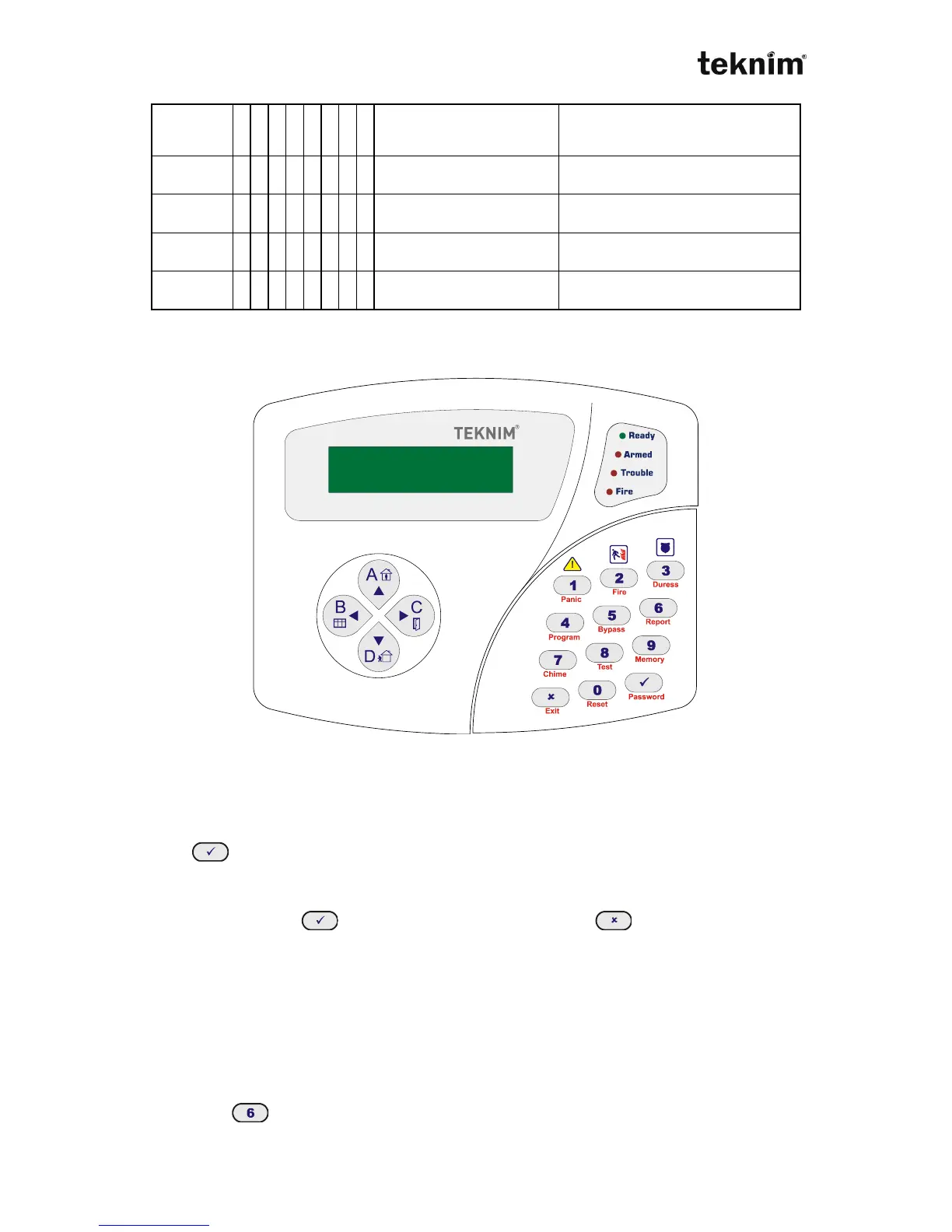
4.3. VPC301 KEYPAD
VPC301
4.3.1 Usage
VPC301 is a LCD display keypad. LCD screen and buttons help you to monitor,
control and program alarm panel. When you make any operation using buttons and
enter (ok) button, if the operation is correct, you will hear two short "beep"
sounds. If the operation is not correct, you will hear long single "beep" sound.
In the program mode, "▲" and "▼" buttons help you select menus and you can enter
a menu by pressing button. To exit from menu, press button.
In program mode;
You can enable/disable any option by pressing related number.
4.3.2 Keypad Address
Default address of the keypad is 1. If there are more than one keypad is connected,
each keypad's address must be different. Keypad address can be changed while the
system is not in program mode.
Finding Address
a) Press (Report) button until hearing long "beep" sound.



 To Next Page