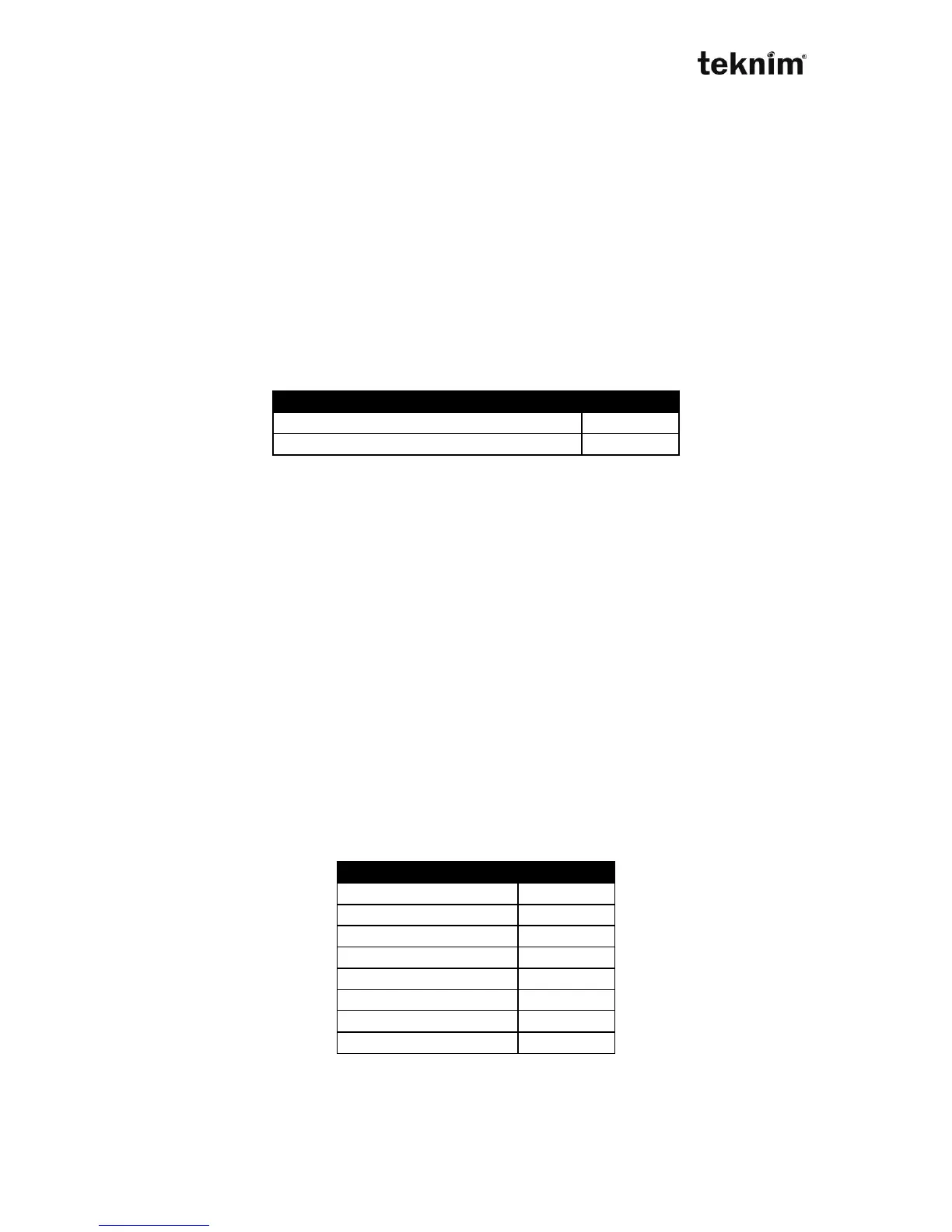
Factory default: 0 (ContactID)
Example: To set CMS 2 contact as SIA do.
50 08 2 √
8.7. EVENTS
8.7.1. Directing of events
The events can be sent to any user phone or any central monitor station phone
number. The events are parted 2 main group. These are basically part events and
general events. Arming or disarming, alarms, bypass events, zon errors are related to
their parts. Other events are related to general events.
Note: The events which are on keypad are related to general events.
8.7.1.1 Directing Central Monitor Station
General Events
Address 50 11. < IP >
Display for settings:
LED 50 11 (wait)
LCD COMMUNICATOR→GENERAL SETTINGS→COMMON CMS (wait)
Change for settings:
LED 50 11 <Value> "√"
LCD COMMUNICATOR→GENERAL SETTINGS→COMMON CMS
<Value>
Shown/Entered value: <Value>, 1,2 multi selection from the table
Factory default: 1 selected
Example: To send messages CMS 1 and CMS 2 do
50 11 1 (turn on) 2 (turn on) √
Events that is belongs to A...D Partition
51 12=A, 51 13=B, 51 14=C, 51 15=D.
Address 51 12...51 15. < IP >
Factory default: 1 selected
8.7.1.2 Directing of User Phone



 To Next Page