4.2.2 Keypad Address
Default address of the keypad is 1. If there are more than one keypad is connected,
each keypad's address must be different. Keypad address can be changed while the
system is not in program mode.
Finding Address
a) Press (Report) button until hearing long "beep" sound.
b) Press (Password) button. (keypad address number will be seen on the
related LED)
Changing Address
a) Press (Password) button until hearing long "beep" sound.
b) Enter keypad address (for example ). Then, press button.
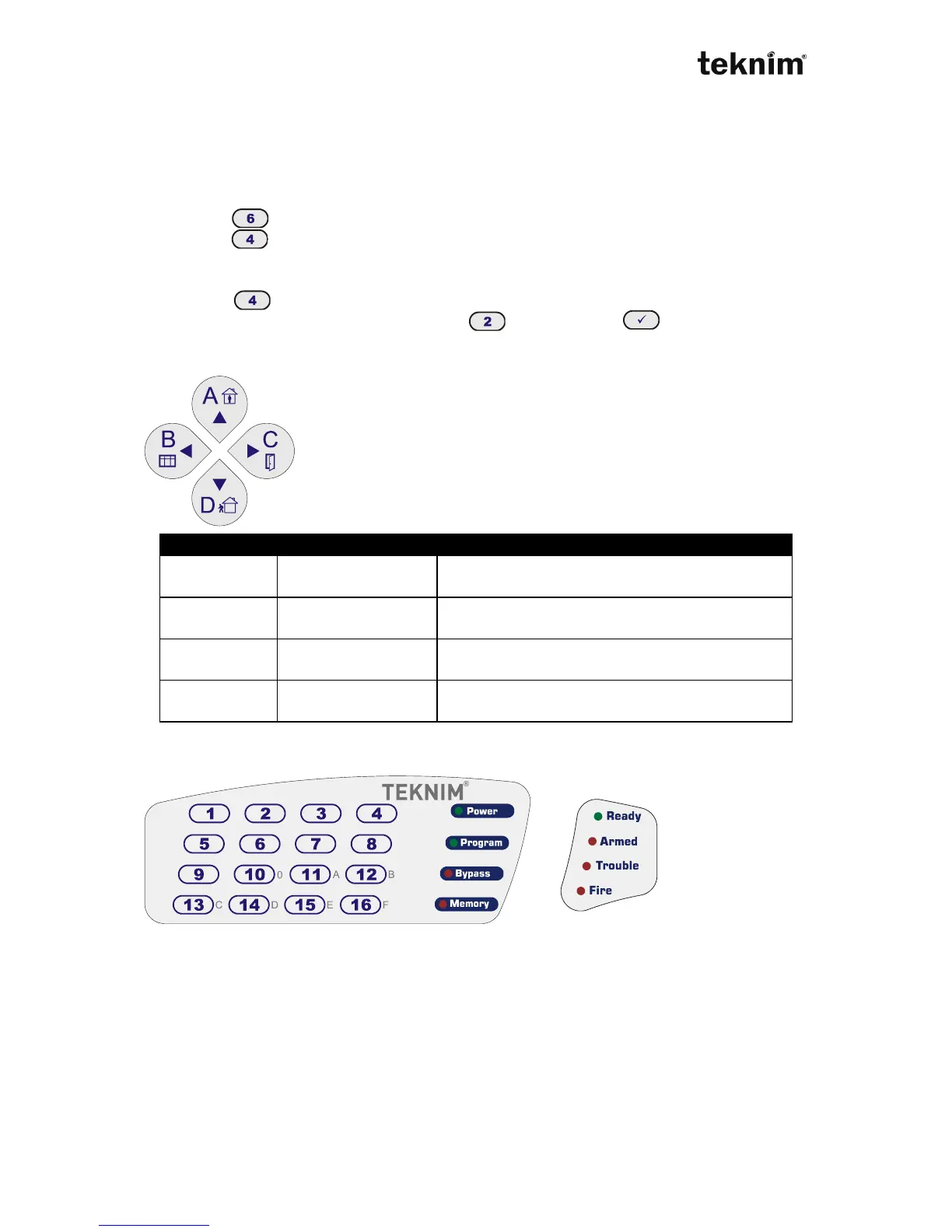
4.2.3 Partition Buttons
Partition buttons provides making operation in related partitions
of the panel. These keys also can be used as arrow keys.
4.2.4 Meanings and Functions of the LEDs
Zone LEDs sticker Status LEDs sticker
Zone LEDs sticker is designed in VPC108 as there are 8 zones and "Memory" for 9
and "Bypass" for 0.



 To Next Page