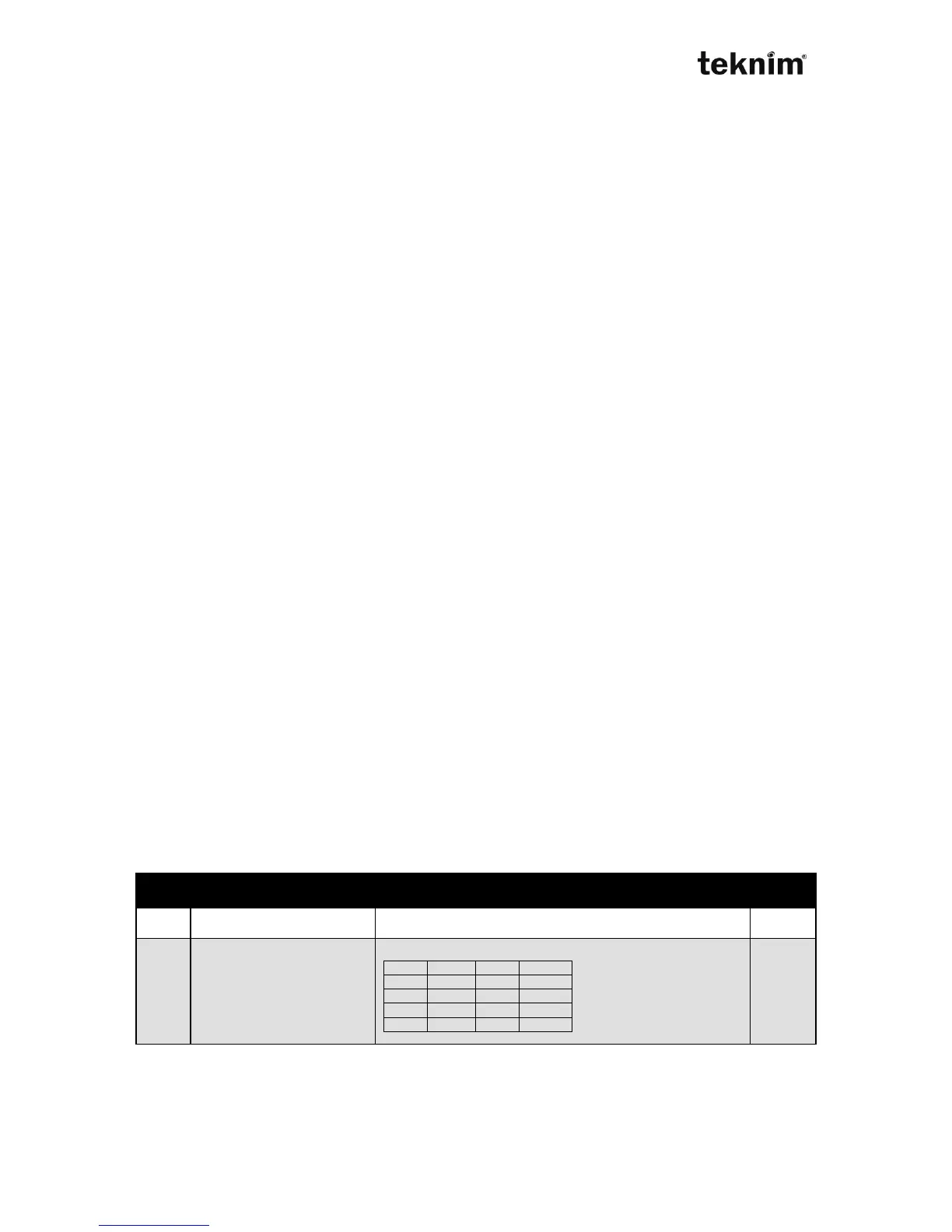
Display for settings:
LED 12 07 (wait)
LCD PANEL SETTINGS→AUTO ARM/DISARM→INACTIVITY ARM (wait)
PARTITIONS:
Change for settings:
LED 12 07 <Value> "√"
LCD PANEL SETTINGS→AUTO ARM/DISARM→INACTIVITY ARM
PARTITIONS: <Value> "√"
Shown/Entered value: <Value>, 1,2,3,4 multi selection from above list
Factory default: Nothing selected
Example: To select all partitions do
12 07 1 (turn on) 2 (turn on) 3 (turn on) 4 (turn on) √
No Activity Time
Selected partitions is armed automatically if no activation is occurs within assigned
time.
Address 12 08. < IP >
Display for settings:
LED 12 08 (wait)
LCD PANEL SETTINGS→AUTO ARM/DISARM→INAC ARM DELAY (wait)
Change for settings:
LED 12 08 <Time> "√"
LCD PANEL SETTINGS→AUTO ARM/DISARM→INAC ARM DELAY
<Time> MINUTE "√"
Shown/Entered value: <Time>, Value between 5...255 as minute
Factory default: 30 minute
Example: To set time to 60 minutes do
12 08 6 0 √
8.2.4. PGM
PGM output can be programmed active after as event. For every PGM
(PGM1,PGM2,...,PGMn), there is a "Type" that indicates it's purpose and there is a
"Parameter" related to this type. There are 3 PGM output for VAP416 The PGM
number can be increased to 8 PGMs by using TRM904 module. Look at TRM904
user guide for details.
!!! WARNING !!!
If you change PGM type at this time you must change it's parameter otherwise PGM
runs with it's default value. Look at page 30 for details SPT. (Smart Partition
Technology)



 To Next Page