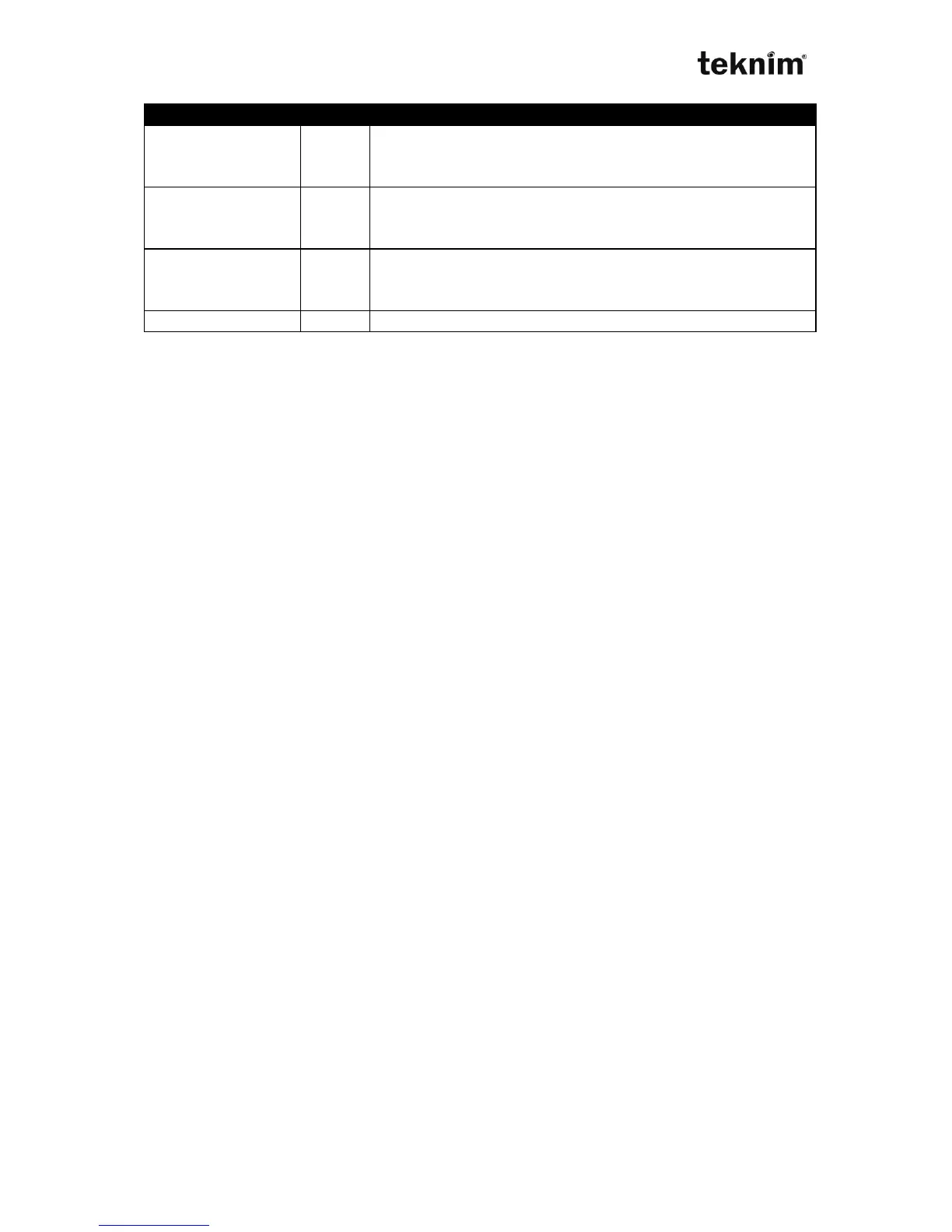
Zone 1 Type
Address 22 01. < IP >
Display for settings:
LED 22 01 (wait)
LCD ZONE SETTINGS→ZONE TYPE→ZONE TYPE (wait)
Change for settings:
LED 22 01 <Zone Type> "√"
LCD ZONE SETTINGS→ZONE TYPE→ZONE TYPE Select using B(left) and
<Zone Type> and C(right) buttons)
Shown/Entered value: <Zone Type>, maximum 2 digit number.
Factory default: 1 (Door)
Example: To set zone 1 to Interior do
22 01 3 √
Zone Type from 2 to 16
Addresses 22 02 ... 22 16. < IP >
Factory default: 3 (Interior)
Zone Type from 17 to 32
Addresses 22 17 ... 22 32. < IP > (If zone doubling enabled)
Factory default: 3 (Interior)
8.3.4. Zone Extra Settings
If End door option is selected, Exit delay ends automatically when exit door is closed.
Follower zone provides delay time if firstly Enter/Exit zone is activated. If follower
zone is activated firstly (before enter/exit zone), panel alarms. Zone that users use to
enter/exit area is set as Follower zone. If zone set as silent, siren doesn’t alarm but
communicator sends alarm code to Central Monitoring Station, when that zone is
activated. If 5.option is selected, that zone can’t be bypassed manually by using
keypad. When 6.option is not selected, that zone is bypassed automatically if that
zone belongs to automatic bypassed partitions. Bypass is cancelled when zone
returns to normal position in automatic bypass. If 7. option is selected, zone is enable
for cross zoning. Two or more trips specified as cross zone(s) that are on the same
partition are required for alarm within specified time in Cross zone timer. If Double Hit
Feature is enabled, two alarms from the same or different cross zone that is on the
same partition within Cross zone timer cause an alarm. "Intrusion verifier" code is
sent to Central Monitoring Station(3) if an alarm is from cross zones. "Cross Zone
Fault" code is sent to Central Monitoring Station(3) if no any other violation after first
trip on cross zones that are on the same partition occurs within Cross zone timer
duration



 To Next Page