4.1.4 Monitoring Event Log
"H" letter is seen on the display to show event log memory as follows;
H CC-DD.MM.YY-HH.MM-A-B
CC: Two digits event code, DD: Day, MM: Month, YY: Year,
HH: Hour, MM: Minute, A,B: A and B parameters
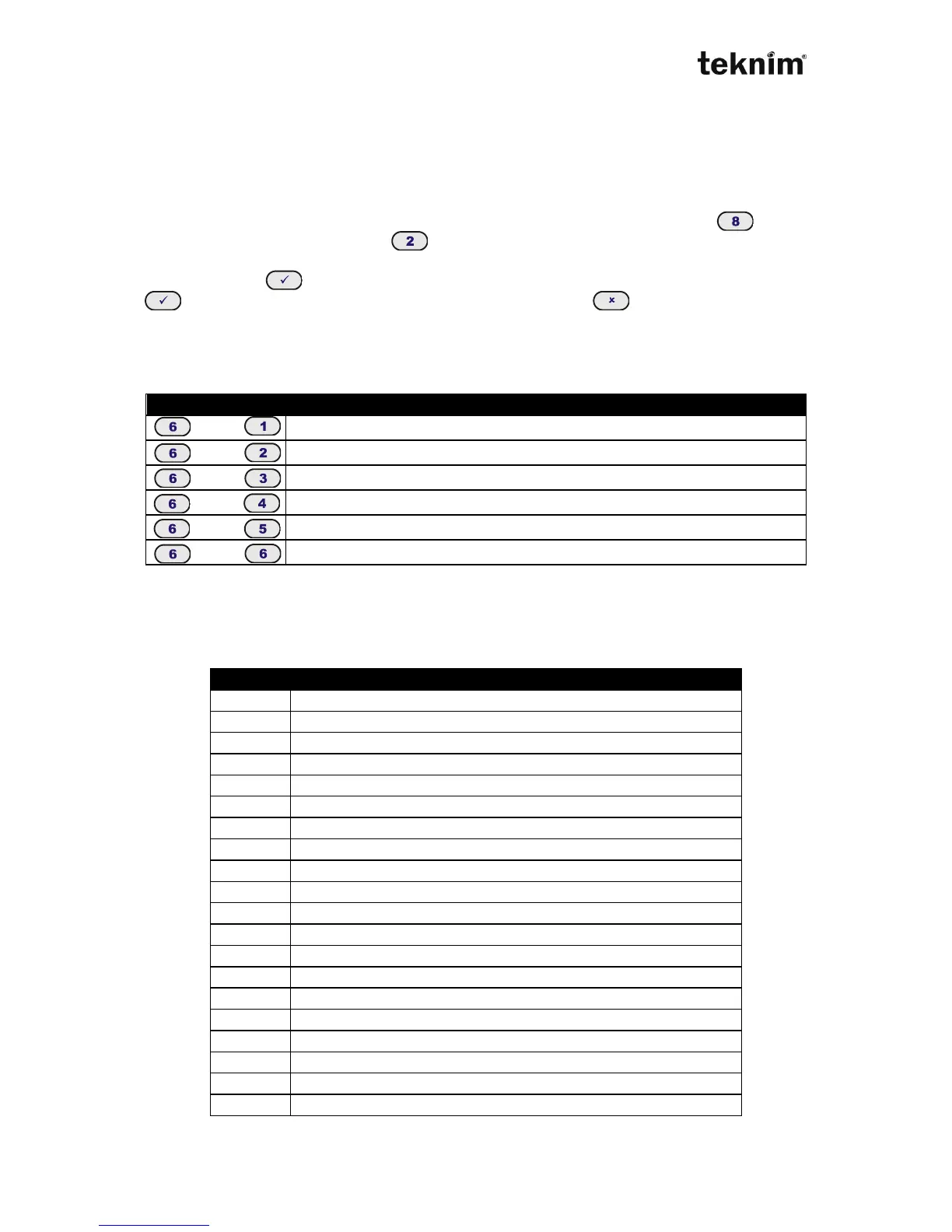
While monitoring event lof memory you can see next event by pressing button
and previous event by pressing button. Other buttons reset and re-start
monitoring event log memory. To monitor any event in the event log memory, you
need to press button, enter related event number (from 0 to 255) and press
button again. To exit from event log memory press (exit) button
4.1.5 Reporting
Any information about panel’s various status can be monitored by pressing following
buttons.
4.1.6 Troubles
If only "C" letter is lightning on the display, there is no communication between alarm
panel and keypad. If any trouble occurs, "Trouble" LED lights and it turns trouble
mode automatically. In order to see meanings of the troubles, look at following table.



 To Next Page