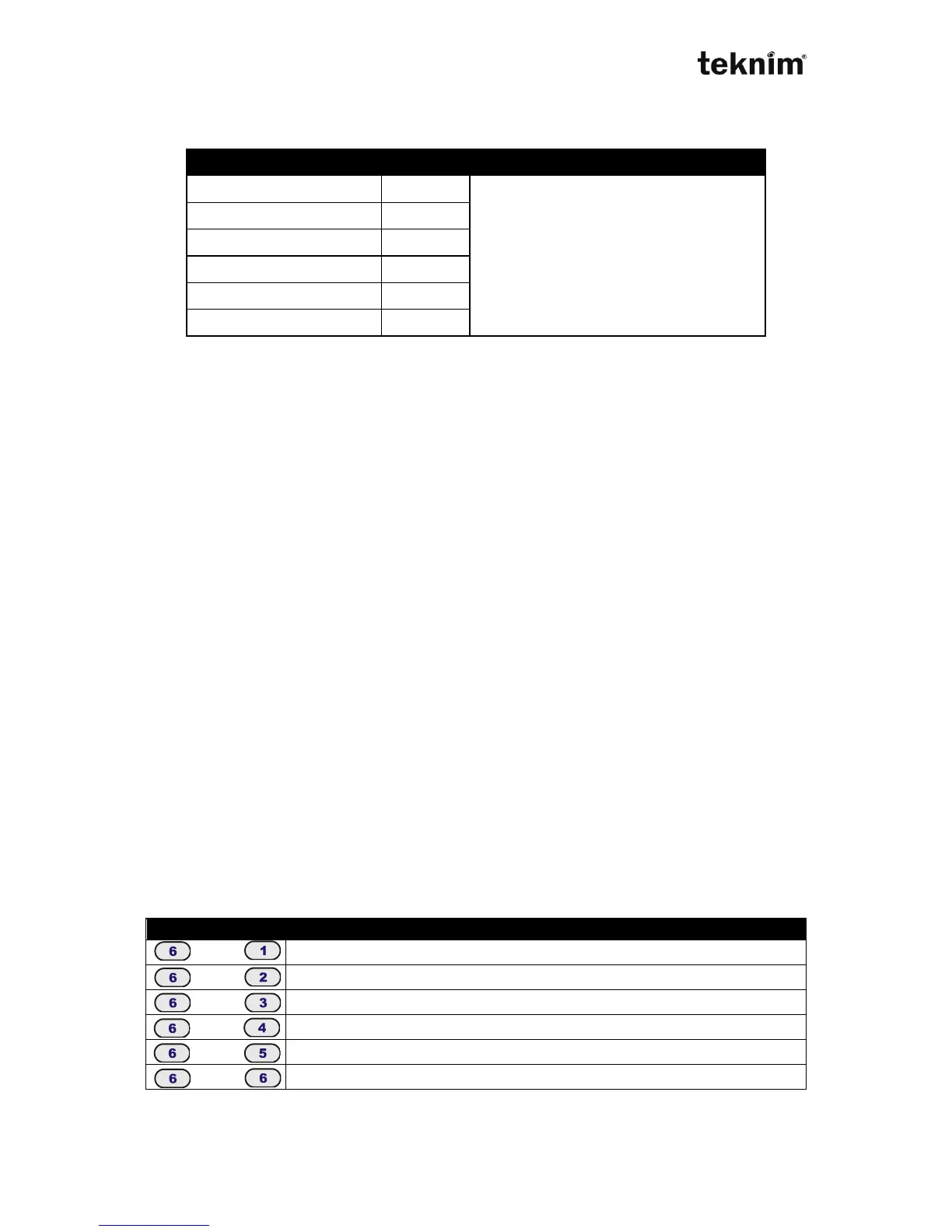
4.3.6.5. Trouble Warning Sounds
Warning sound of the keypad can be set according to trouble type as follows;
4.3.6.6. Language Selection
1. Press "4-Program" button long.
2. Enter 4 digit installer code.
3. Enter menu "Keypad Setting/Customize/Language".
4. Select language by using arrow buttons.
4.3.6.7. Thermometer setting
There is a thermometer in VPC301 keypad. If you think that temperature shown by
keypad is not correct, you may calibrate the thermometer. Before calibration, be sure
that you measure the real temperature.
Formulation:
RT: Real temperature
KT: Temperature is monitored in the keypad
CV: Calibration value seen on the keypad ("Keypad Settings/Customize/Temp Calib.")
EV: The value which will be entered ("Keypad Settings/Customize/Temp Calib.")
EV= CV + (RT - KT)
For example:
Assume that real temperature is 21C, monitored temperature on the keypad is 19C
and calibration value on the keypad is 10. Let's calculate the calibration value which
will be entered.
EV = CV + (RT - KT)
EV = 10 + (21 - 19)
EV = 12
4.3.7 Reporting
Any information about panel's various status can be monitored by pressing following
buttons.



 To Next Page