Chapter 3: Function Graphing 99
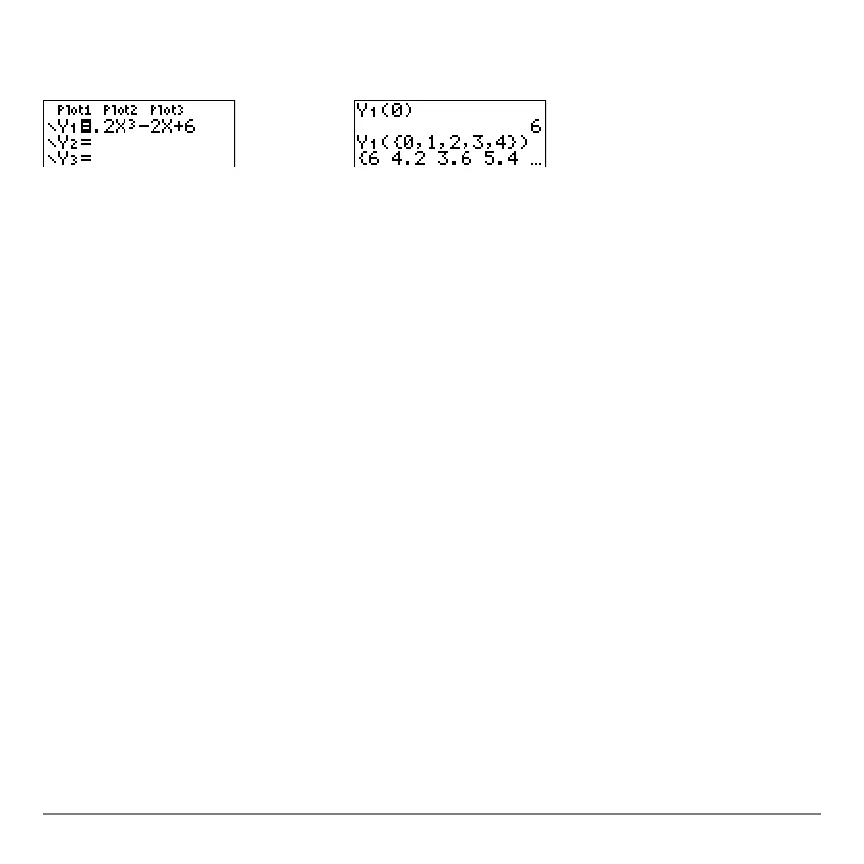
Yn(value)
Yn({value1,value2,value3, . . .,value n})
Selecting and Deselecting Functions
Selecting and Deselecting FunctionsSelecting and Deselecting Functions
Selecting and Deselecting Functions
Selecting and Deselecting a Function
Selecting and Deselecting a FunctionSelecting and Deselecting a Function
Selecting and Deselecting a Function
You can select and deselect (turn on and turn off) a function in the Y= editor. A function
is selected when the
= sign is highlighted. The TI-84 Plus graphs only the selected
functions. You can select any or all functions Y1 through Y9, and Y0.
To select or deselect a function in the Y= editor, follow these steps.
1. Press o to display the Y= editor.
2. Move the cursor to the function you want to select or deselect.
3. Press | to place the cursor on the function’s
= sign.
4. Press Í to change the selection status.
When you enter or edit a function, it is selected automatically. When you clear a function,
it is deselected.



 To Next Page
 Loading...













