Chapter 3: Function Graphing 103
5. Press ~, }, or † when you have selected a style.
Shading Above and Below
Shading Above and BelowShading Above and Below
Shading Above and Below
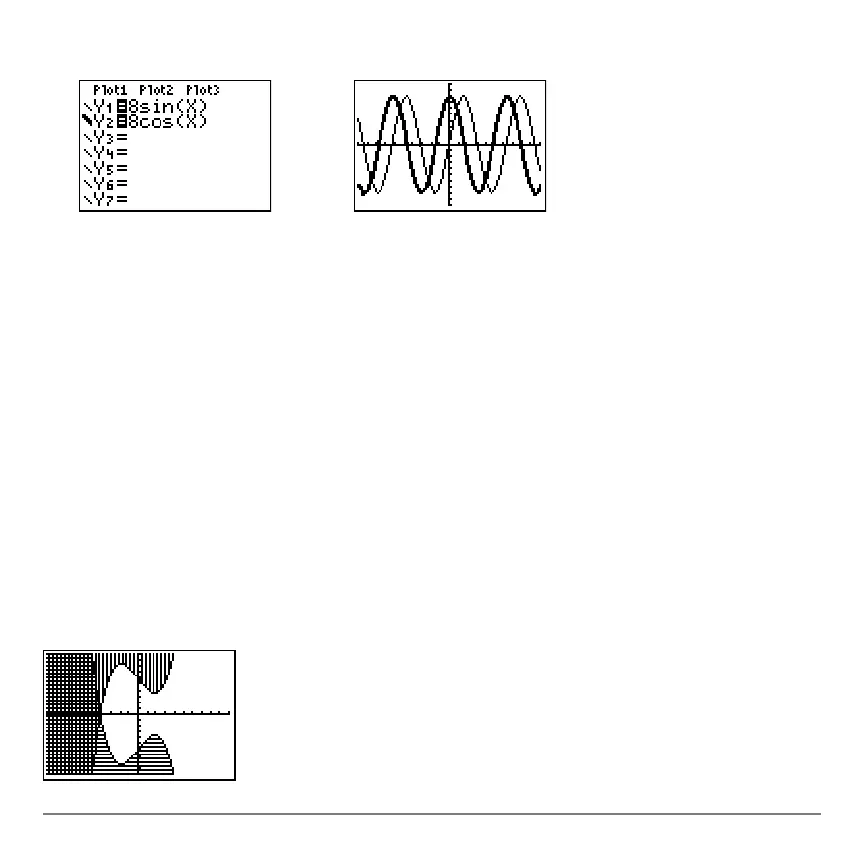
When you select é or ê for two or more functions, the TI-84 Plus rotates through four
shading patterns.
• Vertical lines shade the first function with a é or ê graph style.
• Horizontal lines shade the second.
• Negatively sloping diagonal lines shade the third.
• Positively sloping diagonal lines shade the fourth.
• The rotation returns to vertical lines for the fifth é or ê function, repeating the order
described above.
When shaded areas intersect, the patterns overlap.



 To Next Page
 Loading...













